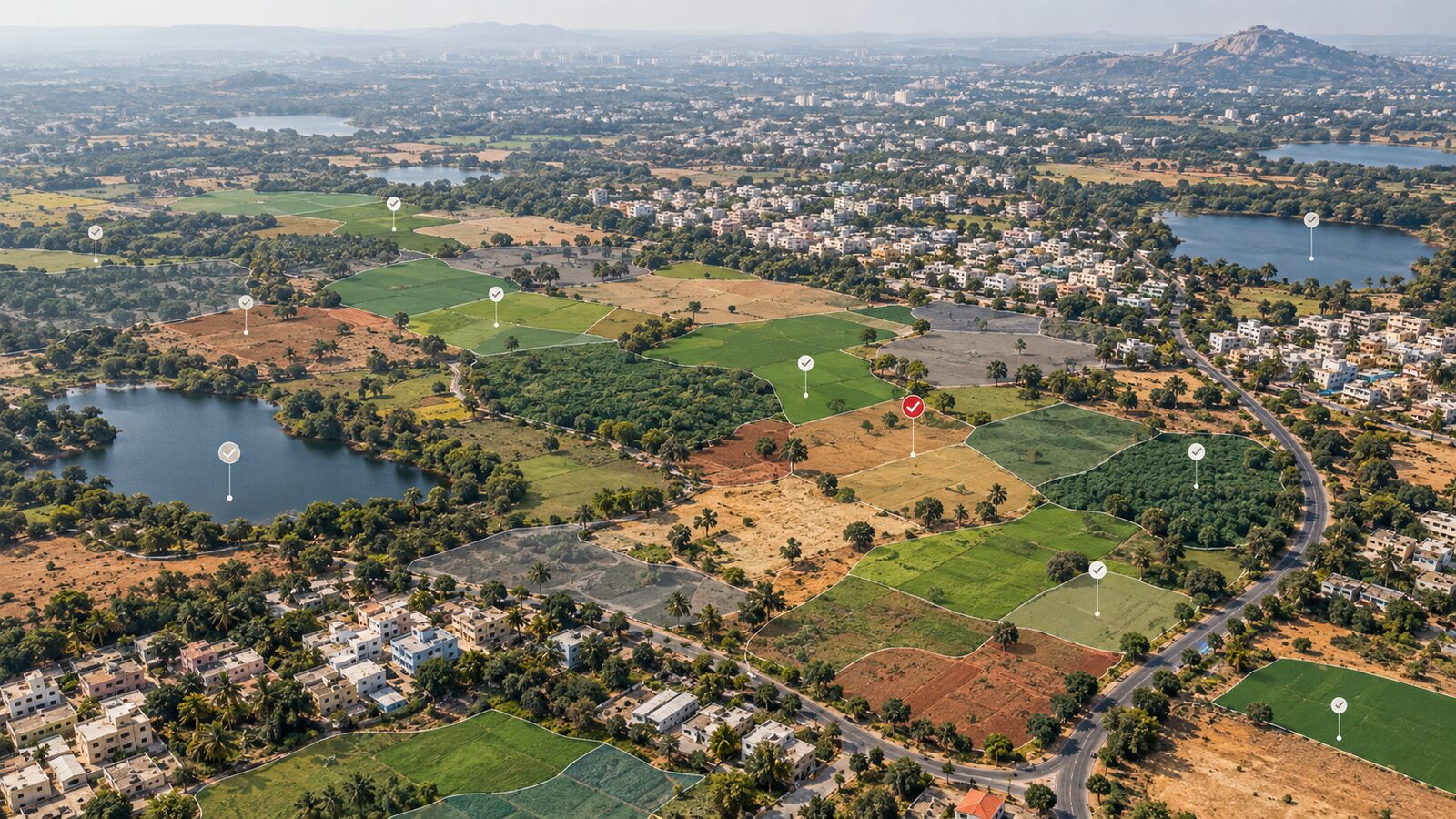
CGWB Groundwater Levels in QGIS for Jaipur Maps
A practical QGIS workflow for turning CGWB groundwater level CSVs into cautious depth-to-water maps, using Jaipur and the dry Rajasthan fringe as the example area.
Why CGWB groundwater points deserve careful GIS work
Groundwater mapping looks simple at first: download well readings, put them on a map, interpolate a surface, and colour the result. In reality, a depth-to-water map can mislead quickly if the analyst ignores season, aquifer setting, coordinate systems, or the meaning of the number being mapped.
For Indian GIS students, Central Ground Water Board data is one of the most useful public datasets for learning hydrogeology with spatial analysis. The National Water Data Portal lists the Ground Water Level (Manual - Quarterly), Central Ground Water Board dataset, and describes it as quarterly manual groundwater level measurements. The dataset records dates, station identifiers, geographic hierarchy and groundwater level values in metres. Rajasthan is available as a state resource, including a Rajasthan manual quarterly CSV for recent years.
This post uses a Jaipur-focused example because the district sits in a water-stressed, semi-arid part of Rajasthan where depth-to-water patterns are visually meaningful. The same workflow can be adapted to other districts, but the interpretation must remain local. A smooth map is not automatically a true aquifer map.
The national context matters too. On 31 December 2024, the Ministry of Jal Shakti reported the Dynamic Ground Water Resource Assessment for 2024. It gave India’s total annual groundwater recharge as 446.90 BCM, annual extractable groundwater resource as 406.19 BCM, annual extraction as 245.64 BCM, and average stage of groundwater extraction as 60.47 percent. Those figures are national assessment numbers, not a substitute for local well measurements, but they explain why groundwater mapping is a practical GIS skill rather than only an academic exercise.
What you are mapping
The value in a CGWB groundwater level CSV is usually a depth below ground level, commonly expressed in metres. A larger number means the water level is deeper, not higher. This is the first mental switch beginners must make. If one point has 5 m and another has 25 m, the second point is not wetter. It indicates water is farther below the surface at that monitoring location.
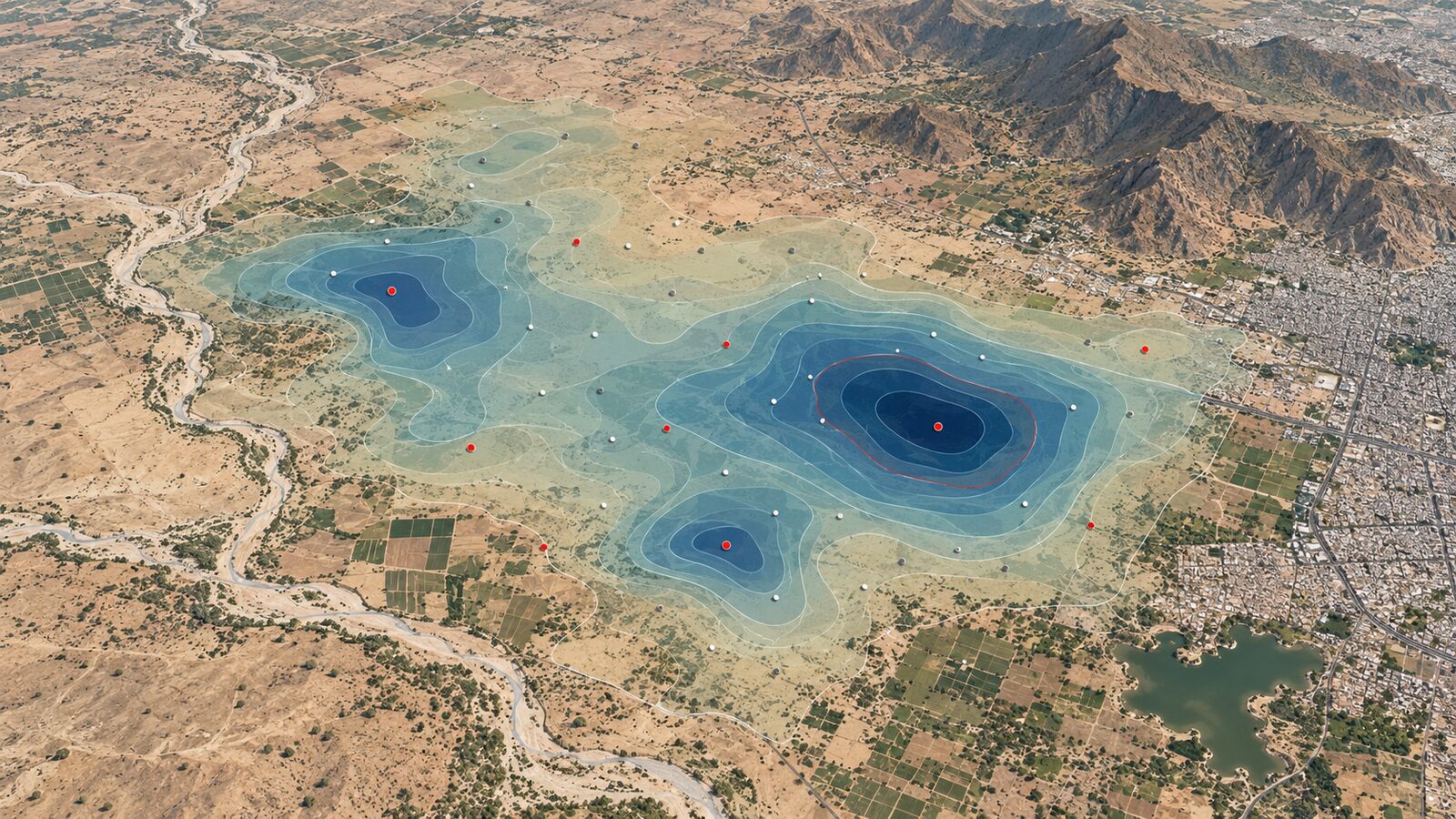
For a simple training map, the target product is a depth-to-water raster. It answers: where are monitored wells showing shallow, moderate, or deep water levels for a selected quarter?
It does not answer everything. It does not directly show aquifer storage, groundwater quality, sustainable yield, or the exact water table between wells. Interpolation fills gaps mathematically, while hydrogeology fills gaps with field understanding. Use both, and be honest about which one you are doing.
Worked example: Jaipur pre-monsoon style map in QGIS
This walkthrough assumes you have downloaded the Rajasthan CGWB manual quarterly groundwater level CSV from the National Water Data Portal. The aim is to prepare a district-scale depth-to-water map around Jaipur, then use QGIS interpolation tools to create a cautious raster surface.
- Load the CSV in QGIS
Open QGIS and add the CSV as a delimited text layer. Assign the longitude field to X and the latitude field to Y if those fields are present. Use a geographic coordinate reference system only for loading the points if the coordinates are in decimal degrees. Once the layer appears, inspect whether the points fall inside Rajasthan. If they appear in the ocean or far outside India, stop and fix the coordinate settings before moving ahead.
- Filter by state, district and date
Use the attribute table to filter records to Rajasthan and then to Jaipur district, or to a wider Jaipur region if district names vary in the data. Next, choose one monitoring period. Do not mix quarters in the same interpolation. A January reading and a pre-monsoon reading can represent different hydrological conditions, so combining them creates an attractive but confused map.
If the dataset has date fields, create a filtered layer for a single date or a single quarter. Save this filtered layer to a GeoPackage so that your analysis is reproducible. A good layer name is cgwb_jaipur_gwl_selected_quarter.
- Check the groundwater value field
Identify the numeric groundwater level field in metres. Sort it from low to high and high to low. Look for blank values, text strings, negative values, or extreme outliers. Some unusual values may be real, especially in hard-rock or heavily pumped areas, but they should be checked before interpolation.
Create a graduated point map first. Use a sequential colour ramp where shallow depths are lighter or cooler and deeper depths are darker or warmer. Add labels only for a few selected wells if needed. This point map is your reality check before making a raster.
- Reproject before interpolation
Interpolation distance calculations should be done in a projected coordinate reference system, not raw latitude and longitude degrees. For Jaipur, choose an appropriate projected CRS for the region and save the point layer in that CRS. This matters because QGIS interpolation settings such as pixel size are expressed in layer units. If the layer is in metres, a pixel size such as 1000 means a 1 km grid cell. If the layer is in degrees, the same idea no longer works cleanly.
- Run IDW interpolation
QGIS documentation introduces Inverse Distance Weighting and Triangulated Irregular Networks as two widely used interpolation methods. For groundwater training maps, IDW is a practical first method because nearby points influence a cell more strongly than distant points. In the QGIS Processing Toolbox, the IDW tool produces a raster layer of interpolated values. The documented algorithm ID is qgis:idwinterpolation.
Set the interpolation field to your groundwater depth field. Set the extent to a Jaipur district boundary layer or to a buffered study-area polygon, not to the full state if you are only studying Jaipur. Choose a pixel size suitable for district screening. A 1 km grid is usually easier to defend for a sparse monitoring network than a very fine cell size that pretends to know local detail between wells.
- Clip and symbolise the raster
Clip the interpolated raster to the district or study boundary. Symbolise it as depth-to-water classes, for example shallow, moderate, deep and very deep. Do not use too many classes. The input data is point-based and seasonal, so the final map should communicate broad spatial tendencies.
Add the original well points on top of the raster. This is important. Recruiters and technical reviewers will trust the map more when they can see where the interpolation is supported by observations and where it is mostly extrapolation.
- Add contours only if useful
QGIS also supports TIN interpolation, documented with the algorithm ID qgis:tininterpolation, and the tool can output both an interpolated raster and a triangulation layer. A TIN-based surface may be useful when you want to inspect how triangles connect sparse points. However, for presentation, contours can make groundwater surfaces look more precise than they are. Use contours sparingly and label them as interpolated depth-to-water, not measured water table lines.
Common mistake: mapping depth as if it were elevation
The most common beginner mistake is reversing the meaning of the groundwater value. A depth-to-water value is measured downward from the ground surface. If you use a colour ramp where larger numbers look like more water, your map will tell the wrong story.
A simple fix is to title the legend clearly: Depth to water level (m below ground level). Use class labels such as Shallow, Moderate, Deep and Very deep, but keep the metre ranges visible. In a report, write one sentence explaining that higher values mean deeper groundwater.
Another mistake is interpolating beyond the support of the data. If most wells are clustered near settlements or roads, the outer parts of the district may be weakly constrained. Clip to a sensible boundary, show monitoring points, and avoid strong conclusions in areas with few observations.
How to make the map portfolio-ready
A strong portfolio map is not just colourful. It should show data discipline. Include the dataset name, provider, selected quarter or date, interpolation method, CRS, pixel size and study boundary. Add a short note saying that the raster is an interpolated screening layer based on monitoring points, not a field-verified aquifer model.
For Jannat Khosla’s audience, this is a good project because it connects Indian open data, QGIS processing, and groundwater interpretation. A recruiter can see GIS handling, data cleaning, cartography and scientific caution in one compact workflow.
If you want to go one level deeper, compare two quarters. Make one map for a dry-season period and another for a later period, then subtract the rasters only after confirming that the monitoring networks are comparable. The difference map should be interpreted as change in depth-to-water, not change in storage. That distinction is small in wording and large in science.
Frequently asked questions
Can I use CGWB groundwater data for district-level GIS projects?
Yes, CGWB groundwater level data is suitable for district-level learning and screening when used carefully. Filter by date, district and valid numeric values, then show monitoring points alongside any interpolated raster so viewers can judge where the surface is well supported.
Should I use IDW or TIN for groundwater interpolation?
Use IDW as a clear first option for training maps, then compare TIN if you want to inspect point geometry. QGIS documents both methods, but neither replaces hydrogeological judgement, especially where wells are sparse or aquifers vary sharply across short distances.
Why should I not mix different monitoring quarters?
Do not mix quarters because groundwater levels change seasonally with recharge and pumping. Combining different periods can create a map that looks smooth but represents no real date. Keep one quarter per map, and mention the selected period in the legend.
What is the biggest cartography tip for depth-to-water maps?
Label the legend as metres below ground level and make deeper water visually distinct from shallow water. This prevents readers from assuming larger numbers mean more available water, which is the most damaging interpretation error in beginner groundwater maps.
References
- National Water Data Portal: Ground Water Level (Manual - Quarterly), Central Ground Water Board
- QGIS Documentation: Interpolation processing algorithms
- QGIS Documentation: Spatial analysis interpolation introduction
- Press Information Bureau: Dynamic Ground Water Resource Assessment Report 2024
Cover image: AI-generated illustration (ChatGPT image generation), not satellite data.
Researched and drafted with AI assistance; sources are linked for verification.