EOS-04 Soil Moisture in QGIS for Hisar Drought Screening
A practical QGIS workflow for using ISRO EOS-04 surface soil moisture data to screen dry agricultural zones around Hisar, with validation cautions for beginners.
Why EOS-04 soil moisture is worth learning
For Indian agriculture work, soil moisture is often the missing layer between rainfall maps and crop condition maps. A field may receive rain, but the useful question for irrigation planning, drought screening, or crop stress interpretation is whether moisture is still present near the surface. ISRO's EOS-04 soil moisture product gives students and analysts a practical Indian dataset for that problem.
EOS-04, also known as RISAT-1A, was launched on 14 February 2022, and its SAR payload operates in C-band at 5.4 GHz, according to NRSC's user announcement for EOS-04 data products. The same announcement lists a sun synchronous orbit at 524.87 km altitude, multiple polarisation options, and user products including Level-2 enhanced terrain corrected GeoTIFFs for announced imaging modes (NRSC EOS-04 data announcement).
The soil moisture layer is especially useful because ISRO has released it as an open data resource. ISRO describes the operational product as an EOS-04 derived surface soil moisture dataset at 500 metre spatial resolution, generated with 17-day repeatability, and made available through Bhoonidhi as Analysis Ready Data (ISRO soil moisture product note). That makes it suitable for district-scale screening, not plot-level advisories.
This post walks through a QGIS workflow for Hisar district in Haryana, a good training area because it is part of the north-western agricultural belt and is also one of the validation sites mentioned in the EOS04-SMAP algorithm document. The aim is simple: identify villages or blocks with relatively low surface soil moisture after a dry spell, then summarise the values by administrative polygons.
What the product represents
The EOS04-SMAP algorithm document describes the output parameter as surface soil moisture, abbreviated SSM, in volumetric units of cubic metre per cubic metre. It lists the product as GeoTIFF and float32, with an approximate spatial resolution of 500 m and a valid range from 0.02 to 0.65 m3/m3 (EOS04 L3 Soil Moisture ATBD). In plain language, each pixel estimates how much of a soil volume is water near the surface.
The algorithm is not just a raw SAR backscatter image. The ATBD explains that downscaled brightness temperature is passed into a tau-omega radiative transfer model, with ancillary inputs such as MODIS NDVI climatology, sand and clay fraction from a soil grid database, and land surface temperature from NASA GMAO. This matters because the layer has already been processed into a soil moisture product, so your first QGIS task is interpretation and quality control, not SAR calibration.
For access, Bhoonidhi is the relevant ISRO and NRSC portal. Bhoonidhi describes itself as ISRO's Earth observation data hub and says it provides search, view, download, and order access for Indian and foreign remote sensing datasets. It also lists EOS-04 Level-2B terrain normalised ARD and EOS-04 NRB India Mosaic products among its resources (Bhoonidhi home).
Worked example: Hisar dry-zone screening in QGIS
Start with three inputs: an EOS-04 soil moisture GeoTIFF from Bhoonidhi, a boundary layer for Hisar district or its blocks, and a basemap only for visual checking. Keep the basemap out of the analysis. It is useful for orientation, but it is not evidence for soil moisture.
-
Open QGIS and load the EOS-04 soil moisture GeoTIFF. Check the layer properties first: confirm that it is a raster, note the coordinate reference system, and inspect the NoData value if one is present. QGIS' raster layer information tool reports details such as CRS authority identifier, extent, width, height, pixel size, band count, and NoData status (QGIS raster analysis documentation).
-
Add the Hisar boundary layer. If you are using village or block polygons, make sure the geometry is valid before running statistics. A small topology error can create blank or misleading zonal summaries.
-
Style the soil moisture raster. Use a single-band pseudocolour style with low values in dry colours and higher values in wetter colours. Keep the display range inside the documented valid range of 0.02 to 0.65 m3/m3. Avoid stretching the colours to extreme outliers before you inspect the histogram.
-
Clip the raster to the Hisar boundary. This is optional, but it makes the map easier to read and reduces processing time. Save the clipped output as a GeoTIFF so that your later steps are reproducible.
-
Create a simple dry-screening layer with Raster Calculator. QGIS documents that conditional expressions return 0 for false and 1 for true, which makes them useful for binary masks (QGIS raster calculator documentation). For example, if your raster band is named
ssm@1, you can create a first-pass mask withssm@1 < 0.12. Treat this threshold as an exploratory flag, not as a universal drought definition. -
Summarise by block or village. Use QGIS Zonal Statistics with the administrative polygon layer as zones and the soil moisture raster as input. QGIS' zonal statistics tool can report count, minimum, maximum, mean, and sum for raster values inside each zone (QGIS raster analysis documentation). For screening, mean SSM and valid pixel count are usually the most useful starting columns.
-
Rank the polygons. Sort by mean soil moisture from low to high, but also inspect count. A zone with only a few valid pixels should not be treated with the same confidence as a zone fully covered by valid observations.
-
Add context before interpretation. Compare the dry-screening map with recent rainfall, canal command areas, soil texture, crop calendar, and field notes. The EOS-04 layer can highlight where to look, but it does not explain every reason for low moisture by itself.
How to read the results carefully
For a Hisar training exercise, a low mean SSM polygon can mean true surface dryness, recently irrigated fields missed by the acquisition timing, bare soil differences, crop cover effects, or local soil texture influences. The ATBD itself recommends evaluating high-resolution soil moisture products over different land covers and hydroclimatic domains before operational use. It also reports validation over Indian cropland sites including Hisar, Ludhiana, Anand, Kanpur, and Berambadi.
The validation section is a useful reality check. The ATBD reports that the product was compared against ground-based volumetric soil moisture measurements, with field measurements aggregated to 500 m pixels. It also notes that EOS04-SMAP availability over sites is every 17 days, which limits temporal overlap with ground measurements. For student projects, this is a reminder to avoid claiming daily irrigation status from a 17-day product.
One practical map layout is a three-panel figure: soil moisture raster, block-level mean SSM, and binary dry-screening mask. In the caption, state the acquisition period, product name, unit, threshold used, and whether the threshold is exploratory. Recruiters notice this kind of discipline because it shows that you understand uncertainty, not just software clicks.
Common beginner mistake
The most common mistake is treating a 500 m soil moisture pixel as if it describes one farm. A single pixel can cover mixed land parcels, roads, trees, bare soil, and irrigated fields. To avoid this, aggregate results to a sensible polygon, report pixel count, and validate suspicious zones with field observations or higher-resolution supporting data.
A second mistake is over-interpreting colour. If you stretch each date independently, the same colour may represent different soil moisture values on different maps. Use a fixed legend range when comparing dates, preferably within the documented valid range of the product.
Frequently asked questions
Can EOS-04 soil moisture replace field measurements?
Yes, for broad screening it can reduce where you need to look, but it should not replace field measurements for local decisions. The ATBD itself discusses validation with ground-based volumetric soil moisture, which is the right mindset for serious analysis.
Is this workflow better in QGIS or Google Earth Engine?
QGIS is better when you already have downloaded GeoTIFFs and need careful map review, clipping, styling, and zonal summaries. GEE is stronger for cloud-scale time-series automation, but this EOS-04 Bhoonidhi workflow is very teachable in desktop GIS.
What threshold should I use for dry areas?
Use a threshold only after checking the product range, crop season, soil type, and local context. A value such as 0.12 m3/m3 can be useful for practice, but it should be labelled as exploratory unless calibrated against field data.
Why choose Hisar for this example?
Hisar is useful because the EOS04-SMAP ATBD lists it among core calibration and validation sites. That does not make every Hisar map automatically correct, but it gives students a strong reason to practise soil moisture interpretation there.
References
- NRSC: Announcement of EOS-04 data products to users
- ISRO: High-Resolution Operational Soil Moisture Product
- NRSC Bhoonidhi: EOS04 L3 Soil Moisture ATBD
- Bhoonidhi: ISRO's EO data hub
- QGIS Documentation: Raster analysis and zonal statistics
- QGIS Documentation: Raster calculator
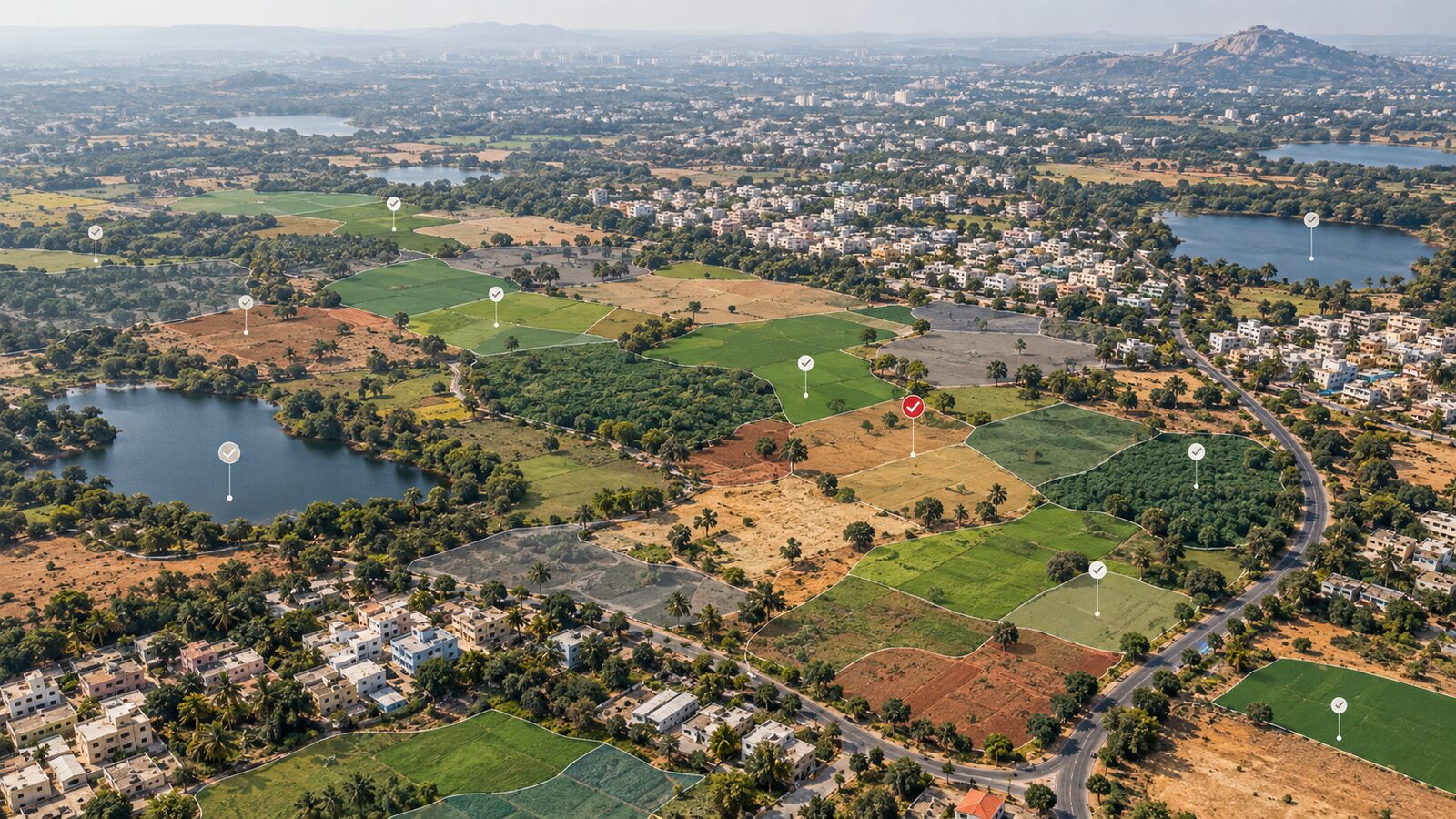
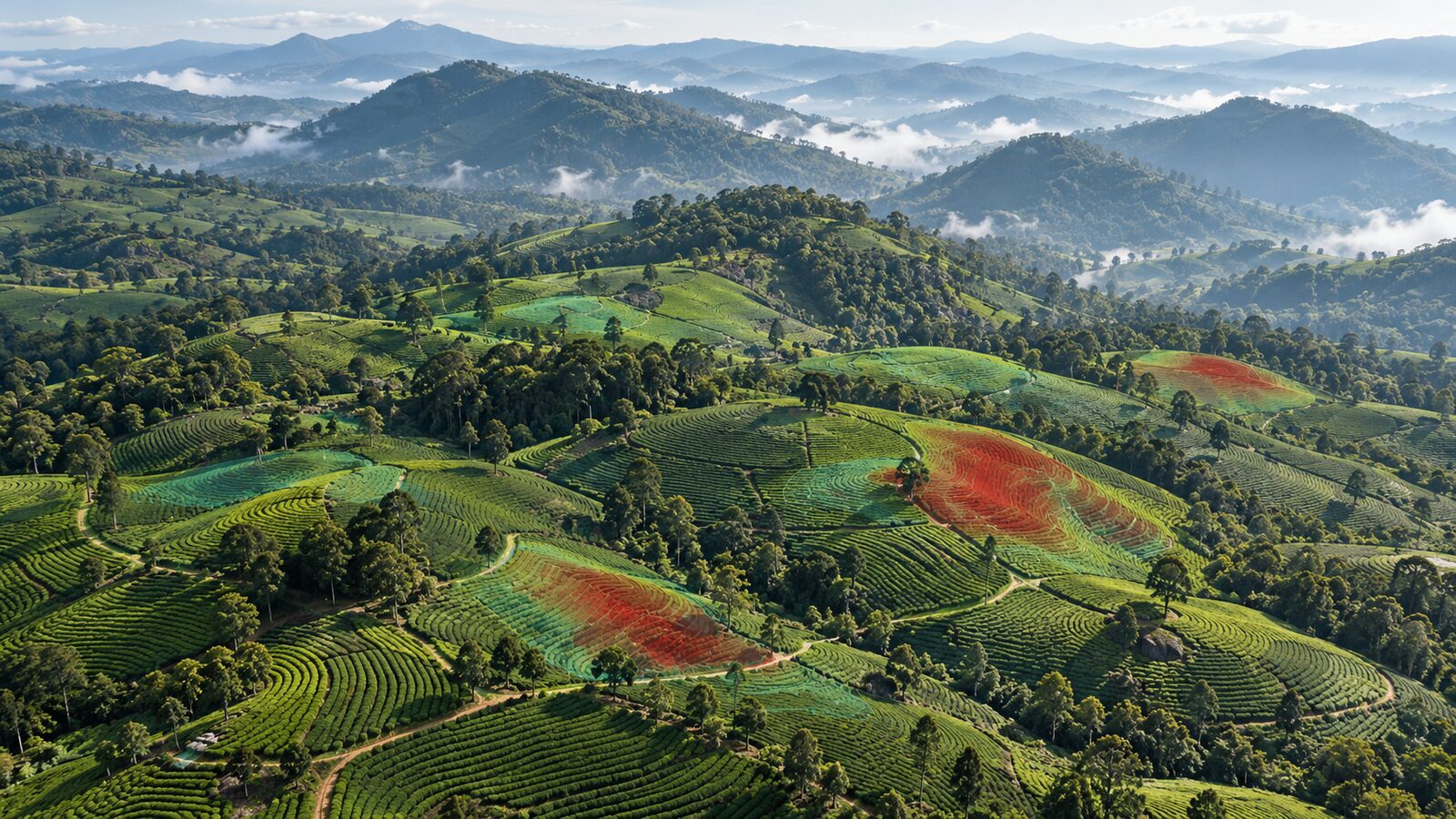
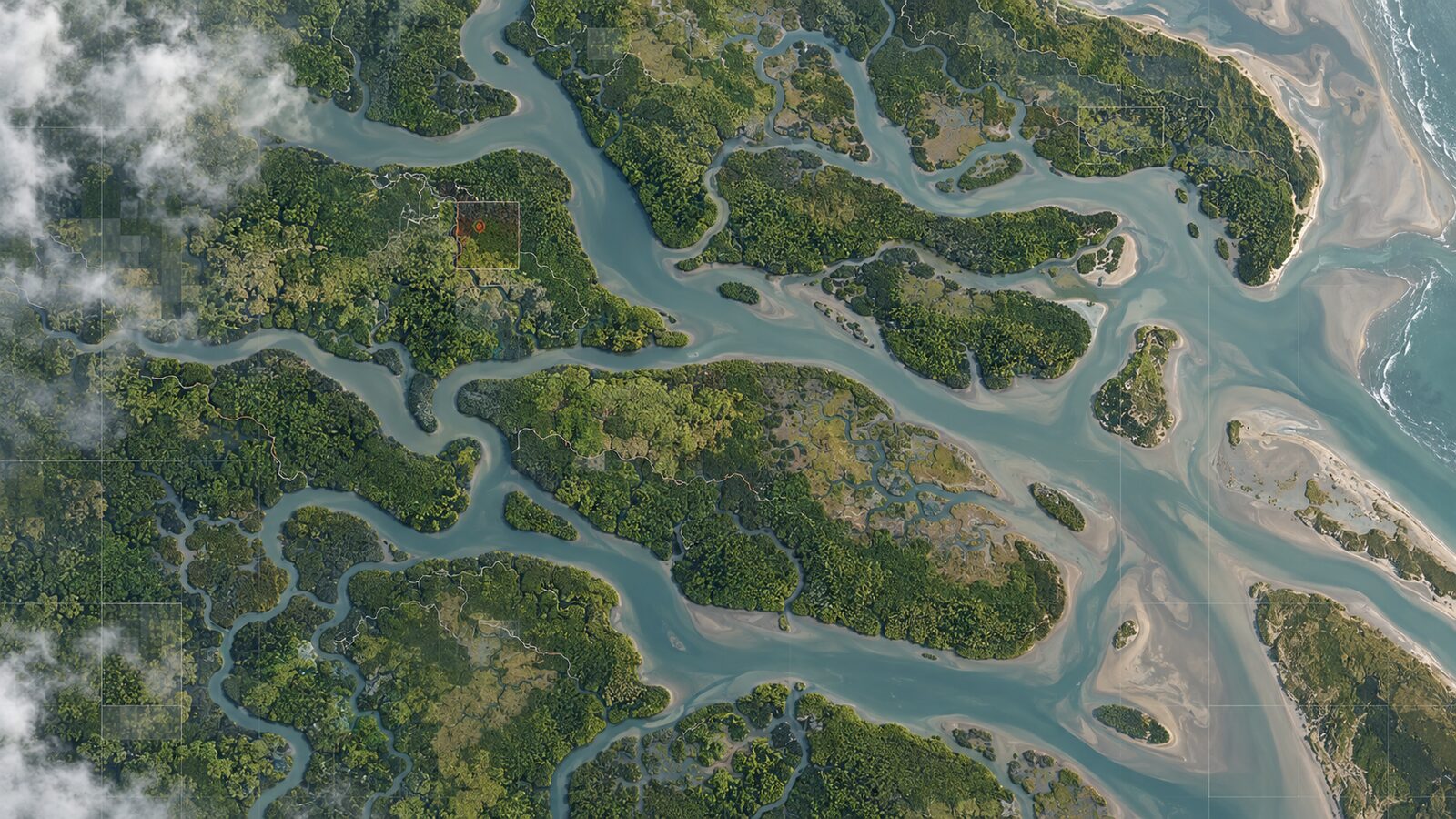
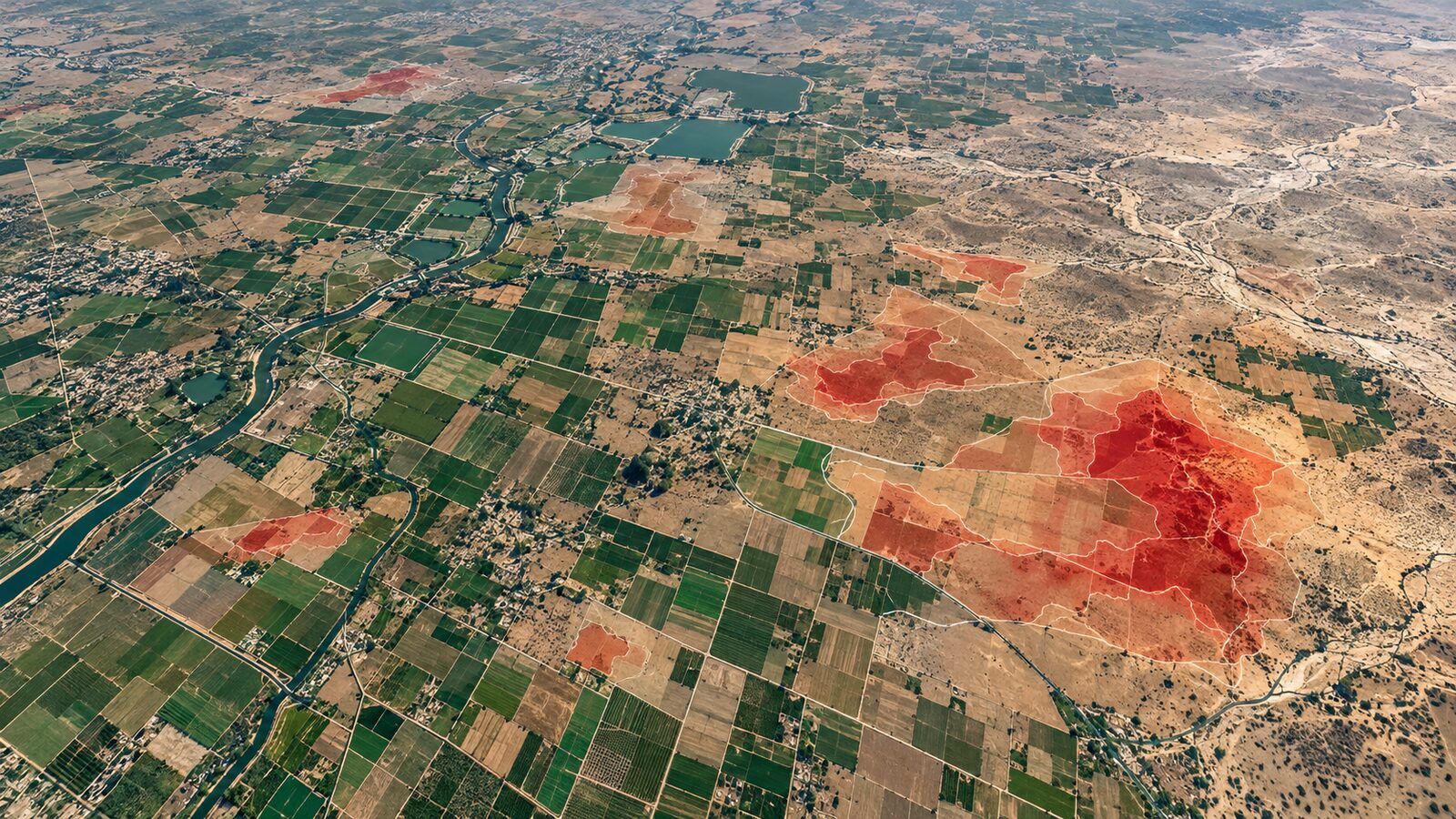
Cover image: AI-generated illustration (ChatGPT image generation), not satellite data.
Researched and drafted with AI assistance; sources are linked for verification.