IMD Gridded Rainfall in QGIS for Monsoon Anomaly Mapping
A practical QGIS workflow for turning IMD daily gridded rainfall NetCDF data into district-scale monsoon anomaly maps, using Kerala as a worked example.

Why IMD gridded rainfall belongs in a GIS portfolio
For Indian geospatial students, rainfall is one of the best datasets to practise serious spatial analysis. It is familiar, public-interest driven, and technically rich enough to show that you understand raster data, time series, spatial aggregation, and uncertainty. The India Meteorological Department (IMD) gridded rainfall dataset is especially useful because it gives daily rainfall over India in a GIS-friendly grid rather than only as station tables.
This post walks through a practical QGIS workflow: make a monsoon rainfall anomaly map for Kerala using IMD daily gridded rainfall NetCDF files. The same approach works for a district, river basin, agro-climatic zone, or command area, provided you have a polygon boundary for the area you want to summarise.
The focus is not on making a pretty map first. The focus is on building a defensible analysis: choosing the right rainfall period, summing daily grids, creating a long-term normal, calculating an anomaly, and extracting zonal statistics. Recruiters looking at a GIS portfolio notice this because it shows the difference between software familiarity and geospatial reasoning.
What the IMD rainfall grid contains
IMD describes its 0.25° x 0.25° daily gridded rainfall product as a high spatial resolution daily dataset over India. The NetCDF download page lists data availability from 1901 to 2024, a total of 124 years, with rainfall units in millimetres. It also states that the grid is arranged as 135 x 129 grid points, starting at 6.5N and 66.5E and extending to 38.5N and 100.0E. Each yearly file contains 365 records in a normal year or 366 records in a leap year.
Those details matter. A daily rainfall grid is not a satellite image and should not be interpreted like one. It is a gridded observational product, built from station rainfall measurements. Pai et al. describe the development of the 0.25° x 0.25° dataset for 1901 to 2010 using daily rainfall records from 6,955 rain gauge stations, after quality control of the station data. Their paper notes that the higher resolution and denser station base improved the representation of features such as heavy rainfall zones along the west coast and the north-east, and low rainfall on the leeward side of the Western Ghats.
For Kerala, this is a good fit for a learning exercise because the state sits along the windward side of the Western Ghats, where monsoon rainfall has sharp spatial gradients. A district-level anomaly map can reveal which parts of the state were wetter or drier than their own long-term baseline, rather than simply showing where rainfall is always high.
The analysis question
A clear GIS question keeps the workflow clean:
Which Kerala districts had above-normal or below-normal June to September rainfall in a selected year, compared with a long-term June to September normal?
In Indian climate work, June to September is commonly treated as the south-west monsoon season. For a portfolio workflow, you can choose any target year available in the IMD archive. The steps below use the structure of the IMD yearly NetCDF files rather than assuming a pre-made seasonal layer.
Your inputs are:
- IMD daily gridded rainfall NetCDF files for the target year.
- IMD daily gridded rainfall NetCDF files for the baseline years you choose.
- A Kerala district boundary layer.
- QGIS with raster processing tools.
The most important design choice is the baseline. A normal should be long enough to represent climate, not just a few convenient years. If the exercise is for a class project, clearly state the baseline you used. If it is for a professional portfolio, explain why you chose it and whether all baseline years were available.
Step-by-step QGIS workflow
Start by adding the NetCDF rainfall file to QGIS. Use Layer, Add Layer, Add Raster Layer, and select the yearly NetCDF file. QGIS will usually show the available subdatasets or time slices. For a daily file, each daily record represents one day of rainfall in millimetres.
Next, isolate the monsoon days. The IMD yearly file has one record per day, so you need the daily layers from June, July, August, and September. In a non-leap year, June starts on day 152 and September ends on day 273. In a leap year, June starts on day 153 and September ends on day 274. This is a small detail, but it is exactly the kind of detail that changes the result.
Create the seasonal rainfall raster by summing the daily rainfall layers for those dates. QGIS Raster Calculator is designed for pixel-wise calculations between raster layers. The QGIS documentation explains that raster bands can be referenced by layer name and band number, and that mathematical operators such as addition and multiplication can be used in expressions. For a simplified example, if you had four daily layers loaded, the expression would look like:
"rain_day_152@1" + "rain_day_153@1" + "rain_day_154@1" + "rain_day_155@1"
For the full monsoon season, doing this manually for every day is tedious. A cleaner approach is to use the NetCDF time tools available in your QGIS setup, or pre-sum the daily layers using a repeatable processing model. For a blog portfolio, show the model screenshot or list the date range and output filename, such as kerala_monsoon_rainfall_2024.tif.
Now build the baseline normal. Repeat the same seasonal summation for each baseline year. Then calculate the pixel-wise mean of those seasonal rasters. If your baseline has thirty seasonal rasters, the normal is the sum of those thirty seasonal rasters divided by thirty. The principle is simple: every pixel gets its own local monsoon normal.
Create the anomaly raster:
"target_monsoon_rainfall@1" - "baseline_monsoon_normal@1"
Positive values mean the target year was wetter than the baseline normal at that grid cell. Negative values mean it was drier. If you prefer a percentage anomaly, use:
(("target_monsoon_rainfall@1" - "baseline_monsoon_normal@1") / "baseline_monsoon_normal@1") * 100
Use percentage anomaly carefully in very dry regions, because division by a small normal can exaggerate the result. For Kerala monsoon rainfall, the absolute anomaly in millimetres is often easier to explain to non-specialists.
District summaries with zonal statistics
A raster anomaly map is useful, but district summaries make it easier to compare places. Load your Kerala district polygon layer and make sure it overlaps the rainfall raster. Then run QGIS zonal statistics with the anomaly raster as the input raster and the district layer as the polygon zones.
The QGIS processing documentation states that zonal statistics calculates raster statistics for overlapping polygon features. The available outputs include values such as count, sum, minimum, maximum, and mean. For this workflow, the mean anomaly is usually the most interpretable district-level value, while count helps you check whether enough grid cells contributed to each district.
After running zonal statistics, style the district polygons by mean anomaly. A diverging colour ramp works well: brown or red for drier than normal, a neutral centre near zero, and blue for wetter than normal. Keep the legend honest by labelling the units as millimetres, or percent if you used the percentage anomaly formula.
For a worked example, imagine you are mapping the Vembanad-Kuttanad region and surrounding Kerala districts. The wetland and paddy landscape is sensitive to monsoon variability, so a district anomaly map can support questions about flood preparedness, agricultural risk, and waterlogging. Your final layout should include the target year, the baseline period, the data source, the anomaly formula, and a note that the rainfall surface is gridded from observations.
A common beginner mistake
The most common mistake is treating a 0.25° grid cell as if it were a high-resolution local measurement. The grid spacing is useful for state, district, basin, and regional analysis, but it is not a substitute for a rain gauge at a village or a drain-level urban flood sensor.
This mistake often shows up as overconfident local interpretation. A student might point to one grid cell near a town and say, "this town received exactly this much rainfall". A better phrasing is: "the gridded rainfall estimate for the cell covering this area is this value". That small wording change protects the analysis from false precision.
Another mistake is mixing daily, monthly, and seasonal products without checking units and time aggregation. If one raster is daily rainfall in millimetres and another is a seasonal sum, subtraction will produce nonsense. Before any raster calculation, inspect the metadata, layer name, date, band, and unit.
Quality checks before exporting
Before making the final map, run three checks.
First, check the date count. June to September has 122 days, so your seasonal sum should include 122 daily records. Leap years shift the day-of-year index but not the number of dates in the season.
Second, check the raster alignment. Your target-year seasonal raster and baseline normal should share the same grid, extent, and coordinate reference behaviour. Since both come from the same IMD product, they should align, but it is still worth verifying before subtraction.
Third, check the district statistics against the raster map. A district shown as wetter than normal should have a positive mean anomaly in the attribute table. If the map and table disagree, inspect symbology, field selection, and whether you accidentally mapped sum instead of mean.
How to present this in a portfolio
A strong portfolio entry should include the map, the workflow, and the interpretation. Do not stop at a static map. Add a short methods box listing the dataset, resolution, years used, formula, and QGIS tools. Then write three or four observations from the output.
For example:
- Which districts had the strongest positive anomaly?
- Did coastal and highland districts behave differently?
- Are the wettest absolute rainfall areas also the largest positive anomalies?
- What uncertainty remains because the data are gridded rather than station-level?
This is the kind of explanation that helps recruiters see your judgement. You are not only pressing QGIS buttons. You are asking whether the spatial pattern makes hydrological and climatological sense.
Frequently asked questions
Can I use IMD gridded rainfall for district-level analysis?
Yes, district-level analysis is a sensible use case when the question is seasonal or regional. The 0.25° grid is too coarse for street-level conclusions, but it is useful for comparing districts, basins, and broad agro-climatic patterns.
Should I use NetCDF or binary IMD rainfall files?
Use NetCDF if you are working mainly in QGIS, because it carries gridded scientific data in a format GIS tools can read more directly. Binary files are also provided by IMD, but they usually require more careful handling of grid structure and records.
What is the best anomaly formula for beginners?
Start with absolute anomaly in millimetres: target seasonal rainfall minus baseline seasonal normal. It is easier to explain and less sensitive to small denominators than percentage anomaly. Use percentage anomaly later when comparing regions with very different rainfall normals.
Why do my district values look blocky near boundaries?
They look blocky because the rainfall surface is a 0.25° grid, not a fine local raster. Zonal statistics summarises grid cells intersecting each district, so small or narrow districts may be represented by relatively few cells.
References
- IMD Climate Monitoring and Prediction Group, Yearly Gridded Rainfall 0.25 x 0.25 NetCDF download page: https://imdpune.gov.in/cmpg/Griddata/Rainfall_25_NetCDF.html
- Pai, D. S., Sridhar, Latha, Rajeevan, M., Sreejith, O. P., Satbha, N. S., and Mukhopadhyay, B., 2014, MAUSAM article on the 0.25° x 0.25° daily gridded rainfall dataset: https://mausamjournal.imd.gov.in/index.php/MAUSAM/article/view/851
- IMD Regional Climate Centre, merged satellite and gauge rainfall data and IMDAA information: https://rcc.imdpune.gov.in/download.php
- QGIS Documentation, Raster Calculator and raster analysis: https://documentation.qgis.org/3.44/en/docs/user_manual/working_with_raster/raster_analysis.html
- QGIS Documentation, raster layer zonal statistics processing algorithm: https://documentation.qgis.org/3.10/en/docs/user_manual/processing_algs/qgis/rasteranalysis.html
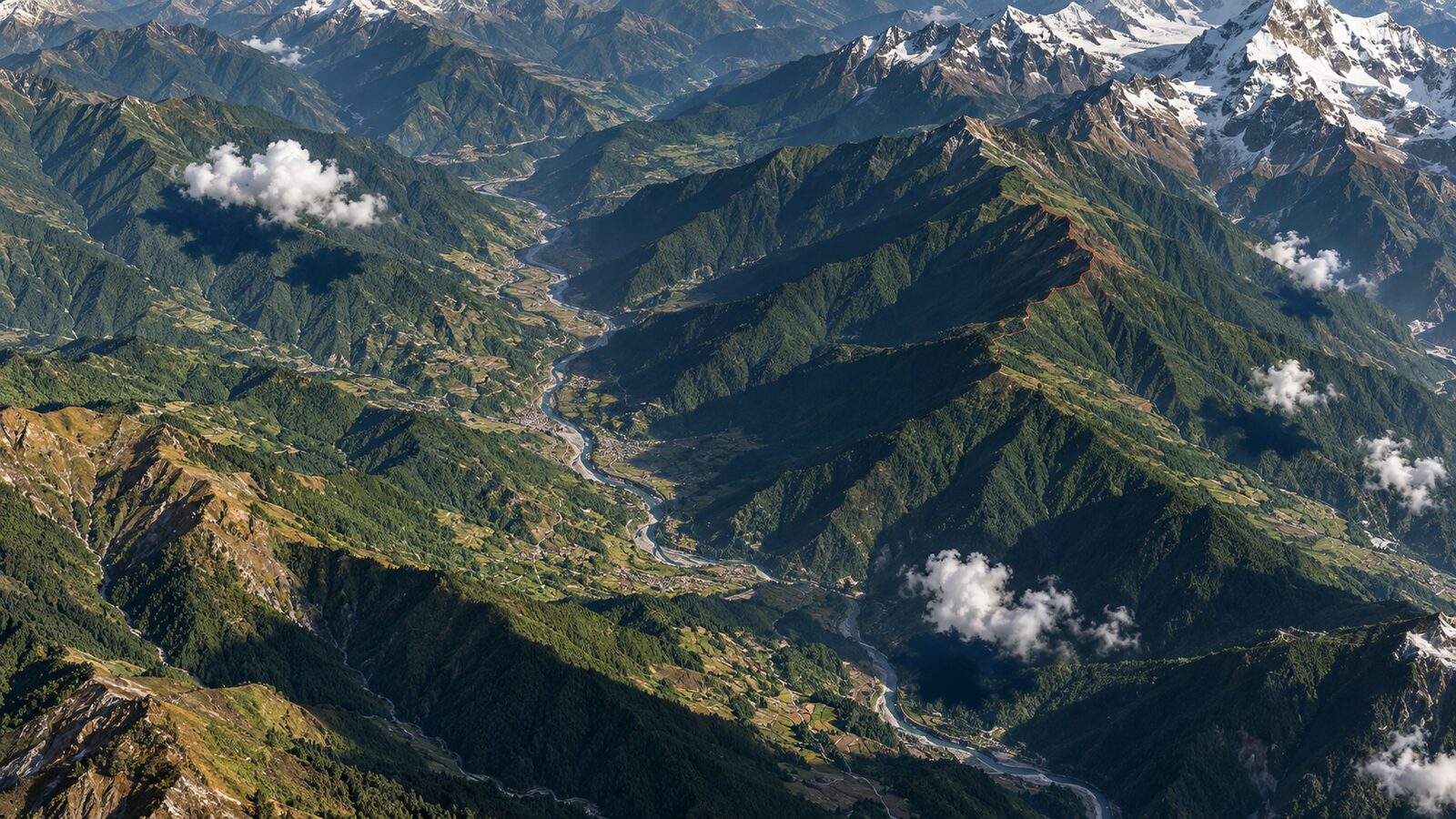
Cover image: AI-generated illustration (ChatGPT image generation), not satellite data.
Researched and drafted with AI assistance; sources are linked for verification.