IMD Tmax Grids in QGIS for Heatwave Screening
A practical QGIS workflow for turning daily IMD maximum-temperature grids into simple heatwave screening maps, with threshold logic, masking tips, and beginner mistakes to avoid.
Why map heatwave screening with IMD Tmax grids?
Heatwave mapping is a useful bridge between climatology and GIS. For Indian students, it is also a good portfolio exercise because it uses an Indian public agency data source, a defensible official threshold, and a simple raster workflow that recruiters can understand quickly. Instead of starting with satellite land surface temperature, this workflow starts with near-surface daily maximum air temperature, usually written as Tmax. That distinction matters: a road surface may be far hotter than the air above it, while IMD heatwave warnings are framed around maximum temperature at weather stations and departures from normal.
A strong beginner project is therefore not "make the hottest-looking map". It is: take gridded maximum temperature, clip it to a study area, classify pixels against an explicit rule, and summarise which districts or blocks fall into potential heat-stress zones. For a worked example, we will use Vidarbha in eastern Maharashtra, with Nagpur as the visual anchor. The method is suitable for a daily screening map, a district exposure comparison, or a small case study in a climate-risk portfolio.
The scientific basis for using gridded temperature over India is well established. Srivastava, Rajeevan and Kshirsagar developed a daily gridded temperature dataset for India from quality-controlled station temperature data, interpolated to 1° latitude by 1° longitude grids using a modified Shepard angular-distance weighting method. Their paper reports cross-validation errors below 0.5°C for the development dataset, which is useful context when explaining why a gridded climate layer is not the same as a local thermometer reading.
The heatwave rule you should encode
IMD criteria are more nuanced than a single colour ramp. In an IMD annexure, heatwave conditions are considered when maximum temperature reaches at least 40°C in the plains, 37°C in coastal stations, or 30°C in hilly regions. The same annexure describes heatwave by departure from normal as 4.5°C to 6.4°C above normal, and severe heatwave as more than 6.4°C above normal. It also gives actual maximum-temperature criteria for plains: heatwave at 45°C or more, and severe heatwave at 47°C or more.
For a student GIS exercise, start with the actual maximum-temperature criterion for plains because it can be implemented from a single Tmax raster. Be explicit in your legend: "screening only, based on actual Tmax, plains criterion". A more complete operational analysis would also need normal temperature, station context, meteorological sub-division logic, and consecutive-day conditions. The IMD annexure says declaration requires the criteria to be met in at least two stations in a meteorological subdivision for at least two consecutive days, with declaration on the second day. A gridded map alone should therefore be described as a screening product, not an official warning.
Worked example: Nagpur and Vidarbha in QGIS
Use this as a clean portfolio workflow. Keep the project folder simple: data_raw, data_processed, boundaries, outputs, and notes. Put the original Tmax file in data_raw and do not edit it directly.
-
Open the daily Tmax grid in QGIS. QGIS supports many raster formats through GDAL and QGIS native providers, including common raster formats and more specialised datasets. If your temperature file is not recognised, check the GDAL formats available in your installation before assuming the data are corrupt. This is especially relevant when working with binary grids and control files.
-
Set the project CRS deliberately. For national climate grids, geographic coordinates are common. For measuring area, reproject the processed raster or use an equal-area projected CRS suitable for India. Do not calculate square kilometres directly from degree units.
-
Add a Vidarbha district boundary layer. If you only need a demonstration, use a district polygon layer for Nagpur, Wardha, Chandrapur, Bhandara, Gondia, Gadchiroli, Akola, Amravati, Buldhana, Washim and Yavatmal. Clip the Tmax raster to this region so your map is readable.
-
Inspect the raster values before classification. Use the Identify tool on a few grid cells and check the layer statistics. If you see placeholder values, masked ocean cells, or suspicious extremes, handle no-data before using the raster calculator. QGIS documentation treats no-data handling as an important part of raster calculator workflows, and this is not just software detail. A hidden no-data value can become a fake heatwave pixel.
-
Create a heat class raster. In Processing Toolbox, open Raster analysis, Raster calculator. QGIS describes this tool as a way to compute output raster values from expressions using input raster layers. For a plains-only screening, use logic like this, adapting the layer name to your file:
("tmax@1" >= 47) * 2 + (("tmax@1" >= 45) AND ("tmax@1" < 47)) * 1
This gives 0 for below the actual-temperature heatwave threshold, 1 for heatwave screening, and 2 for severe heatwave screening. If your QGIS raster calculator uses a different syntax, build the same logic with the operator buttons and test it on a small clipped area first.
-
Style the result with three classes. Use pale grey for
0, amber for1, and deep red for2. Name the classes in plain language: "Below actual Tmax threshold", "Heatwave screen: 45°C to below 47°C", and "Severe heatwave screen: 47°C or more". Avoid dramatic labels such as "danger zone" unless you are doing an official risk communication product with health guidance. -
Summarise by district. Use zonal statistics or a raster histogram by polygon to count the number of heat-class pixels in each district. Then calculate percentage of district grid cells in class
1or2. Because the source grid is coarse, present this as relative exposure across districts, not street-level hazard. -
Export two outputs: a clean map layout and a small table. The map should include data date, rule used, CRS, no-data handling note, and a disclaimer that it is not an IMD warning. The table can rank districts by percentage of cells meeting the screening rule.
Why this is useful for early-career analysts
This project shows three skills at once. First, you can interpret an official environmental criterion instead of blindly applying a colour ramp. Second, you can use raster algebra in QGIS, which is transferable to NDVI, rainfall anomaly, flood masks and terrain derivatives. Third, you can communicate uncertainty. That last skill is often what separates a junior map-maker from an analyst.
For recruiters, the interesting part is not whether the map is beautiful. It is whether the method is auditable. A good write-up states the date, threshold, source, spatial resolution context, and limitations. It also separates a screening layer from an official alert. That shows judgement.
Common beginner mistake: treating gridded Tmax as a city thermometer
The most common mistake is to zoom into a city, put a point marker on a neighbourhood, and claim the raster value is the temperature of that locality. A gridded climate dataset is a spatial estimate over grid cells. It is not a station observation at every road junction. For urban heat-health work, you may combine it with population, land cover, building density, or health facilities, but you should not pretend it has ward-level precision.
A second mistake is mixing air temperature and land surface temperature. Landsat or MODIS land surface temperature can reveal hot surfaces, but IMD heatwave criteria use maximum air temperature logic. Both are useful, but they answer different questions. If your title says heatwave, make sure your method follows the air-temperature criterion or clearly says it is a surface-temperature proxy.
A third mistake is ignoring normal temperature. The departure-from-normal rule needs a normal baseline. If you do not have a matched normal raster, use only the actual-temperature threshold and state that choice. It is better to make a narrower, honest map than a more complex but unsupported one.
Frequently asked questions
Can I use this map as an official heatwave warning?
No, this workflow is only a GIS screening exercise. IMD warnings use operational meteorological judgement, station and subdivision criteria, and forecast context. Your map can support learning, exploratory analysis, or portfolio evidence, but it should not be presented as an official public warning.
Why use IMD Tmax instead of satellite land surface temperature?
Use IMD Tmax when your question is about air-temperature heatwave criteria. Satellite land surface temperature is excellent for mapping hot roofs, roads and bare soil, but it is not the same variable. Mixing the two without explanation is a common source of misleading heat maps.
What resolution should I mention in my project notes?
Mention the resolution of the specific dataset you used, and cite its documentation or paper. The widely cited IMD gridded temperature paper describes 1° latitude by 1° longitude grids. If you use another IMD product, verify its grid size from the product page before writing it.
How can I make the analysis more advanced?
Add a normal-temperature raster and calculate departure from normal, then apply both actual and anomaly-based rules. You can also summarise exposure by population, district, crop zone, or health-facility catchment. Keep the official-threshold logic visible so the extra layers do not hide the method.
References
- IMD press release annexure with heatwave criteria
- Srivastava, Rajeevan and Kshirsagar, 2009, daily gridded temperature dataset for India
- QGIS documentation: opening data and supported raster formats
- QGIS documentation: raster calculator and raster analysis tools
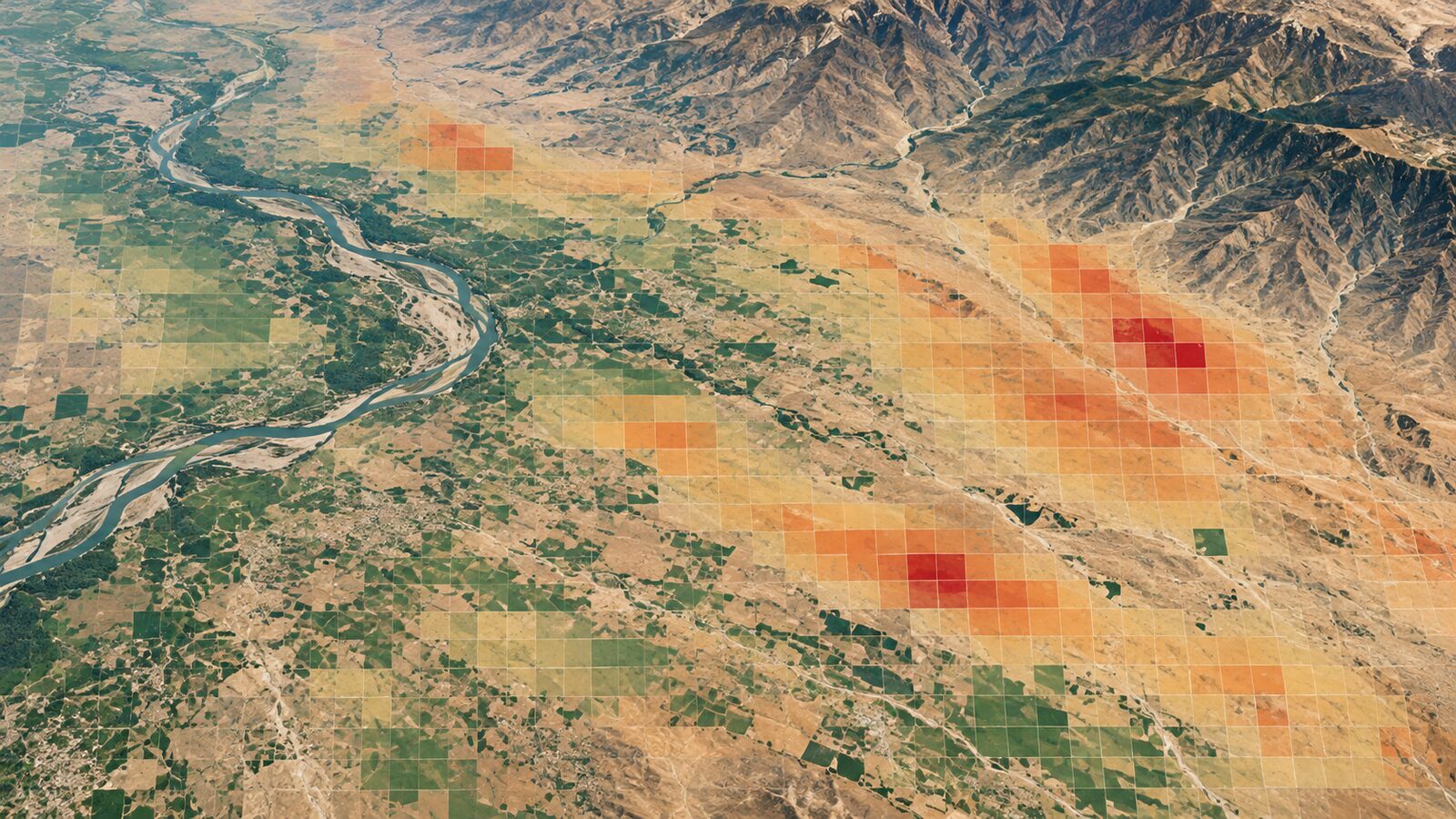
Cover image: AI-generated illustration (ChatGPT image generation), not satellite data.
Researched and drafted with AI assistance; sources are linked for verification.