Landsat QA_PIXEL Cloud Masking in GEE for Chambal Ravines
A practical Google Earth Engine workflow for masking Landsat Collection 2 clouds, shadows and cirrus using QA_PIXEL before mapping vegetation in ravine landscapes.
Why QA_PIXEL matters before you trust a Landsat index
Landsat is still one of the most useful datasets for Indian landscape monitoring because it gives a long, consistent archive at moderate resolution. For ravine landscapes such as the Chambal belt near Morena, that history is valuable: vegetation recovery, exposed soil, seasonal agriculture and riverine moisture all change quickly between pre-monsoon and post-monsoon dates. But before calculating NDVI, NBR or any soil-vegetation index, a beginner has to solve a less glamorous problem: which pixels should be ignored?
In Landsat Collection 2 Level 2 products, surface reflectance bands are delivered as scaled integer values, and quality information is carried in QA bands. Google Earth Engine lists the Landsat 8 Level 2 Tier 1 collection as LANDSAT/LC08/C02/T1_L2, with atmospherically corrected surface reflectance from OLI/TIRS and land surface temperature where available. The catalogue also notes that Level 2 scenes use 30 metre pixels in Earth Engine and a 16 day revisit interval. That is useful enough for regional screening, but only if cloud, cirrus, shadow and fill pixels are handled correctly.
The key band for this workflow is QA_PIXEL. It is not a normal reflectance band. It is a bit-packed quality band, where each bit represents a condition. For Landsat 8 and 9, USGS documents bit 0 as fill, bit 1 as dilated cloud, bit 2 as high-confidence cirrus, bit 3 as high-confidence cloud, bit 4 as high-confidence cloud shadow, bit 5 as high-confidence snow, bit 6 as clear and bit 7 as water. Earth Engine repeats these assignments in the Landsat 8 Collection 2 Level 2 dataset page. If you treat QA_PIXEL like a greyscale image, it will look confusing. If you read its bits, it becomes a precise mask.
A worked example for the Chambal ravines
Let us build a clean post-monsoon NDVI composite for the Chambal ravine belt around Morena, Madhya Pradesh. The logic is simple: filter Landsat 8 Collection 2 Level 2 scenes, scale reflectance, mask unwanted QA conditions, calculate NDVI and take a median composite. This is a screening workflow, not a final ecological assessment, but it is the kind of reliable base layer a student or analyst can defend in a project report.
var aoi = ee.Geometry.Rectangle([77.85, 26.35, 78.25, 26.65]);

function scaleLandsatC2(image) {
  var optical = image.select('SR_B.*').multiply(0.0000275).add(-0.2);
  return image.addBands(optical, null, true);
}

function maskQaPixel(image) {
  var qa = image.select('QA_PIXEL');
  var clearMask = qa.bitwiseAnd(parseInt('11111', 2)).eq(0);
  var saturationMask = image.select('QA_RADSAT').eq(0);
  return image.updateMask(clearMask).updateMask(saturationMask);
}

function addNdvi(image) {
  var ndvi = image.normalizedDifference(['SR_B5', 'SR_B4']).rename('NDVI');
  return image.addBands(ndvi);
}

var collection = ee.ImageCollection('LANDSAT/LC08/C02/T1_L2')
  .filterBounds(aoi)
  .filterDate('2023-10-01', '2023-12-31')
  .map(scaleLandsatC2)
  .map(maskQaPixel)
  .map(addNdvi);

var ndviMedian = collection.select('NDVI').median().clip(aoi);

Map.centerObject(aoi, 10);
Map.addLayer(ndviMedian, {min: 0, max: 0.7, palette: ['8c510a', 'f6e8c3', '01665e']}, 'Masked NDVI');
The scaling function is important. Google’s Collection 1 to Collection 2 migration guide states that Collection 2 optical surface reflectance uses a scale factor of 2.75e-05 and an offset of -0.2. Earth Engine’s Landsat 8 catalogue shows the same scale and offset for SR_B1 through SR_B7. If you calculate NDVI on unscaled digital numbers, the normalised ratio may still appear to produce a map, but other thresholds and visual ranges will be misleading, especially when mixing indices or exporting reflectance.
The mask line qa.bitwiseAnd(parseInt('11111', 2)).eq(0) checks the first five bits together. In plain language, it keeps pixels where fill, dilated cloud, cirrus, cloud and cloud shadow are all off. parseInt('11111', 2) is a compact way of saying: inspect bits 0, 1, 2, 3 and 4. This follows Google’s own Collection 2 QA masking example, and it is stricter than simply filtering scenes by the CLOUD_COVER property.
Why scene cloud percentage is not enough
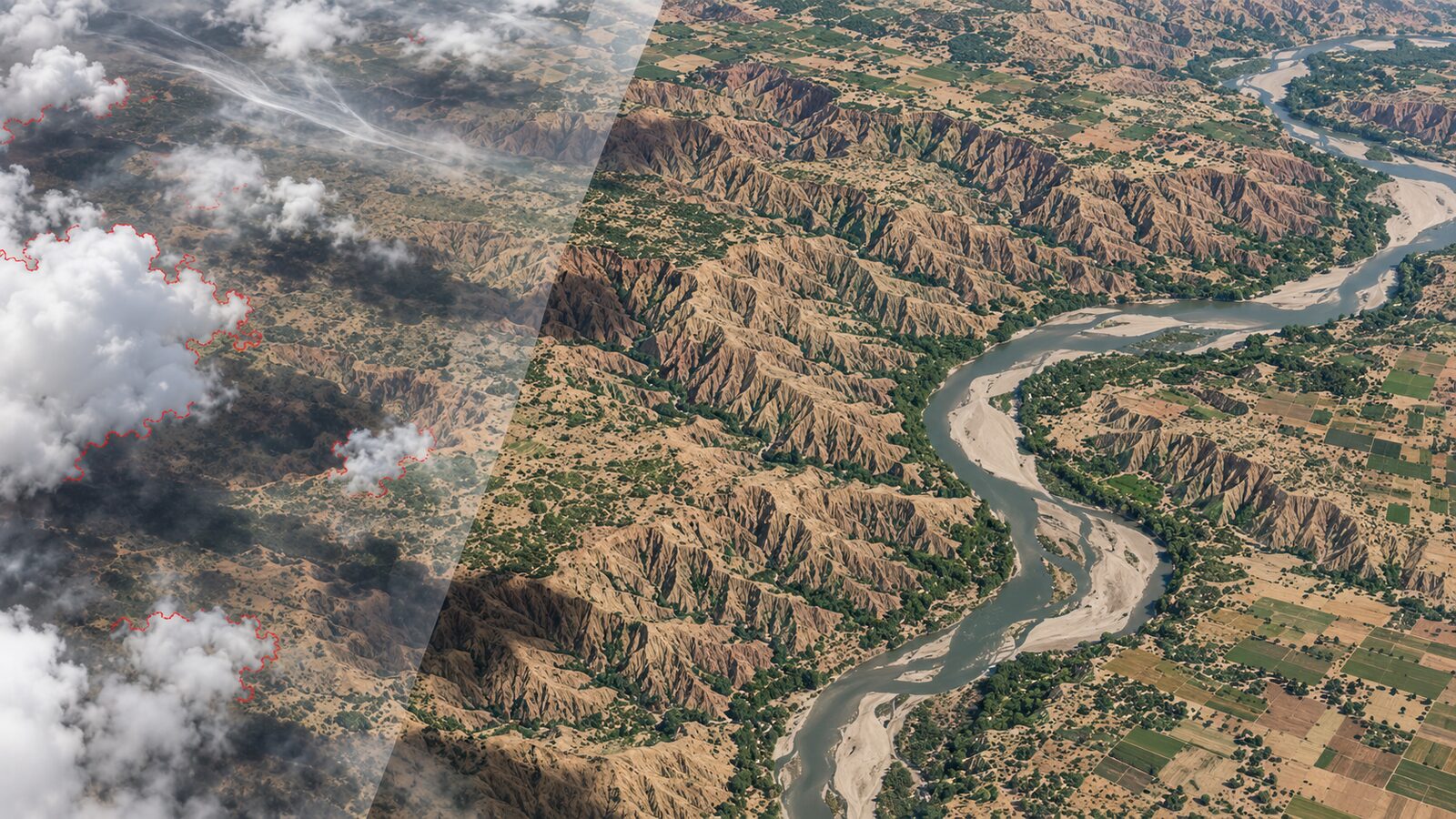
A common beginner mistake is to write only .filter(ee.Filter.lt('CLOUD_COVER', 20)) and assume the remaining scenes are clean. Scene-level cloud cover is useful for reducing the number of images, but it is not a pixel-level mask. A scene with moderate total cloud may still have a cloud shadow exactly over your study village, canal command, ravine slope or training sample. Conversely, a cloudy scene may still contain useful clear pixels over your AOI.
For Indian monsoon and post-monsoon work, this matters. Broken cloud edges and shadows can be confused with water, burnt patches, low NDVI, exposed badland surfaces or dark alluvial soils. In ravine terrain, shadowed slopes can already be dark, so cloud shadow contamination can be especially deceptive. Use scene filters to keep computation manageable, but let QA_PIXEL decide which pixels enter the analysis.
Another mistake is masking only bit 3, the high-confidence cloud bit. That leaves dilated cloud, cirrus and cloud shadow in the image. Dilated cloud is useful because the cloud boundary is rarely a neat line at 30 metres. Cirrus can reduce visible quality even when it is not obvious in a true-colour layer. Cloud shadow is often the most damaging for vegetation and water indices because it lowers reflectance in ways that resemble real land-cover differences.
Checking the result like an analyst
After creating the composite, do three checks before exporting anything. First, add a true-colour layer from the same masked collection using SR_B4, SR_B3 and SR_B2. Earth Engine’s Landsat catalogue identifies these as red, green and blue surface reflectance bands for Landsat 8. If clouds remain visible in the RGB composite, your mask is too loose or your season has too few clear observations.
Second, count how many valid observations went into each pixel. This helps distinguish real low NDVI from areas with too little data.
var validCount = collection.select('NDVI').count().clip(aoi);
Map.addLayer(validCount, {min: 1, max: 8, palette: ['fee8c8', 'fdbb84', '7f0000']}, 'Valid observation count');
Third, inspect your AOI boundary. The example rectangle is only a teaching geometry. For a real study, use a district, watershed, village boundary or digitised ravine polygon. Landsat scenes cover about 170 km by 183 km in the Earth Engine catalogue, so clipping to a sensible AOI keeps exports smaller and reduces accidental interpretation outside the study area.
If the valid observation count is low, widen the date range, combine Landsat 8 and Landsat 9 Level 2 collections, or switch to a seasonal composite instead of a monthly composite. If the objective is fine-scale field mapping, remember that 30 metre pixels mix land covers along narrow gullies, field boundaries and roads. Landsat is excellent for historical and regional screening, while Sentinel-2 or UAV mapping may be better for detailed local delineation.
What to report in a project or portfolio
When presenting this workflow, do not just show the NDVI map. Mention the dataset ID, date range, AOI, scale factor, offset and QA bits used for masking. A recruiter or supervisor will notice that you understand the preprocessing, not just the visual output. A good methods sentence would be: “Landsat 8 Collection 2 Level 2 surface reflectance was scaled using the official optical scale factor and offset, then pixels flagged as fill, dilated cloud, cirrus, cloud or cloud shadow in QA_PIXEL were removed before NDVI compositing.”
That sentence is short, but it signals professional habits. It also makes the map reproducible. In remote sensing, reproducibility often depends on small preprocessing choices. QA masking is one of those choices that quietly decides whether your final map is evidence or decoration.
Frequently asked questions
Should I use QA_PIXEL or CLOUD_COVER for Landsat cloud masking?
QA_PIXEL should be used for pixel-level masking, while CLOUD_COVER is only a scene-level filter. Use CLOUD_COVER to reduce very cloudy scenes before processing, then use QA_PIXEL bits to remove cloudy, cirrus-affected, shadowed and fill pixels inside each image.
Why does Landsat Collection 2 reflectance need scaling?
Landsat Collection 2 Level 2 surface reflectance is stored with a scale factor and offset, so the raw stored numbers are not direct reflectance values. In Earth Engine, multiply optical bands by 0.0000275 and add -0.2 before interpreting reflectance or applying fixed thresholds.
Can this workflow be used with Landsat 9?
Yes, the same logic applies to Landsat 9 Collection 2 Level 2 data in Earth Engine. Use the Landsat 9 collection ID and the documented QA_PIXEL bit meanings, then apply the same optical scaling and bit-mask approach for clouds, cirrus and shadows.
Is 30 metre Landsat data enough for ravine mapping?
Yes for regional screening, seasonal comparison and historical analysis, but not for every small gully or field edge. Ravine systems have narrow features and mixed pixels, so validate important boundaries with higher-resolution imagery, field observations or UAV data where possible.
References
- USGS Landsat Collection 2 Quality Assessment Bands
- Google Earth Engine Landsat Collection 1 to Collection 2 migration guide
- Google Earth Engine Data Catalog: Landsat 8 Level 2, Collection 2, Tier 1
- USGS Landsat 8 OLI/TIRS Level-1 Data Products
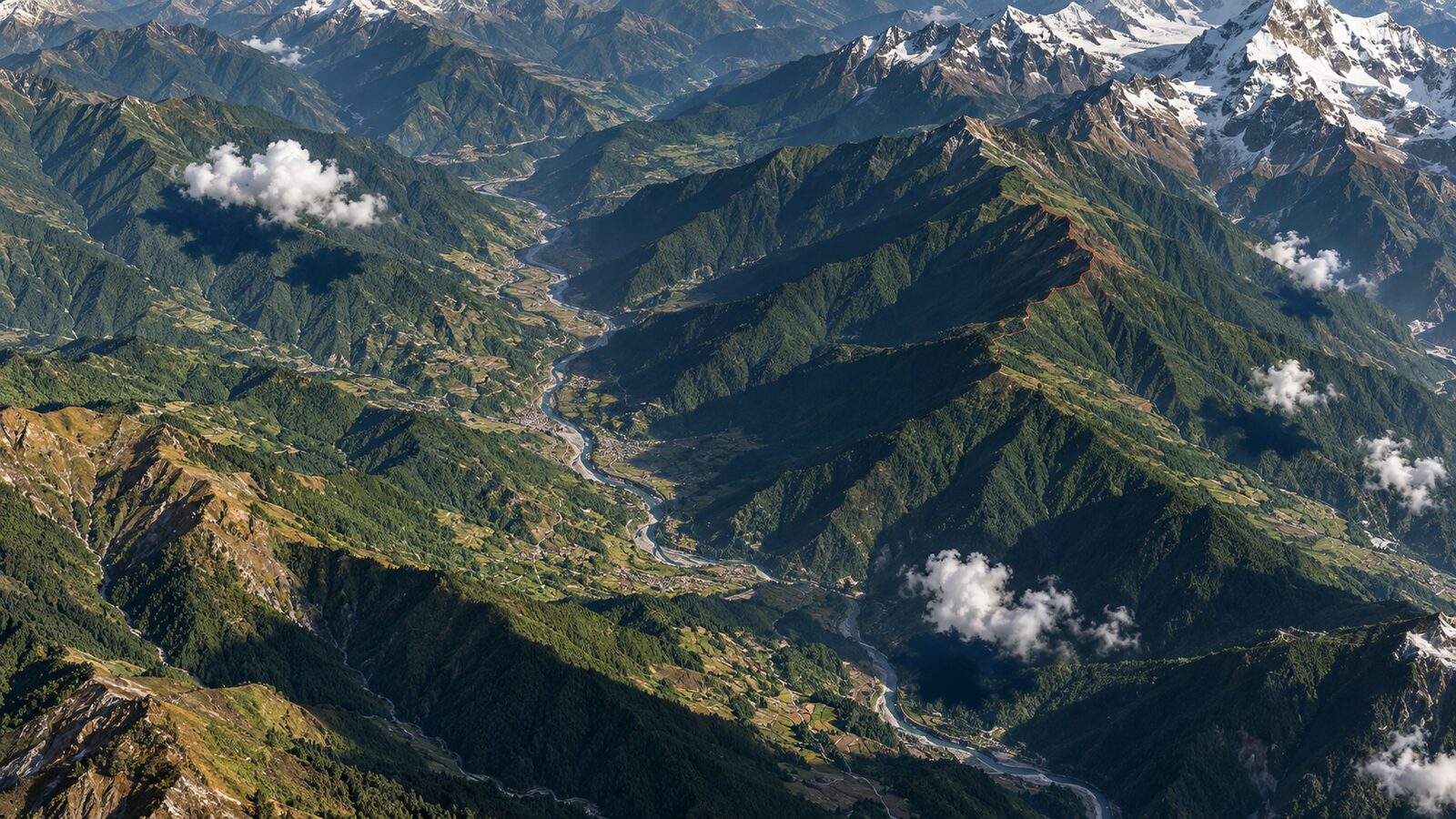
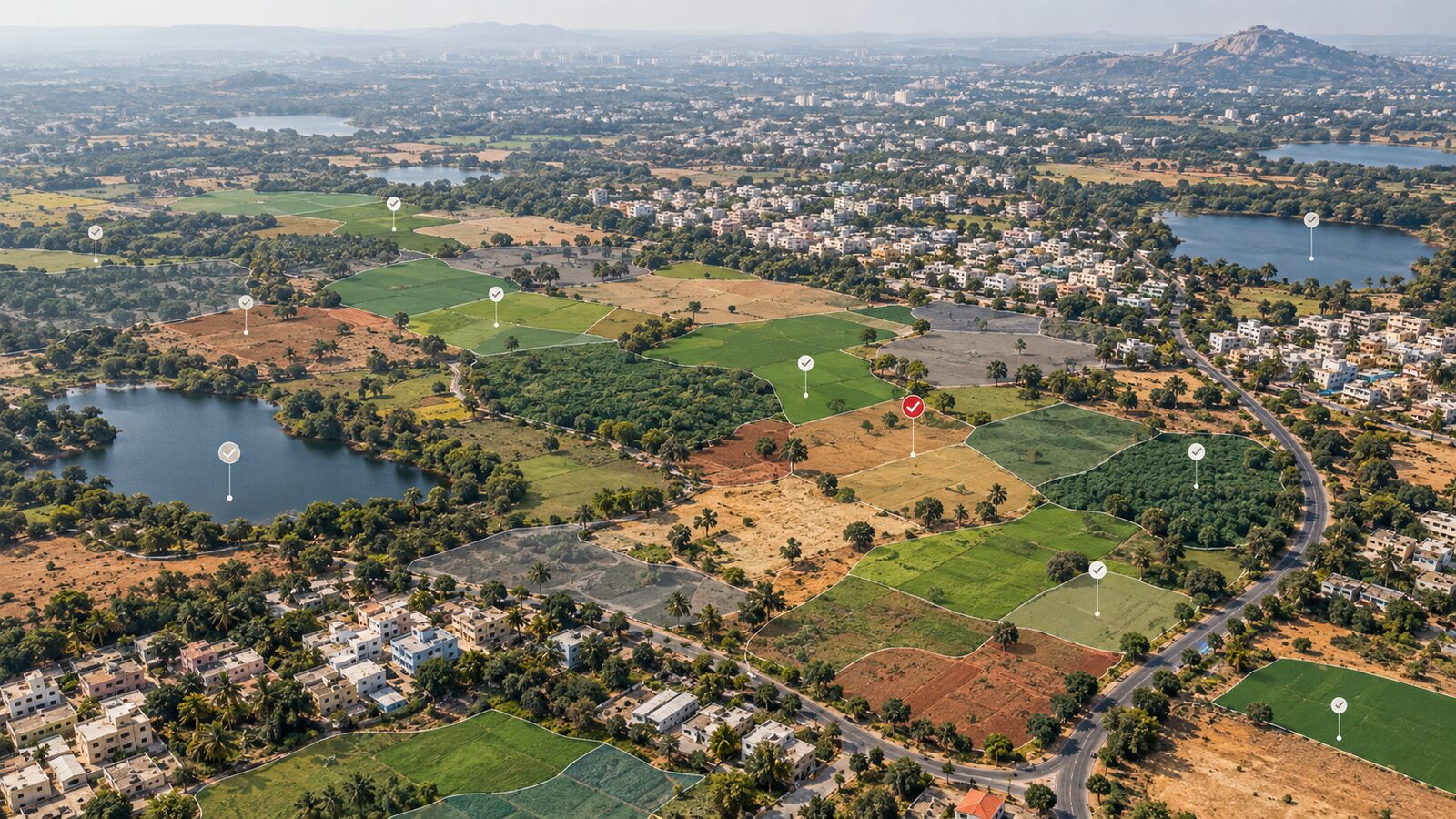
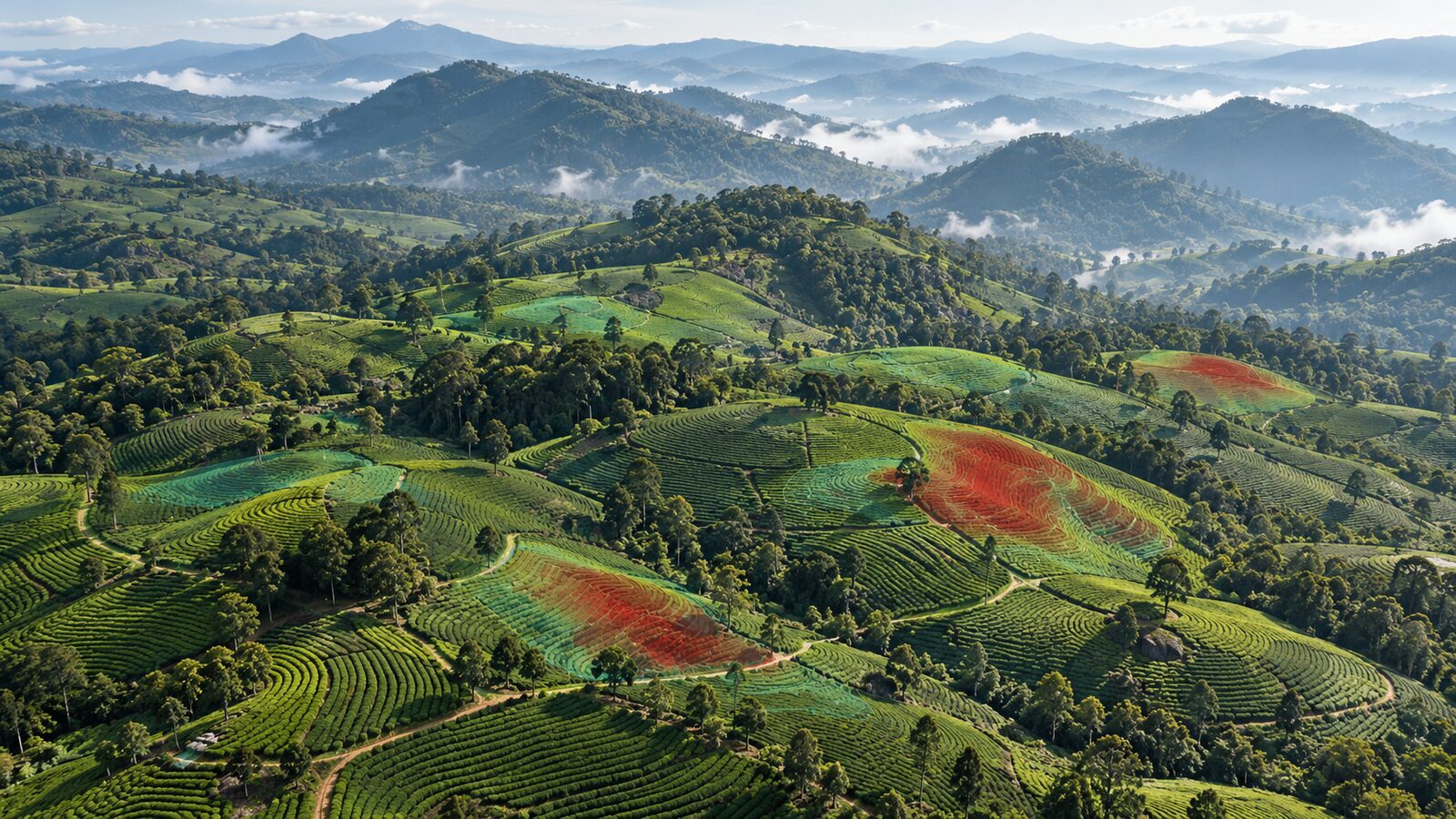
Cover image: AI-generated illustration (ChatGPT image generation), not satellite data.
Researched and drafted with AI assistance; sources are linked for verification.