NDWI and NDBI explained: mapping water and built-up land
A plain guide to NDWI and NDBI: the formulas, band pairs, and how I read them alongside NDVI to map water, moisture, and built-up land in India.
Short answer: NDWI maps surface water and vegetation moisture, and NDBI maps built-up, impervious surfaces. Both are normalised difference indices, so they share the same simple form as NDVI: (Band A minus Band B) divided by (Band A plus Band B). NDWI uses green and near-infrared (or near-infrared and shortwave-infrared for the moisture version), while NDBI uses shortwave-infrared and near-infrared. Read together with NDVI, these three indices let you separate water, vegetation, and concrete in a single scene.
I use this trio constantly in my work, from groundwater and water-index mapping in Punjab to industrial-impact studies in Delhi NCT. Here is how each index works and how I read them as a set.
What is a normalised difference index?
Every index here follows the same logic. You take two spectral bands where your target feature behaves very differently, subtract one from the other, and divide by their sum to scale the result between -1 and +1.
The general formula is:
Index = (Band A − Band B) / (Band A + Band B)
The clever part is choosing the two bands. A feature like water reflects strongly in some wavelengths and absorbs strongly in others. Pick the right pair and that contrast jumps out, while brightness differences across the scene mostly cancel. This is why a single threshold often separates your feature from everything else.
NDWI: mapping water and moisture
NDWI stands for the Normalised Difference Water Index, and there are two common versions. The naming trips up a lot of people, so it is worth being precise.
McFeeters NDWI (surface water)
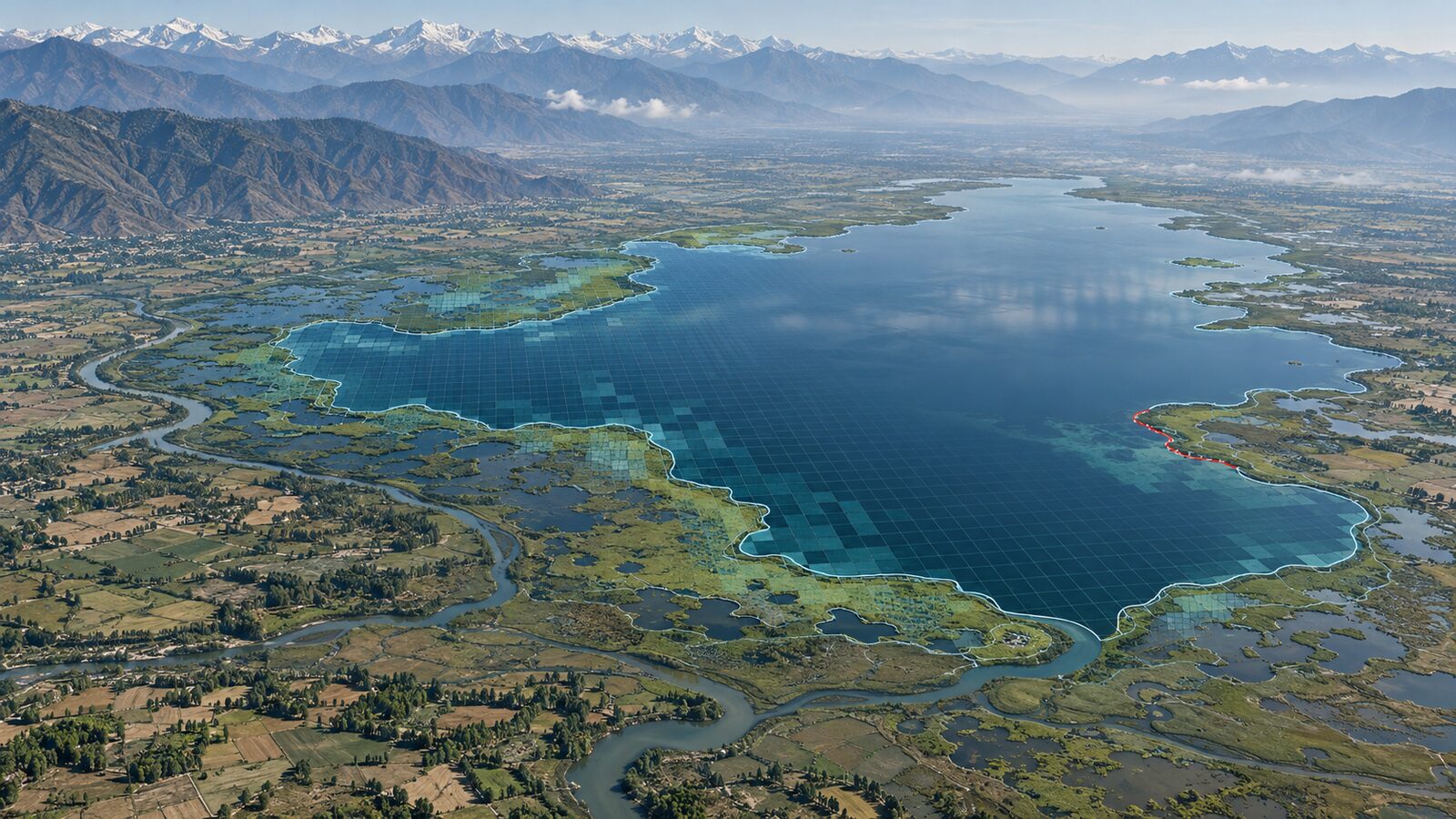
This version highlights open water bodies like rivers, lakes, ponds, and canals.
NDWI = (Green − NIR) / (Green + NIR)
Water reflects green light reasonably well but absorbs near-infrared almost completely. Vegetation and soil do the opposite, reflecting strongly in NIR. So water shows up with high positive values and most land falls negative.
- Sentinel-2 bands: B3 (Green) and B8 (NIR)
- Landsat 8/9 bands: B3 (Green) and B5 (NIR)
Gao NDWI / NDMI (vegetation moisture)
The second version measures water content inside vegetation, and is often called NDMI (Normalised Difference Moisture Index) to avoid confusion.
NDMI = (NIR − SWIR) / (NIR + SWIR)
Here you are looking at how much water is held in leaves and canopy, which is useful for drought stress, irrigation monitoring, and crop health.
- Sentinel-2 bands: B8 (NIR) and B11 (SWIR)
- Landsat 8/9 bands: B5 (NIR) and B6 (SWIR)
Which one do you want? If you are mapping the extent of a water body, use the green and NIR version. If you are studying how wet the vegetation or soil is, use the NIR and SWIR version. In my Punjab work on water indices and groundwater, I lean on the surface-water version to delineate water bodies, then bring in NDVI to read the surrounding crop condition.
NDBI: mapping built-up land
NDBI is the Normalised Difference Built-up Index, and it picks out impervious surfaces such as buildings, roads, and paved areas.
NDBI = (SWIR − NIR) / (SWIR + NIR)
Built-up surfaces reflect more strongly in shortwave-infrared than in near-infrared, while vegetation does the reverse. So concrete and rooftops trend positive, and vegetated areas trend negative. Notice that NDBI is essentially the inverse of the NDMI band pair, which is exactly why you should never read built-up land without checking vegetation too.
- Sentinel-2 bands: B11 (SWIR) and B8 (NIR)
- Landsat 8/9 bands: B6 (SWIR) and B5 (NIR)
One honest caveat: NDBI alone can confuse built-up land with bare soil and dry, fallow fields, because both can look bright in SWIR. That is a known limitation, and it is the reason I treat NDBI as one input rather than a final answer. In my Delhi NCT industrial-impact study I paired NDBI with NDVI and NDWI, then used buffer zones and zonal statistics to separate genuine built-up expansion from seasonal bare ground.
Reading NDVI, NDWI, and NDBI as a set
The real power comes when you stack all three. Each index isolates one land-cover type, and together they describe most of a scene. Here is the quick reference I keep in my head:
- High NDVI: healthy vegetation, crops, forest
- High NDWI (green/NIR): open water
- High NDBI: built-up, impervious surface
- Low NDVI + high NDBI: likely urban or industrial
- Low NDVI + low NDBI + bright SWIR: suspect bare soil, verify before calling it built-up
Because the three indices respond to vegetation, water, and concrete in opposite ways, cross-checking them removes most of the ambiguity that any single index carries. A pixel that is high NDBI but also moderate NDVI is probably a sparse settlement with trees, not solid concrete. A pixel that is high NDWI but in an area NDVI says is dense crop might be flood water sitting in fields.
A practical workflow
This is the order I usually follow in QGIS, ArcGIS Pro, or Google Earth Engine:
- Choose a clean, low-cloud scene from Sentinel-2 or Landsat, ideally for a consistent season so you are comparing like with like.
- Compute NDVI, NDWI, and NDBI using the band pairs above. In Earth Engine this is a few lines with the normalizedDifference function.
- Set thresholds for each index. Thresholds are scene and region specific, so inspect histograms rather than copying numbers from a paper.
- Cross-validate the classes against each other and against high-resolution imagery in Google Earth Pro.
- Add zonal statistics or buffers if you are measuring change around a feature, such as industry, a river, or an urban boundary.
Common mistakes to avoid
A few things I have learned the hard way:
- Do not mix up the two NDWI versions. Green/NIR is for water extent, NIR/SWIR is for moisture. State which one you used in any report.
- Watch the band numbers across sensors. Sentinel-2 B8 and Landsat B5 are both NIR, but the band numbering differs, so check before you reuse a script.
- Never trust one index alone. Bare soil, shadows, and wet surfaces all create lookalikes. The NDVI cross-check is your safety net.
- Be careful with thresholds across dates and places. A threshold that works for Chandigarh in winter may not hold for Punjab in monsoon.
Wrapping up
NDWI and NDBI are simple to compute and easy to misread. The formulas are just band ratios, but the value comes from knowing which band pair answers which question, and from reading water, vegetation, and built-up land together rather than in isolation. Whether you are mapping canals in Punjab, monitoring crop moisture, or tracking industrial growth in Delhi NCT, the NDVI, NDWI, NDBI set gives you a reliable first read of the land before you commit to a classification.
Frequently asked questions
Which bands does NDWI use to map open water?
The McFeeters NDWI, used for mapping surface water extent, is calculated as (Green − NIR) divided by (Green + NIR), which on Sentinel-2 means B3 and B8.
What's the difference between NDWI and NDMI?
NDWI (Green/NIR) maps open surface water extent, while the second version, often called NDMI to avoid confusion, uses NIR and SWIR to measure water content held in vegetation, useful for drought and irrigation monitoring.
Can NDBI alone reliably identify built-up land?
No, NDBI alone can confuse built-up land with bare soil and dry, fallow fields because both can look bright in SWIR, so it should be paired with NDVI and NDWI before drawing conclusions.
What does high NDBI with moderate NDVI on a pixel usually mean?
A pixel with high NDBI but also moderate NDVI is probably a sparse settlement with trees rather than solid concrete, since cross-checking the indices removes most single-index ambiguity.
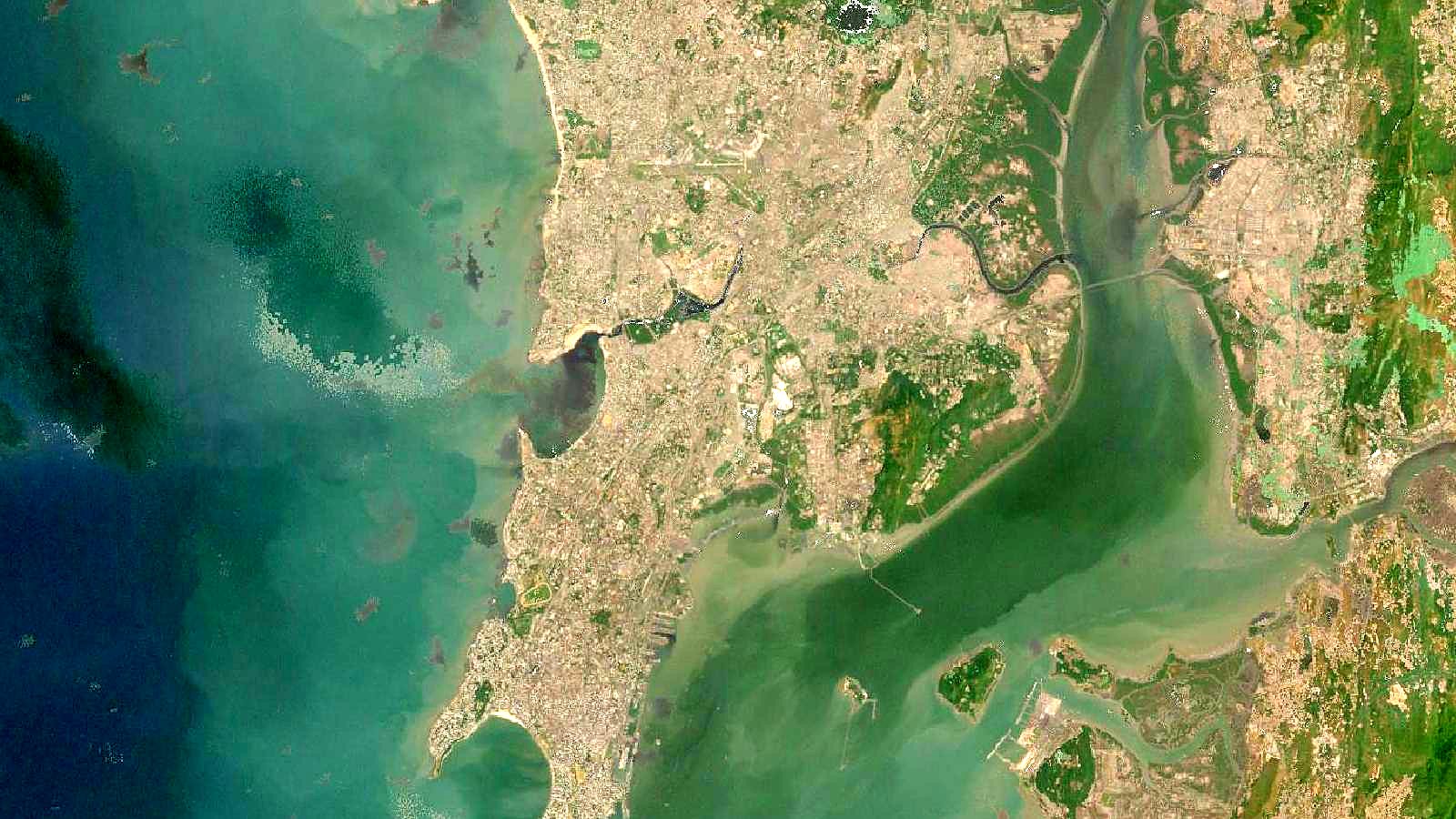
Cover image: Landsat true-colour composite of Mumbai and its harbour (2000), NASA/USGS Landsat WELD via NASA GIBS (public domain).