QGIS vs ArcGIS Pro: which GIS tool should you learn?
An honest practitioner comparison of QGIS and ArcGIS Pro for GIS and remote sensing work, with cost, workflow, and practical advice for students in India.
Quick answer
If you are a GIS student in India and you can only learn one tool first, start with QGIS. It is free, it runs on any laptop, and it teaches you the actual logic of GIS instead of hiding it behind buttons. Once you are comfortable, learn ArcGIS Pro as well, because a lot of government, consultancy, and corporate jobs in India still ask for it by name. The honest truth is that you will end up using both, so the real question is which one to learn first and when to reach for each.
I am Jannat Khosla, a geospatial researcher in Chandigarh, currently doing my MSc in Geoinformatics at Panjab University. I use QGIS and ArcGIS Pro almost every week for remote sensing and mapping work, including my research on water indices in Punjab and industrial impact in Delhi NCT. Here is how I actually think about the two.
The cost difference is not small
This is the part nobody should sugarcoat.
- QGIS is free and open source. You download it, you install it, you own it forever. No license, no renewal, no asking a lab admin for access.
- ArcGIS Pro is a paid Esri product. Students often get it through a university license or an Esri education account, which is great while you are enrolled. The problem starts the day you graduate and that license goes away.
For a student in India this matters a lot. If you build your entire skill set only inside ArcGIS Pro and then lose access after your degree, you are suddenly stuck. With QGIS you can keep working, keep building a portfolio, and keep doing freelance or research projects without paying anything. I have done full analysis projects start to finish in QGIS on a normal laptop, and the output was good enough to discuss at a conference.
So on pure cost and access, QGIS wins clearly.
Where ArcGIS Pro is genuinely better
I am not here to pretend the free tool is better at everything. It is not.
ArcGIS Pro is polished. The interface is consistent, the tools are documented in one place, and things just behave predictably. A few areas where I find it stronger:
- Cartography and final map layouts. When I need a clean, presentation ready map for a paper or a client, ArcGIS Pro layouts feel faster and more refined.
- Geoprocessing at scale. The toolbox is huge, well organised, and the ModelBuilder workflow is easy to follow.
- 3D and scenes. Working with 3D data and terrain is smoother.
- Ecosystem. It connects neatly with ArcGIS Online, dashboards, and StoryMaps, which is useful for sharing work with non technical people.
In Indian job listings, especially with consultancies, ISRO and state remote sensing centres, urban planning firms, and large surveys, you will often see ArcGIS as a required skill. That alone is a strong reason to learn it.
Where QGIS holds its own (and sometimes wins)
QGIS has grown up. It is no longer the scrappy free alternative people used only when they had no money.
- Plugins. The plugin ecosystem is enormous. For remote sensing, the Semi-Automatic Classification Plugin (SCP) is excellent for downloading and classifying Sentinel-2 and Landsat imagery.
- It plays well with everything. QGIS reads almost every format you throw at it, and it sits naturally next to Python, GDAL, and open data workflows.
- No black boxes. Because it is open, you can actually see and understand what a tool is doing. For a student, that builds real understanding instead of button memory.
- Community. When you hit an error, the answers are everywhere, free, and usually from people doing the same kind of work you are.
For my own index based work, computing NDVI, NDWI, and NDBI from satellite imagery, QGIS does the job perfectly well. The raster calculator and zonal statistics get me where I need to go.
How I actually choose between them
In practice I do not pick one and abandon the other. I switch based on the task.
I reach for QGIS when:
- I am downloading and pre processing Sentinel-2 or Landsat imagery.
- I am doing quick raster math, index calculation, or band work.
- I am building something I want to be reproducible and shareable without licensing worries.
- I am scripting with Python, since PyQGIS and open libraries fit together cleanly.
I reach for ArcGIS Pro when:
- I need a polished final map layout for a report or publication.
- I am doing heavier 3D or surface work.
- A collaborator or institution is already standardised on Esri.
- The deliverable needs to plug into ArcGIS Online or a dashboard.
There is also Google Earth Engine for large scale, cloud based satellite analysis, and that sits alongside both. But for desktop GIS, QGIS and ArcGIS Pro are the two you will live in.
My advice for GIS students in India
Here is what I would tell a junior version of myself starting out in Chandigarh, Delhi, or anywhere else in the country.
- Learn QGIS first. It is free, it forces you to understand the fundamentals, and it will never get taken away from you.
- Then learn ArcGIS Pro. Use your university or Esri student licence while you have it. Treat it as a second language, not your only one. Esri certifications and IIRS/ISRO courses are worth doing.
- Do not learn tools in the abstract. Pick a real problem near you, groundwater stress in Punjab, urban growth in Delhi NCT, anything with open Landsat or Sentinel data, and finish a full project in it. Employers and reviewers care about what you built, not which logo was on the software.
- Learn the concepts under the tools. Projections, indices, zonal statistics, classification. These transfer between QGIS and ArcGIS Pro instantly. The software changes, the geography does not.
- Add a bit of Python and Earth Engine. It future proofs you and opens the door to bigger datasets.
The honest bottom line
QGIS versus ArcGIS Pro is not really a fight. Start with QGIS because it is free and teaches you well. Add ArcGIS Pro because the Indian job market asks for it. Know both, understand the geography underneath them, and you will be comfortable walking into almost any GIS or remote sensing role. The tool is just the brush. The thinking is what makes the map.
Frequently asked questions
Should a GIS student in India learn QGIS or ArcGIS Pro first?
Start with QGIS since it's free, runs on any laptop, and teaches the actual logic of GIS; learn ArcGIS Pro afterward, as many government, consultancy, and corporate jobs in India ask for it by name.
What happens to my ArcGIS Pro access after I graduate?
Student or university Esri licences for ArcGIS Pro typically end once you graduate, cutting off access, while QGIS stays free and usable forever with no licence to renew.
What is ArcGIS Pro genuinely better at than QGIS?
ArcGIS Pro is stronger for polished cartography and final map layouts, large-scale geoprocessing through ModelBuilder, 3D and terrain work, and connecting to ArcGIS Online, dashboards, and StoryMaps.
What QGIS plugin helps with downloading and classifying Sentinel-2 imagery?
The Semi-Automatic Classification Plugin (SCP) is excellent for downloading and classifying Sentinel-2 and Landsat imagery within QGIS, which the post cites as an example of QGIS's large plugin ecosystem for remote sensing work.
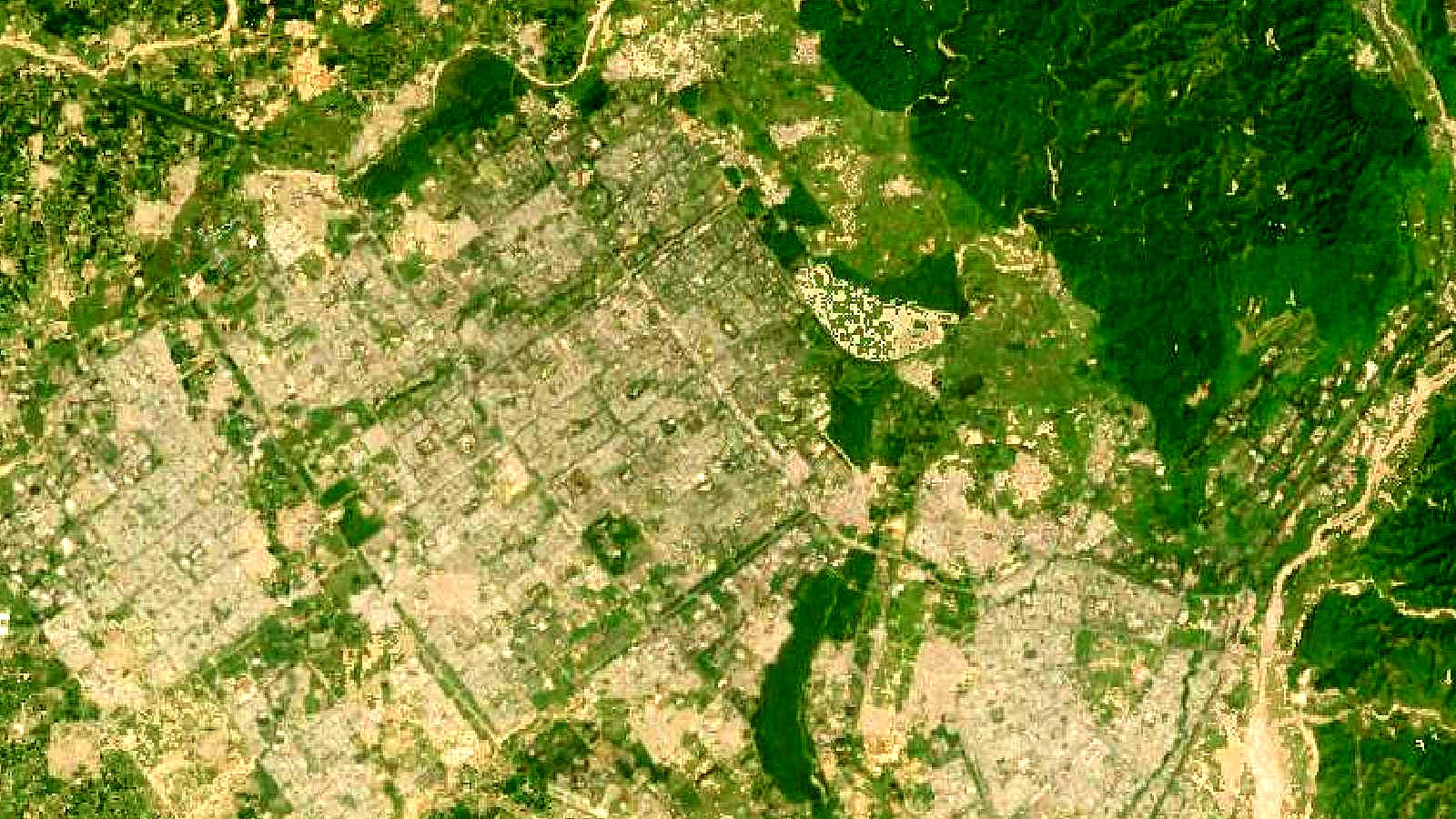
Cover image: Landsat true-colour composite of Chandigarh's sector grid and Sukhna Lake (2000), NASA/USGS Landsat WELD via NASA GIBS (public domain).