Resourcesat AWiFS NDVI Composites for Drought Screening
A practical QGIS workflow for using Resourcesat AWiFS NDVI time composites to screen agricultural drought stress across Indian crop belts.
Why AWiFS still matters for Indian drought work
When students first learn vegetation monitoring, they often jump straight to Sentinel-2 or Landsat because the pixels are sharper. That is sensible for field-scale mapping, but drought screening is a different problem. You usually want frequent, wide-area, consistent observation across many districts, especially during the kharif season when cloud cover and rapid crop changes make single-date images risky.
This is where Resourcesat AWiFS is useful. ISRO describes Resourcesat-2A as a resource-monitoring satellite that continued the services of Resourcesat-1 and Resourcesat-2. Its AWiFS payload operates in three visible and near-infrared bands plus one short-wave infrared band, with 56 m spatial resolution. NRSC documentation for Resourcesat-2 AWiFS lists a 740 km swath and a 5-day repeat cycle, which explains why the sensor has been used for broad agricultural monitoring rather than very fine cadastral mapping.
For an analyst in India, the practical value is simple: AWiFS can help you see vegetation condition over a district, taluk, watershed or canal command without assembling hundreds of high-resolution tiles. NRSC also states that Resourcesat seasonal AWiFS data at 56 m and LISS III data at 23.5 m are hosted on Bhuvan with a 2-year lag and are available for free download. For current operational drought services, NRSC notes that fortnightly NDVI products are generated and disseminated for agricultural drought assessment, with meteorological, spectral and soil-moisture indicators hosted through Bhuvan-Drought.
The product to use
A good beginner workflow is to start with an AWiFS NDVI time composite rather than raw digital numbers. NRSC's 2024 technical document says NDVI uses the visible red and near-infrared parts of the spectrum to assess live green vegetation. In the AWiFS product, NDVI is computed using Band 4 as NIR and Band 3 as red, with the familiar formula: NDVI = (NIR - Red) / (NIR + Red).
The same document gives the AWiFS spectral bands as B2 0.52-0.59 micron, B3 0.62-0.68 micron, B4 0.77-0.86 micron and B5 1.55-1.70 micron. It also explains that the time composite uses Maximum Value Compositing, choosing the highest NDVI value for each pixel during the temporal period. The logic is practical: clouds, poor atmosphere and unfavourable viewing geometry often reduce NDVI, so the highest valid value is usually a better representative observation for that short period.
There is one product detail that matters in QGIS. The AWiFS NDVI time composite document describes the output as 100 m GeoTIFF tiles in geographic coordinates, WGS 84 datum, with one band in byte format. Pixel values range from 0 to 200 with a scale factor of 0.005. That means a pixel value of 120 represents NDVI 0.60 after multiplying by 0.005. Background is marked separately in the metadata, so do not treat every high or low byte value as vegetation.
Worked example: Jalna drought screening in QGIS
Imagine you are screening crop stress around Jalna district in Maharashtra during kharif. This is not a drought declaration workflow. It is a reconnaissance map for deciding where to inspect more closely, compare with rainfall, or prepare field verification.
-
Download the relevant AWiFS NDVI composite tile from Bhoonidhi or the Bhuvan-linked access route. For the example product structure, NRSC shows filenames that include the sensor, start date, end date, temporal range, tile ID, product code and 100 m resolution.
-
Add the GeoTIFF to QGIS. Check the layer properties before styling. Confirm that it is a single-band raster, WGS 84, and that the metadata scale factor is 0.005. If you are using a surface reflectance product instead, NRSC's Resourcesat-2A surface reflectance guide says AWiFS surface reflectance is provided as GeoTIFF bands with a 0.0001 scale factor, 0-10000 valid range, 16-bit unsigned integer data type and WGS 84 datum. Do not mix those two scaling rules.
-
Convert the byte NDVI to real NDVI values. Use QGIS Raster Calculator and create a new raster with an expression like
NDVI_byte@1 * 0.005. QGIS documentation states that its raster calculator performs calculations from raster pixel values, so this is the right tool for applying the scale factor. Save the output as Float32 if QGIS offers the option. -
Mask obvious non-crop areas. At minimum, clip to Jalna district or your study boundary, then remove major reservoirs, settlements and permanent barren patches if you have a reliable land-cover layer. NDVI drought screening should compare crop-like pixels with crop-like pixels. A low value over a town is not agricultural stress.
-
Style the scaled NDVI layer. A simple early screening legend could be: less than 0.20 as very low vegetation, 0.20 to 0.35 as sparse vegetation, 0.35 to 0.50 as moderate vegetation and above 0.50 as vigorous vegetation. Treat these as display classes, not universal drought thresholds. Crop type, sowing date, irrigation and soil background can shift the interpretation.
-
Summarise by administrative or field reporting units. Add village, taluk or watershed polygons. Run QGIS Zonal Statistics with the polygons as zones and your scaled NDVI raster as input. QGIS documentation says this tool calculates statistics of raster values for each overlapping polygon and can output count, sum, mean, median, standard deviation, minimum and maximum. For a first pass, mean and count are enough. Count helps you spot polygons with too few valid pixels.
-
Compare dates, not just one map. One composite tells you vegetation condition in a short period. Two or more composites show progression. A taluk whose mean NDVI stays low through successive periods is more concerning than a taluk that is simply late-sown in the first fortnight.
Reading the output carefully
The most useful drought map is rarely the prettiest one. Recruiters and project reviewers will look for whether you understand uncertainty. NRSC's drought application page says agricultural drought assessment uses multiple indices combining vegetation parameters, soil moisture and rainfall pattern. It also notes that fortnightly NDVI products are used, and that Bhuvan-Drought hosts meteorological, spectral and soil moisture indicators. That is a strong hint for your own workflow: NDVI should be one evidence layer, not the final verdict.
For Jalna, a responsible interpretation might read: AWiFS NDVI composites indicate lower vegetation vigour in selected rainfed zones compared with adjacent irrigated or canal-influenced areas. The result should be checked against rainfall anomaly, sowing progress, crop type and field observations before classifying drought severity. This wording is stronger than pretending a single NDVI threshold can diagnose drought on its own.
Also remember the spatial scale. AWiFS input resolution is 56 m, while the NDVI composite product described by NRSC is resampled to 100 m. This is excellent for district and sub-district screening, but it will not resolve small mixed fields the way Sentinel-2 can. A single 100 m pixel may contain crop, bunds, trees, roads and bare soil in fragmented landscapes.
Common beginner mistake
The most common mistake is forgetting the scale factor. If you load the composite and classify raw byte values directly, a value of 120 may look like an impossible NDVI value rather than 0.60. The fix is simple: always inspect the metadata, apply the scale factor, and label your output layer clearly, for example awifs_ndvi_scaled_01_15_sep.
A second mistake is comparing unmasked NDVI means between very different zones. If one taluk polygon includes a town, rocky hill and reservoir, its mean NDVI will be depressed for reasons unrelated to crop stress. Use a cropland mask where possible, or at least interpret mixed land cover separately.
What this shows in a portfolio
A small AWiFS drought-screening project can demonstrate strong applied geospatial judgement. It shows that you can choose a sensor for the question, respect product metadata, use QGIS processing tools, and communicate uncertainty. For Indian GIS students, that is often more valuable than another high-resolution map with no interpretation.
For Jannat Khosla's kind of portfolio, the best deliverable would be a short map series: one scaled NDVI composite, one change or anomaly map, and one table ranking taluks by mean cropland NDVI with valid-pixel count. Add a short note explaining that the result is a screening layer, to be integrated with rainfall, soil moisture and sowing information. That is the language of operational geospatial work.
Frequently asked questions
Is AWiFS better than Sentinel-2 for drought mapping?
AWiFS is better for broad, frequent screening, while Sentinel-2 is better for field-scale detail. AWiFS offers wide coverage and repeated observation, making it useful for district or taluk monitoring. Sentinel-2 should be preferred when you need sharper boundaries or small-field interpretation.
Why does the NDVI composite have 100 m pixels?
The NRSC AWiFS NDVI time composite is published as a 100 m GeoTIFF product after processing and resampling. The AWiFS sensor input resolution is 56 m, but the distributed composite is designed for tiled, India-wide vegetation monitoring rather than parcel-level mapping.
Can one NDVI threshold define agricultural drought?
No, one NDVI threshold cannot define agricultural drought reliably. NDVI varies with crop type, crop calendar, irrigation, soil background and cloud contamination. Use NDVI with rainfall anomaly, sowing progress, soil moisture indicators and local field knowledge before assigning drought severity.
Should I use raw AWiFS bands or NDVI composites?
Use NDVI composites for a beginner drought-screening workflow because they are already designed for vegetation monitoring. Use raw or surface reflectance bands when you need custom indices, stricter masking, or a research workflow where every preprocessing decision must be controlled.
References
- https://www.isro.gov.in/RESOURCESAT_2A.html
- https://www.nrsc.gov.in/nrscnew/Services_Bhuvan_SatelliteDataServices.php
- https://bhoonidhi.nrsc.gov.in/bhoonidhi_resources/help/docs/RS2_AWiFS_NDVI_Time_Composite_Product_v1.0.pdf
- https://bhoonidhi.nrsc.gov.in/bhoonidhi_resources/help/docs/User-Guide-Surface_reflectance_from_Resourcesat-2A.pdf
- https://www.nrsc.gov.in/nrscnew/Apps_DMS.php?lang_code=en
- https://docs.qgis.org/3.44/en/docs/user_manual/processing_algs/qgis/rasteranalysis.html
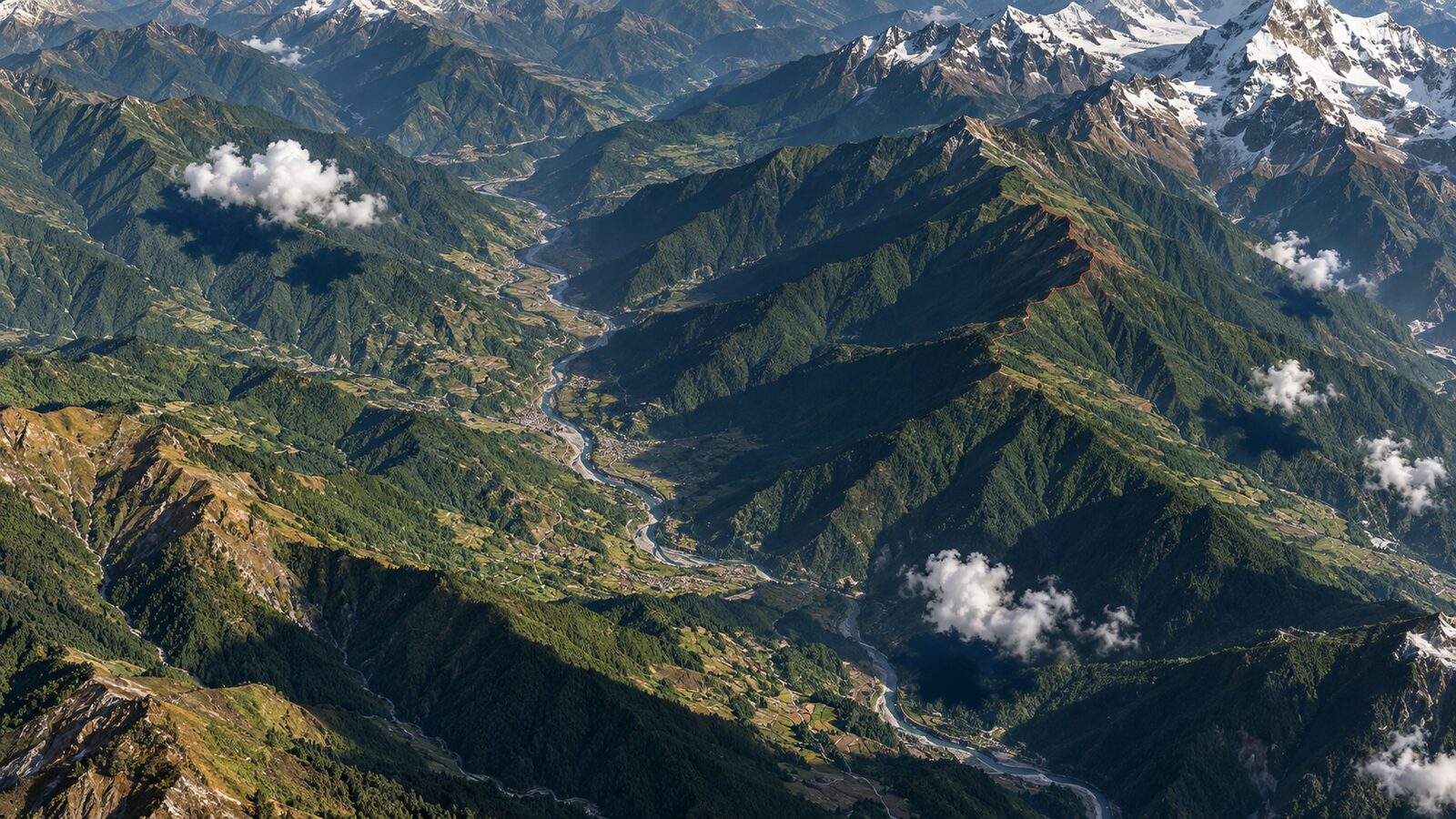
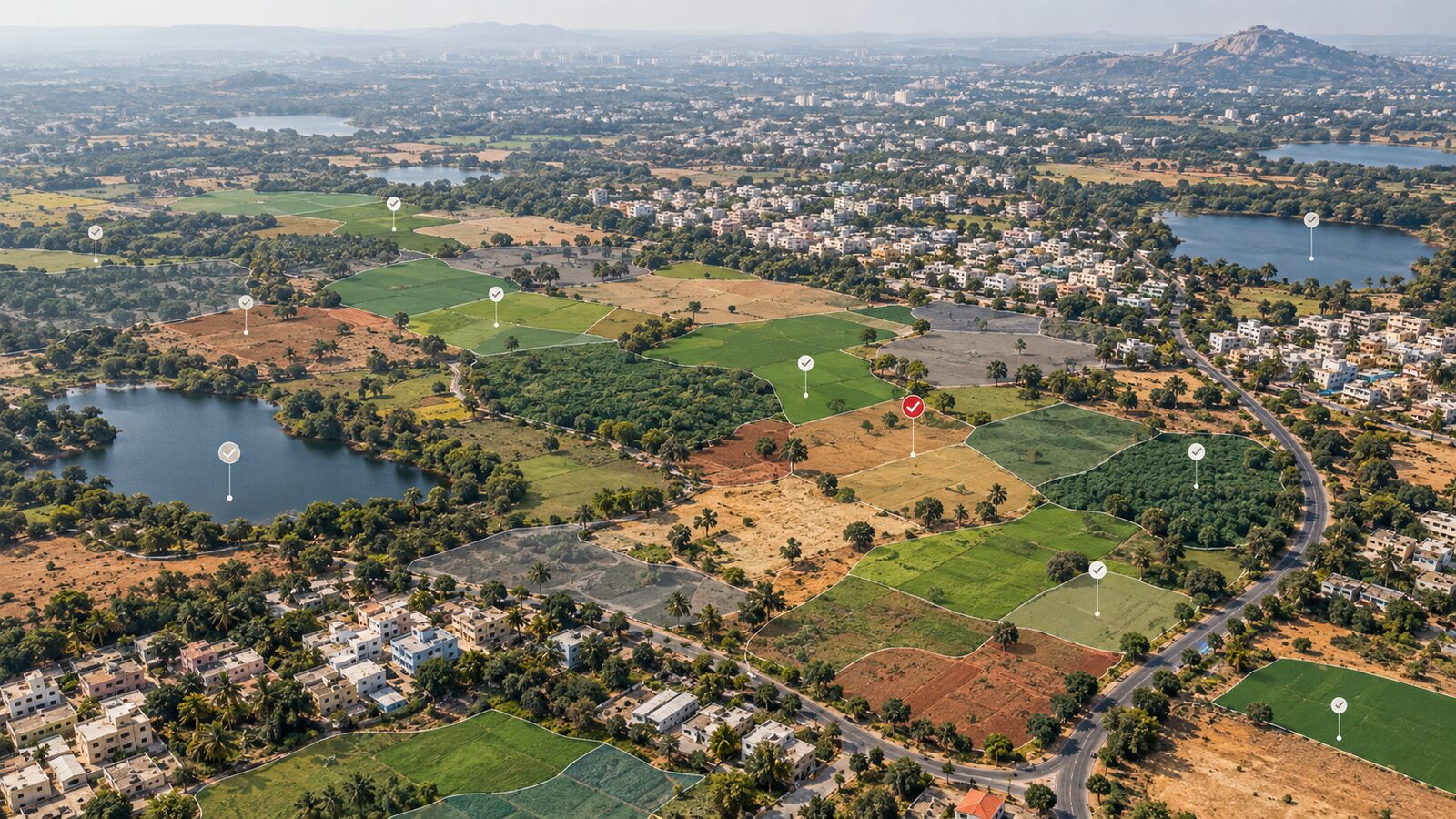
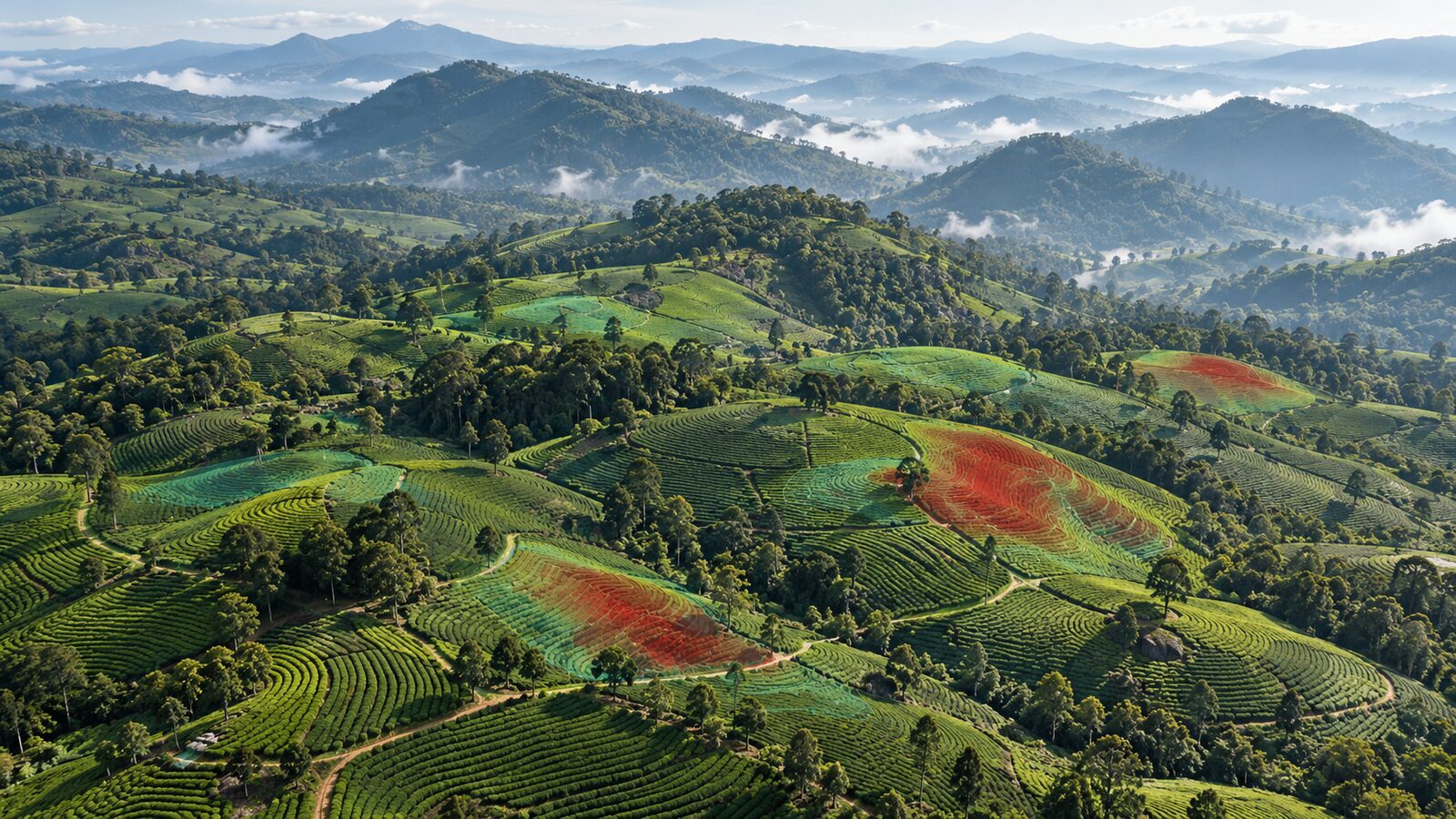
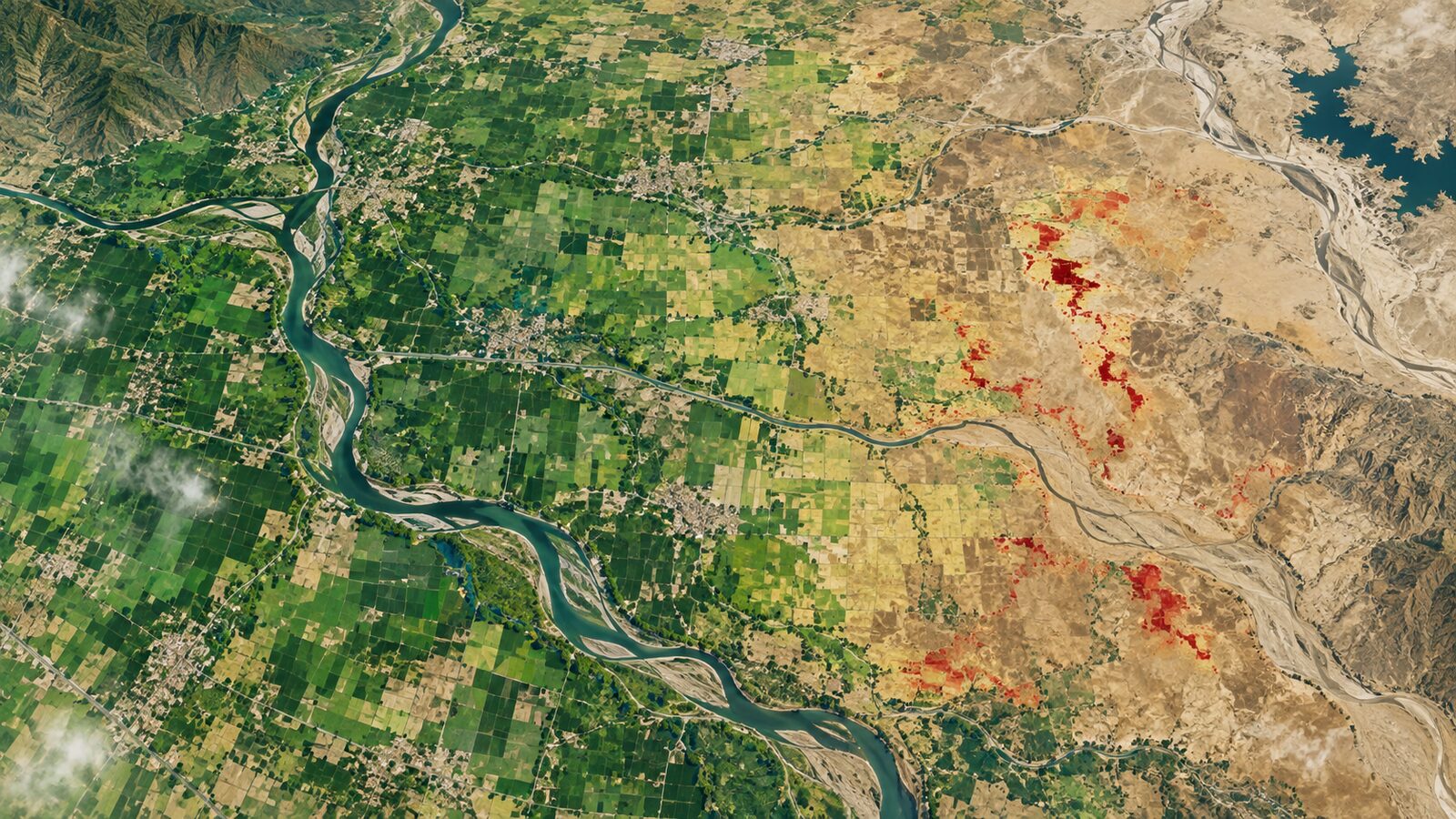
Cover image: AI-generated illustration (ChatGPT image generation), not satellite data.
Researched and drafted with AI assistance; sources are linked for verification.