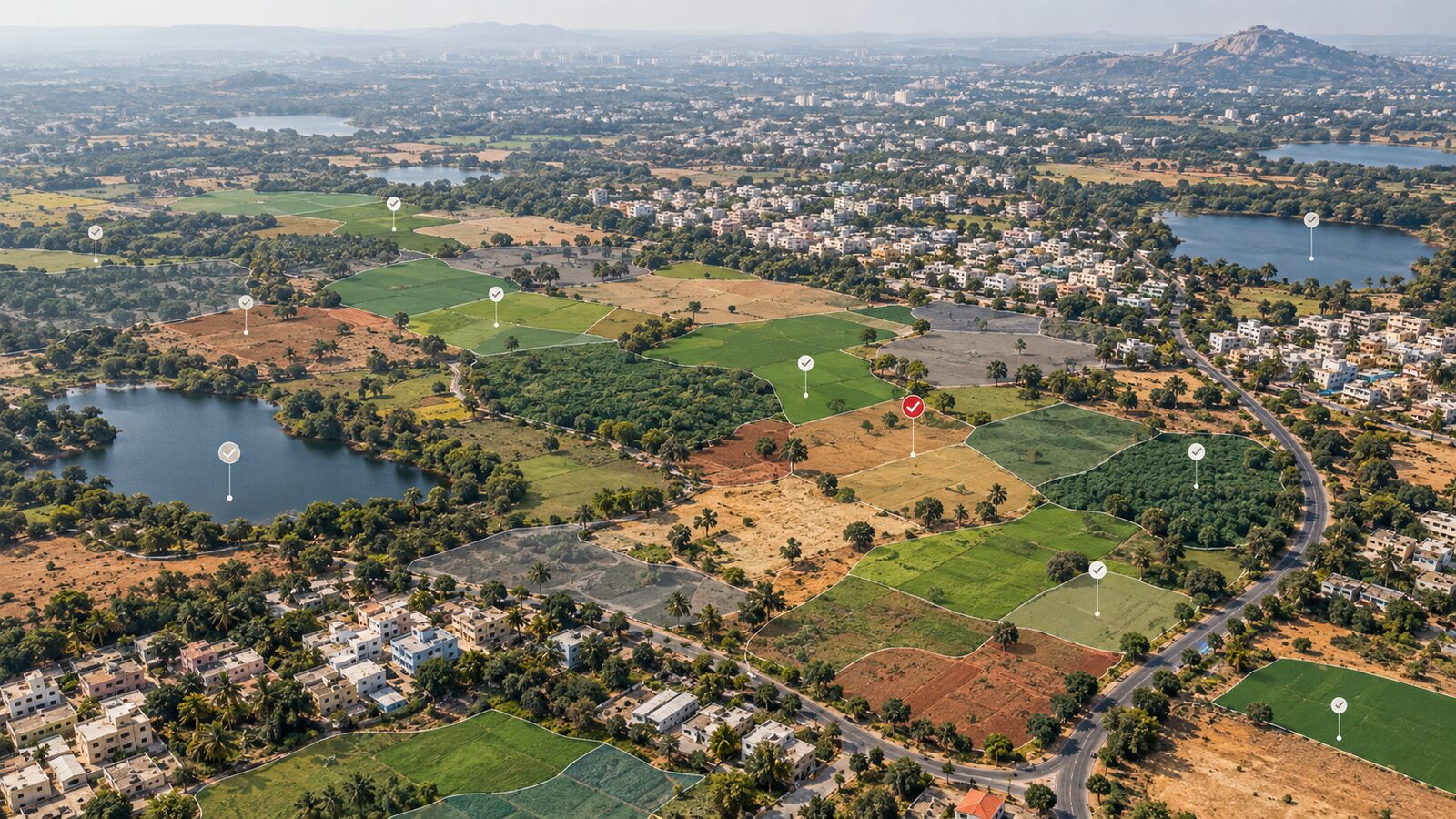
Scaling Landsat Collection 2 in GEE for Delhi NDVI
A practical Google Earth Engine workflow for applying Landsat Collection 2 scale factors, masking QA_PIXEL flags, and building reliable NDVI composites over Delhi's Yamuna floodplain.
Why Landsat scaling matters before NDVI
Landsat Collection 2 Level-2 imagery is one of the most useful datasets for Indian GIS students because it gives analysis-ready surface reflectance and surface temperature in Google Earth Engine. The trap is that the pixel values stored in the bands are not the reflectance values you should put into an index. For Landsat 8 Collection 2 Tier 1 Level-2 in Earth Engine, the optical surface reflectance bands are stored as unsigned integer values and need a scale factor of 0.0000275 plus an offset of -0.2. The surface temperature band ST_B10 uses a scale factor of 0.00341802 and an offset of 149, returning Kelvin after scaling.
That small preprocessing step changes the interpretation of everything that follows. If you calculate NDVI directly from unscaled SR_B5 and SR_B4, the ratio may still look spatially patterned, so a map can appear believable. But the values are not the same as NDVI from properly scaled reflectance because the negative offset affects both numerator and denominator. This is why beginners often get strange index ranges, patchy histograms, or vegetation thresholds that do not transfer from one study area to another.
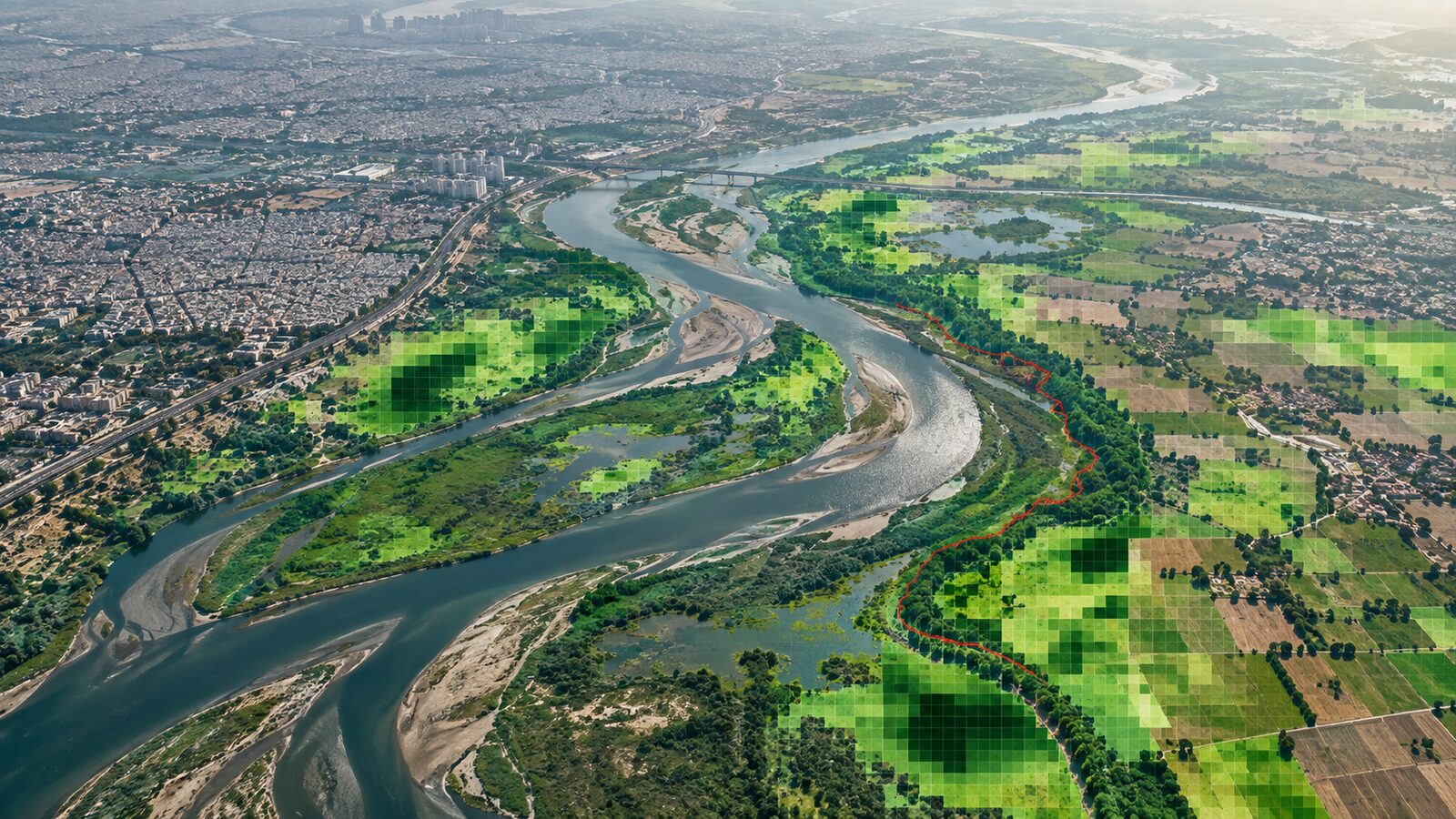
This post uses Delhi's Yamuna floodplain as a practical example. The area has river water, irrigated fields, dry riverbed surfaces, built-up edges and seasonal haze, so it is a good classroom test site for understanding scale factors and pixel quality masks before exporting an NDVI raster.
The dataset and the bands you need
In Earth Engine, the Landsat 8 Level-2 Collection 2 Tier 1 image collection is LANDSAT/LC08/C02/T1_L2. The Earth Engine catalogue lists all bands at 30 metre pixel size. For a true colour check, use SR_B4, SR_B3 and SR_B2, which are red, green and blue surface reflectance bands. For NDVI, use SR_B5 as near infrared and SR_B4 as red. The same catalogue lists the near infrared wavelength range for SR_B5 as 0.851 to 0.879 micrometres, and the red wavelength range for SR_B4 as 0.636 to 0.673 micrometres.
The quality band matters as much as the reflectance bands. The USGS QA_PIXEL band is a bit-packed quality layer. For Landsat 8 and 9, bit 0 is fill, bit 1 is dilated cloud, bit 2 is high confidence cirrus, bit 3 is high confidence cloud, bit 4 is high confidence cloud shadow, bit 5 is high confidence snow, bit 6 is clear, and bit 7 is water. For most NDVI composites over Delhi, you should mask fill, cloud, cloud shadow, cirrus and snow before reducing the image collection.
The water bit is more complicated. If your aim is crop vigour, you may mask water because river pixels will pull NDVI down. If your aim is riparian mapping, do not automatically delete water because the river channel is part of the landscape you are studying. The important thing is to make the decision deliberately, not because a copied mask happened to include or exclude bit 7.
Worked example: Delhi floodplain NDVI composite
Open the Earth Engine Code Editor and paste this JavaScript. It builds a post-monsoon composite for the Yamuna floodplain near Delhi, scales the reflectance bands, masks common bad pixels, calculates NDVI and adds both a true colour layer and an NDVI layer.
var aoi = ee.Geometry.Rectangle([77.12, 28.48, 77.35, 28.78]);

function scaleLandsatC2(image) {
  var optical = image.select('SR_B.').multiply(0.0000275).add(-0.2);
  var thermal = image.select('ST_B.*').multiply(0.00341802).add(149.0);
  return image.addBands(optical, null, true)
              .addBands(thermal, null, true);
}

function maskQaPixel(image) {
  var qa = image.select('QA_PIXEL');
  var fill = qa.bitwiseAnd(1 << 0).eq(0);
  var dilatedCloud = qa.bitwiseAnd(1 << 1).eq(0);
  var cirrus = qa.bitwiseAnd(1 << 2).eq(0);
  var cloud = qa.bitwiseAnd(1 << 3).eq(0);
  var shadow = qa.bitwiseAnd(1 << 4).eq(0);
  var snow = qa.bitwiseAnd(1 << 5).eq(0);
  return image.updateMask(fill.and(dilatedCloud).and(cirrus)
    .and(cloud).and(shadow).and(snow));
}

function addNdvi(image) {
  var ndvi = image.normalizedDifference(['SR_B5', 'SR_B4']).rename('NDVI');
  return image.addBands(ndvi);
}

var collection = ee.ImageCollection('LANDSAT/LC08/C02/T1_L2')
  .filterBounds(aoi)
  .filterDate('2023-10-01', '2023-12-31')
  .map(scaleLandsatC2)
  .map(maskQaPixel)
  .map(addNdvi);

var composite = collection.median().clip(aoi);

Map.centerObject(aoi, 11);
Map.addLayer(composite, {bands: ['SR_B4', 'SR_B3', 'SR_B2'], min: 0, max: 0.3}, 'scaled true colour');
Map.addLayer(composite.select('NDVI'), {min: -0.2, max: 0.7, palette: ['8c510a', 'f6e8c3', '01665e']}, 'NDVI');
There are two useful checks before you trust the output. First, inspect a few pixels with the Earth Engine Inspector. Scaled reflectance over bright bare ground can be higher than dark water, but it should not look like raw five digit digital numbers. Second, chart the NDVI histogram inside the rectangle. You should normally see water and built-up or bare surfaces near the lower side, with healthier vegetation higher. Do not treat the values as crop yield; NDVI is a greenness indicator, not a direct production estimate.
Exporting for QGIS
Once the map looks reasonable, export only the bands you need. For a field report or portfolio map, export the NDVI band as a GeoTIFF at 30 metre scale. If you also want a visual base layer, export the scaled red, green and blue bands separately or as a three-band image. Keep the coordinate reference system decision linked to your next step. Earth Engine can export in a requested projection, but for many QGIS workflows in Delhi, it is acceptable to export in the native geographic projection and reproject in QGIS only when you need area calculations.
A simple export block is:
Export.image.toDrive({
  image: composite.select('NDVI'),
  description: 'delhi_yamuna_landsat8_c2_ndvi_2023_post_monsoon',
  folder: 'gee_exports',
  region: aoi,
  scale: 30,
  maxPixels: 1e13
});
When you open the raster in QGIS, style it with a singleband pseudocolour ramp and inspect values with the Identify tool. Add a boundary layer, such as a ward, district or floodplain polygon, only after confirming that the raster values are sensible. A common workflow error is to spend time on cartography before checking whether the image calculation was correct.
Common beginner mistake: copying Collection 1 code
Many old tutorials used Landsat Collection 1 naming and scaling. Collection 2 changed the scaling model for Level-2 surface reflectance: the USGS scale factor is 0.0000275 and the offset is -0.2, while historic Collection 1 surface reflectance used a different convention. If you paste an old script into a new dataset, it may run without obvious errors but produce wrong values.
The safest habit is to read the Earth Engine data catalogue page for the exact collection ID in your script. Confirm the band names, scale, offset, pixel size and QA bit definitions. This takes less than five minutes and prevents several days of misleading analysis.
Practical interpretation for recruiters and portfolios
A clean Landsat NDVI map is not impressive because it is colourful. It is impressive when the workflow shows that you understand data provenance, scaling, masking and interpretation limits. In a portfolio, include the collection ID, date range, scale factors, QA bits masked, composite reducer and export scale. These details show that you can reproduce the map and defend the method in a technical interview.
For Indian applications, this workflow is useful for urban green cover screening, river corridor monitoring, peri-urban agriculture mapping and seasonal comparison. It is not a substitute for field validation or a high resolution cadastral survey. Landsat's 30 metre pixel size is excellent for regional consistency, but narrow drains, small parks, road medians and mixed urban plots can sit inside one pixel. Treat the map as a screening product, then use higher resolution imagery, field points or local GIS layers when the decision requires parcel-level accuracy.
Frequently asked questions
Should I scale Landsat bands before calculating NDVI?
Yes, scale Landsat Collection 2 Level-2 surface reflectance before calculating NDVI. The optical bands use both a multiplier and an offset, so calculating ratios directly from stored integer values can shift the result and make thresholds unreliable.
Which QA_PIXEL bits should I mask for vegetation mapping?
Mask fill, dilated cloud, cirrus, cloud, cloud shadow and snow for a basic vegetation composite. For Landsat 8 and 9 QA_PIXEL, these are bits 0 to 5. Decide separately whether to mask water, because that depends on your study question.
Can I combine Landsat 8 and Landsat 9 in the same workflow?
Yes, you can design a combined workflow, but check the catalogue page for each collection and harmonise band names, scaling and filters explicitly. Do not assume a copied Landsat 8 script automatically handles another sensor or collection correctly.
Is a 30 metre NDVI map enough for Delhi urban planning?
No, a 30 metre NDVI map is best for screening and trend analysis, not fine urban design decisions. It can show broad floodplain vegetation patterns, but small parks, narrow green strips and mixed land parcels need finer imagery or field data.
References
- USGS FAQ: How do I use a scale factor with Landsat Level-2 science products?
- USGS Landsat Collection 2 Quality Assessment Bands
- Google Earth Engine Data Catalog: Landsat 8 Level 2, Collection 2, Tier 1
- USGS Landsat Collection 2 Surface Reflectance
Cover image: AI-generated illustration (ChatGPT image generation), not satellite data.
Researched and drafted with AI assistance; sources are linked for verification.