Sentinel-1 RVI in GEE for Punjab Wheat Vigour
A practical Google Earth Engine workflow for using Sentinel-1 VV and VH radar backscatter to map wheat vigour in Punjab, including linear scaling, compositing, interpretation and beginner pitfalls.
Why radar vegetation indices matter in Punjab
Punjab's wheat season is a good classroom for radar remote sensing because the crop grows through winter and early spring, when optical images are often usable but haze, fog and scattered cloud can still interrupt a clean time series. Sentinel-1 gives a useful alternative because it is a C-band synthetic aperture radar mission that observes day and night and can acquire data regardless of weather. For a student or early-career analyst, this makes it a practical sensor for tracking crop structure when optical greenness alone is not enough.
This post focuses on the Radar Vegetation Index, usually shortened to RVI, using Sentinel-1 VV and VH backscatter in Google Earth Engine. It is not a replacement for NDVI. NDVI measures the contrast between red and near-infrared reflectance, while RVI uses radar backscatter behaviour. In crop fields, it responds to canopy structure, scattering complexity and moisture-related surface conditions. That makes it useful for watching how a wheat crop develops, especially when you care about temporal patterns rather than a single pretty map.
The important technical point is this: Google Earth Engine's COPERNICUS/S1_GRD collection stores Sentinel-1 GRD backscatter as decibel values. The catalogue notes that terrain-corrected values are converted to decibels using log scaling, 10*log10(x). RVI, however, should be calculated from linear backscatter coefficients, not directly from dB numbers. Many beginner errors in SAR crop mapping come from missing that one conversion.
What Sentinel-1 data to use
For agricultural monitoring in India, start with Sentinel-1 Ground Range Detected data in Interferometric Wide Swath mode. The Copernicus SentiWiki describes Interferometric Wide Swath as the primary land mode, commonly using VV+VH polarisation over land. The Earth Engine catalogue lists the dataset as COPERNICUS/S1_GRD, produced from a dual-polarisation C-band SAR instrument at 5.405 GHz. It also documents the common polarisation combinations, including VV and VH, and lists a revisit interval of 6 days for the collection.
Earth Engine applies several preprocessing steps before you use the COPERNICUS/S1_GRD images. Its Sentinel-1 guide says the platform applies orbit files, noise removal, radiometric calibration and terrain correction to derive backscatter in decibels. The catalogue separately lists thermal noise removal, radiometric calibration and terrain correction using SRTM 30 or ASTER DEM where SRTM is unavailable at high latitudes. That is convenient, but it does not mean every image can be thrown into one stack without filtering.
A homogeneous stack matters. Filter by date, area, instrument mode, polarisation and orbit direction. Mixing ascending and descending passes can introduce geometry differences because the radar sees the field from different look directions. For exploratory district-level mapping it may be acceptable to inspect both separately, but for a clean time series, choose one pass first.
The RVI idea in plain language
Sentinel-1 VV means the sensor transmits vertical polarisation and receives vertical polarisation. VH means it transmits vertical polarisation and receives horizontal polarisation. In simplified crop terms, VV is often linked with direct or surface-related returns and vertical canopy elements, while VH is sensitive to depolarisation from more complex crop structure. A dense, developing wheat canopy usually creates more volume and multiple scattering than a bare field.
A commonly used dual-pol RVI formula for Sentinel-1 style VV and VH data is:
RVI = 4 * sigma_VH / (sigma_VV + sigma_VH)
Here, sigma_VV and sigma_VH are linear backscatter coefficients, not dB values. A recent open-access crop mapping study using Sentinel-1 VV/VH features gives this same form and describes RVI as a parameter that can characterise crop biomass and leaf area index. Treat that as a useful indicator, not as a direct biomass measurement unless you have field calibration.
Worked example: wheat vigour near Ludhiana
Let us build a simple Earth Engine workflow for the Ludhiana wheat belt. The goal is to create a median RVI image for a wheat growth window and compare it with an earlier window. In Punjab, wheat is usually grown in the rabi season, so you can test windows such as December to January for early vegetative growth and February to March for stronger canopy development. Do not hard-code a crop calendar blindly for every village, because sowing date, irrigation and local variety can shift the signal.
The steps are:
- Draw or import an area of interest around agricultural land near Ludhiana.
- Load
COPERNICUS/S1_GRD. - Filter to IW mode, VV and VH bands, and one orbit pass.
- Convert VV and VH from dB to linear backscatter.
- Calculate RVI per image.
- Build median composites for two crop stages.
- Subtract early RVI from later RVI to highlight increasing canopy structure.
Here is a compact Earth Engine script skeleton:
var aoi = ee.Geometry.Rectangle([75.65, 30.75, 76.05, 31.05]);

function toLinear(dbImage) {
  return ee.Image(10).pow(dbImage.divide(10));
}

function addRVI(image) {
  var vv = toLinear(image.select('VV'));
  var vh = toLinear(image.select('VH'));
  var rvi = vh.multiply(4).divide(vv.add(vh)).rename('RVI');
  return image.addBands(rvi).copyProperties(image, ['system:time_start']);
}

var s1 = ee.ImageCollection('COPERNICUS/S1_GRD')
  .filterBounds(aoi)
  .filterDate('2024-12-01', '2025-03-31')
  .filter(ee.Filter.eq('instrumentMode', 'IW'))
  .filter(ee.Filter.listContains('transmitterReceiverPolarisation', 'VV'))
  .filter(ee.Filter.listContains('transmitterReceiverPolarisation', 'VH'))
  .filter(ee.Filter.eq('orbitProperties_pass', 'DESCENDING'))
  .select(['VV', 'VH'])
  .map(addRVI);

var early = s1.filterDate('2024-12-15', '2025-01-15').select('RVI').median();
var peak = s1.filterDate('2025-02-15', '2025-03-15').select('RVI').median();
var change = peak.subtract(early).rename('RVI_change');

Map.centerObject(aoi, 10);
Map.addLayer(early.clip(aoi), {min: 0, max: 1, palette: ['brown', 'yellow', 'green']}, 'Early RVI');
Map.addLayer(peak.clip(aoi), {min: 0, max: 1, palette: ['brown', 'yellow', 'green']}, 'Peak RVI');
Map.addLayer(change.clip(aoi), {min: -0.2, max: 0.4, palette: ['purple', 'white', 'darkgreen']}, 'RVI change');
The display ranges above are only visual starting points. Before making conclusions, use reduceRegion or a field boundary layer to inspect actual values. The most useful output is often not a single map, but a chart of median RVI through the season for known wheat fields, non-wheat crops and built-up edges.
Interpreting the map
Higher RVI does not automatically mean higher yield. It may indicate a denser or more structurally complex canopy, but radar backscatter is affected by moisture, soil roughness, irrigation, crop geometry, incidence angle and field boundaries. In Punjab, irrigation events can temporarily alter the radar response, especially when the canopy is still sparse. Lodging, harvest residues and mixed pixels near roads or canals can also confuse interpretation.
Use RVI as a temporal feature. If known wheat fields show a steady rise from early winter to late winter and then flatten or decline near maturity, that is more meaningful than labelling every high RVI pixel as healthy wheat. For classification, combine RVI with VV, VH, the VH/VV ratio, optical NDVI or red-edge indices from Sentinel-2, and a cropland mask. For agronomic decisions, compare field-level time series with ground observations.
A beginner mistake to avoid
The biggest mistake is calculating 4 * VH / (VV + VH) directly on the dB bands in Earth Engine. Decibel values are logarithmic, so normal arithmetic on them gives a distorted index. Always convert dB to linear power first, calculate the index, then use the resulting RVI band for compositing and charting.
A second common mistake is mixing every available Sentinel-1 image into one median composite. If the collection contains different orbit directions or acquisition geometries, the final image can show geometry artefacts rather than crop change. Filter to a consistent orbit pass when building a training dataset or a time series.
A third mistake is skipping field validation. A radar index can reveal patterns, but it cannot tell you sowing date, variety, fertiliser application or irrigation history by itself. Even a few GNSS-tagged field notes can greatly improve your interpretation.
Practical checks before exporting
Before exporting a GeoTIFF, check that the image count is adequate for each time window. Print s1.size() and the dates in the console. If one period has only a few scenes, use a wider window or compare with another orbit pass separately. Mask out non-agricultural areas where possible, because water, settlements and tree belts may produce RVI values that distract from wheat-field interpretation.
Use field polygons for summaries. A pixel-level map is attractive, but field-level median and interquartile range are more useful for reporting. In a recruitment portfolio, include a short chart, the filter logic and a note explaining why dB-to-linear conversion was necessary. That shows that you understand SAR processing, not just Earth Engine syntax.
Frequently asked questions
Is Sentinel-1 RVI the same as NDVI?
No, Sentinel-1 RVI is not the same as NDVI. RVI uses radar backscatter from VV and VH, while NDVI uses optical red and near-infrared reflectance. RVI is more about scattering structure and moisture-related radar response than leaf greenness alone.
Can I calculate RVI directly from Earth Engine dB bands?
No, convert the VV and VH dB bands to linear backscatter first. Earth Engine's Sentinel-1 GRD collection stores log-scaled decibel values, while the RVI formula uses linear sigma values. Direct dB arithmetic is a subtle but serious error.
Which orbit pass should I use for crop monitoring?
Use one orbit pass first, either ascending or descending, and keep it consistent through the season. Mixing passes can add look-direction effects to the signal. After building a clean workflow, you can compare passes separately to see whether both support the same crop pattern.
Does high RVI prove that a wheat field is healthy?
No, high RVI alone does not prove crop health. It can suggest stronger canopy structure, but irrigation, soil roughness, crop stage and mixed pixels also matter. Use RVI with field observations, crop calendars and optical indices before making agronomic claims.
References
- Google Earth Engine Sentinel-1 algorithms guide
- Google Earth Engine COPERNICUS/S1_GRD data catalogue
- Copernicus SentiWiki Sentinel-1 mission overview
- Enhancing early-season soybean identification through optical and SAR time-series integration
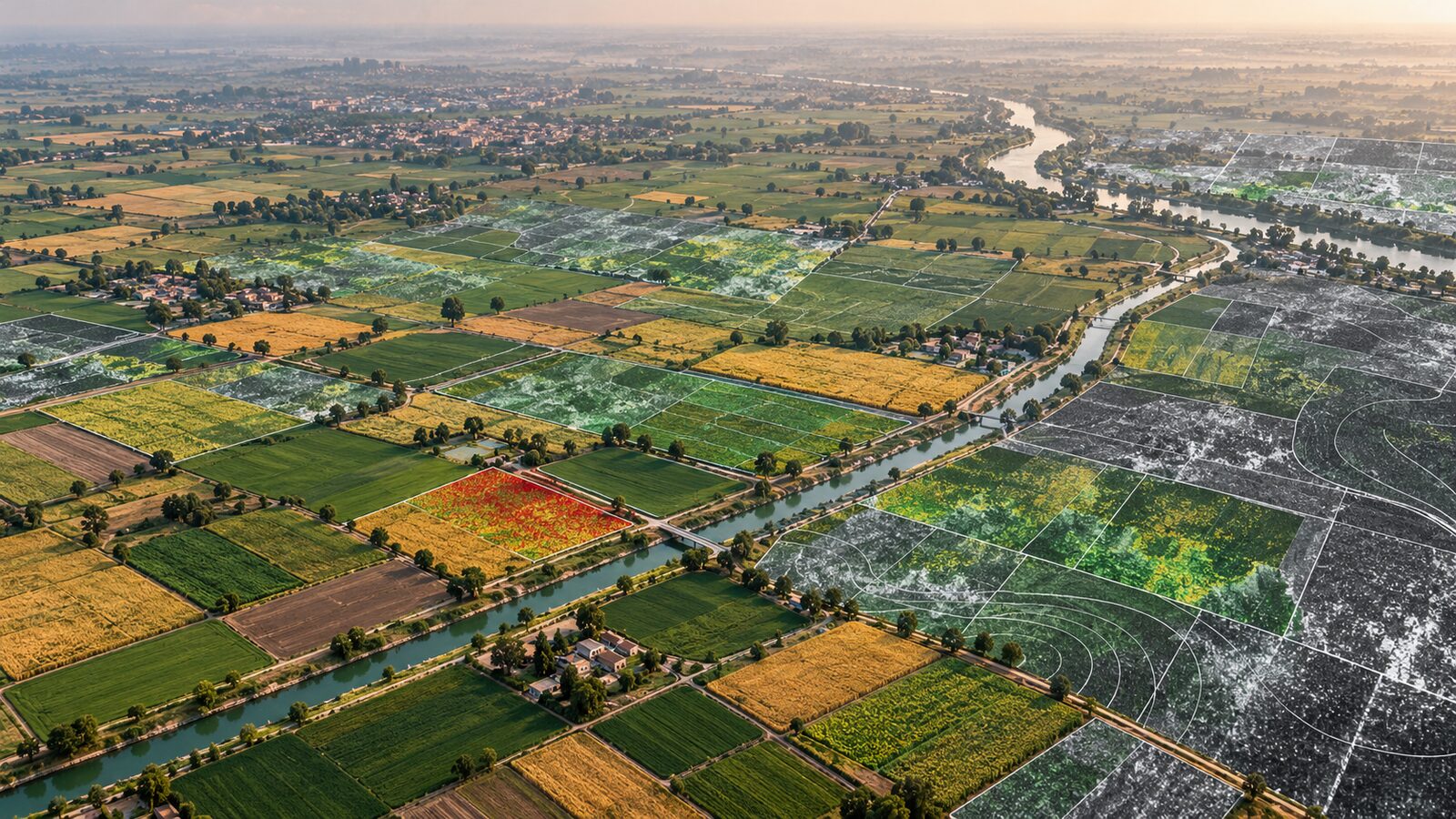
Cover image: AI-generated illustration (ChatGPT image generation), not satellite data.
Researched and drafted with AI assistance; sources are linked for verification.