Sentinel-1 Terrain Effects in GEE for Western Ghats Forests
A practical guide to filtering Sentinel-1 GRD in Google Earth Engine, reading orbit and incidence-angle effects, and avoiding false forest-change signals in hilly Western Ghats terrain.
Why terrain matters in Sentinel-1 backscatter
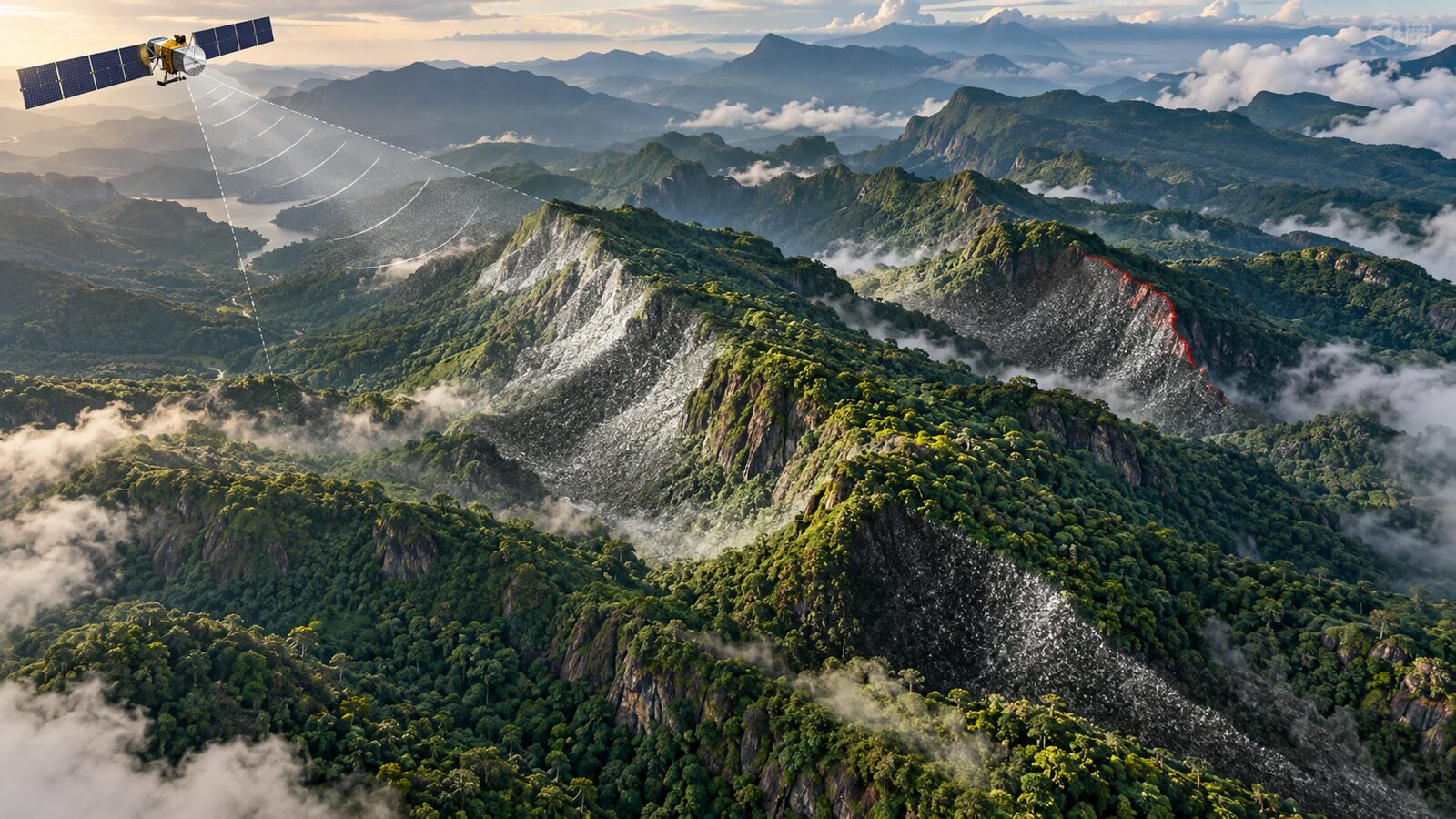
Sentinel-1 is powerful for Indian forest and plantation work because it is a radar mission. It can observe through cloud and does not need sunlight, which is useful in monsoon months when optical Sentinel-2 or Landsat scenes are often unusable. ESA lists Sentinel-1 as a C-band synthetic aperture radar mission operating at 5.405 GHz, with Interferometric Wide Swath as the main land mode. In that mode, it covers a 250 km swath at 5 m by 20 m single-look spatial resolution. In Google Earth Engine, the common COPERNICUS/S1_GRD collection is distributed as terrain-corrected, calibrated backscatter in decibels, with VV, VH, HH or HV bands depending on the acquisition.
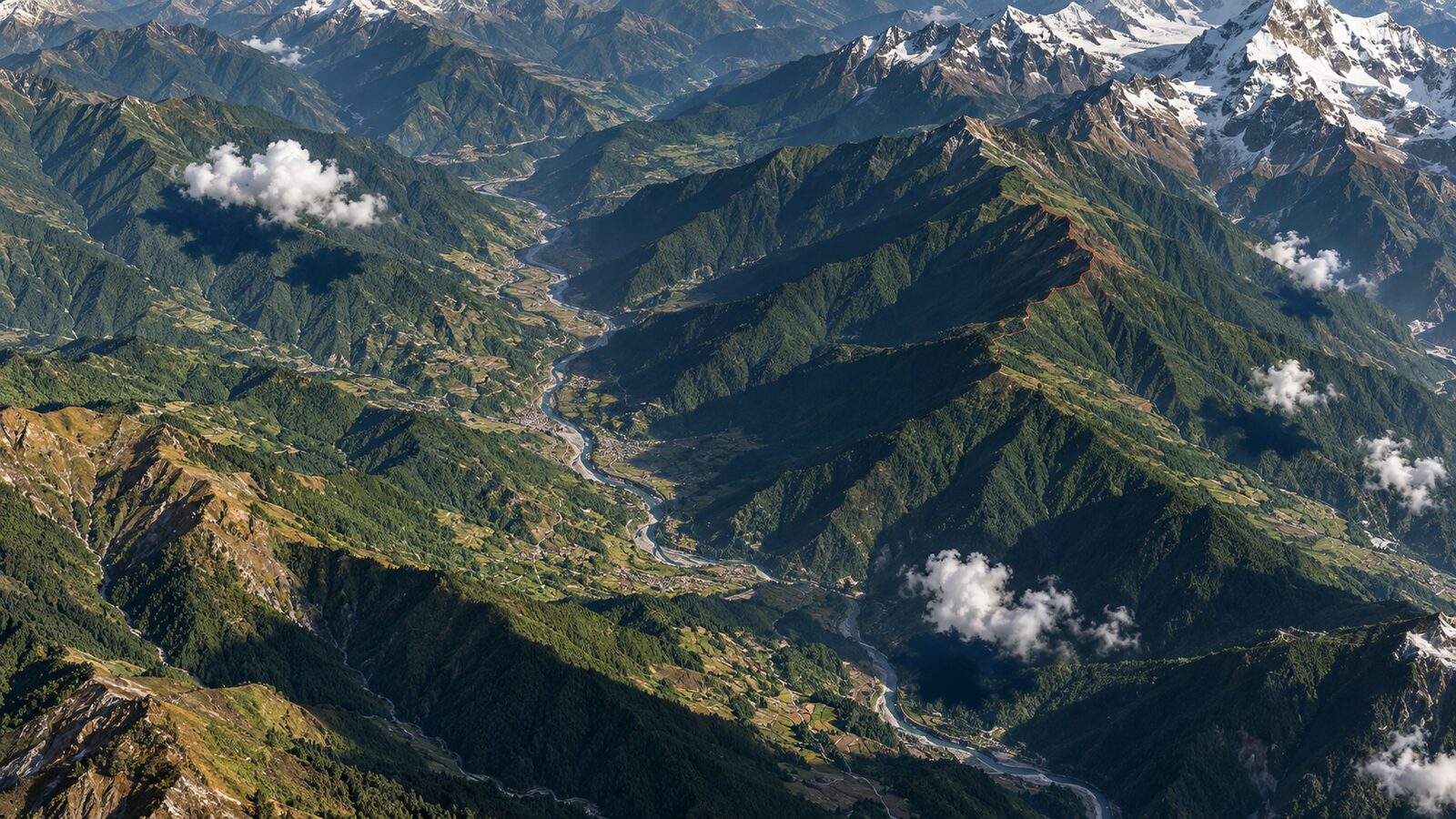
For flat agricultural plains, a beginner can often make useful maps by filtering date, polarisation and mode, then averaging VH or VV. In the Western Ghats, that same workflow can mislead you. Slopes facing the radar can look bright because of geometry, while slopes facing away can look dark. A coffee estate, evergreen forest patch or shola-grassland mosaic may appear to change simply because you mixed ascending and descending passes, or compared scenes with different incidence-angle patterns.
This post focuses on a practical task: making a Sentinel-1 VH median composite around Brahmagiri and Kodagu, while checking whether terrain and orbit geometry are driving the pattern. The aim is not to produce a final forest classification. It is to build the habit that recruiters like to see in geospatial analysts: do not treat radar brightness as land cover until you have inspected acquisition geometry.
What Earth Engine has already done
Earth Engine’s Sentinel-1 algorithms page says the GRD collection is built from Level-1 Ground Range Detected scenes processed to sigma nought backscatter in dB. The preprocessing includes orbit file application, border noise removal, thermal noise removal, radiometric calibration and terrain correction. The dataset catalogue adds that terrain correction uses SRTM 30 m data, or ASTER DEM above 60 degrees latitude where SRTM is unavailable. It also notes that each image includes an angle band, an approximate incidence angle from the ellipsoid.
That sounds analysis-ready, but it does not mean slope effects disappear. Earth Engine explicitly notes that radiometric terrain flattening is not applied because it can create artefacts on mountain slopes. Orthorectification helps put pixels in the right map position. It does not fully normalise radar brightness for local slope, aspect and layover. In hilly Indian terrain, the difference matters.
A useful mental model is this: Earth Engine corrects the image geometry and calibrates the measurements, but it does not guarantee that a north-facing and south-facing forested slope will have comparable backscatter. If you are mapping forest disturbance, plantation expansion or post-monsoon wetness, compare like with like as far as possible.
Worked example: Kodagu VH composite in GEE
Open the Earth Engine Code Editor and draw a polygon around Brahmagiri Wildlife Sanctuary, the Kodagu coffee belt, or a smaller study area you know well. Keep the first test area modest, because the purpose is interpretation, not export size.
Use this JavaScript starter. It filters Sentinel-1 GRD to IW mode, VV plus VH dual polarisation, one orbit direction, and a post-monsoon window. The dates are illustrative, so adjust them to your study question.
var roi = ee.Geometry.Rectangle([75.65, 11.95, 76.10, 12.35]);
Map.centerObject(roi, 10);

var s1 = ee.ImageCollection('COPERNICUS/S1_GRD')
  .filterBounds(roi)
  .filterDate('2025-11-01', '2026-02-28')
  .filter(ee.Filter.eq('instrumentMode', 'IW'))
  .filter(ee.Filter.listContains('transmitterReceiverPolarisation', 'VV'))
  .filter(ee.Filter.listContains('transmitterReceiverPolarisation', 'VH'))
  .filter(ee.Filter.eq('orbitProperties_pass', 'DESCENDING'))
  .select(['VV', 'VH', 'angle']);

print('Scene count', s1.size());
print('First image properties', s1.first());

var median = s1.median().clip(roi);

Map.addLayer(median.select('VH'), {min: -24, max: -10}, 'VH median dB');
Map.addLayer(median.select('VV'), {min: -18, max: -4}, 'VV median dB');
Map.addLayer(median.select('angle'), {min: 30, max: 46}, 'Incidence angle');

var ratio = median.select('VH').subtract(median.select('VV')).rename('VH_minus_VV');
Map.addLayer(ratio, {min: -12, max: -4}, 'VH minus VV');
Why these filters? ESA and SentiWiki describe IW as the primary land mode, and Earth Engine’s own Sentinel-1 guide recommends filtering the heterogeneous archive by polarisation, instrument mode, orbit pass and resolution. For Indian land studies, VV plus VH in IW mode is a common starting point because SentiWiki identifies IW with VV+VH as the primary land acquisition pattern. Filtering to one orbit direction reduces the chance that slope-facing differences dominate your composite.
Now inspect the three layers. In forested high relief, VH often responds strongly to volume scattering from vegetation structure, but it is still affected by the viewing geometry. If the VH median has long bands or slope-aligned bright and dark zones that match the angle layer or a hillshade, treat those as geometry candidates before calling them land-cover classes.
Add a simple terrain sanity check
Earth Engine’s Sentinel-1 GRD collection has already been terrain corrected, but you can still add a DEM-derived slope layer to guide interpretation. The following check does not correct the SAR values. It helps you see whether your bright and dark patches are following topography.
var dem = ee.Image('USGS/SRTMGL1_003').clip(roi);
var terrain = ee.Terrain.products(dem);
var slope = terrain.select('slope');
var aspect = terrain.select('aspect');

Map.addLayer(slope, {min: 0, max: 35}, 'SRTM slope degrees');
Map.addLayer(aspect, {min: 0, max: 360}, 'Aspect');

var sample = median.select(['VH', 'VV', 'angle'])
  .addBands(slope)
  .sample({region: roi, scale: 30, numPixels: 3000, seed: 7});

print('Backscatter and terrain sample', sample.limit(10));
print(ui.Chart.feature.byFeature(sample, 'slope', ['VH'])
  .setChartType('ScatterChart')
  .setOptions({title: 'VH versus slope'}));
If the scatter chart shows VH changing systematically with slope, be careful. That does not automatically invalidate your analysis, but it means a threshold such as VH greater than a chosen value may be partly separating slopes, not forest conditions. For a student project, a good next step is to stratify samples by slope class, compare ascending and descending composites separately, and report the limitation clearly.
Common beginner mistake
The most common mistake is mixing all Sentinel-1 scenes in an area and calling the result a time series. In Earth Engine, the archive includes different polarisations, modes, passes and resolutions. The Sentinel-1 guide specifically warns that filtering by metadata is usually needed before processing. If you combine ascending and descending passes in steep terrain, a plantation boundary, valley wall or ridge can look like a temporal change.
Avoid this by building a checklist before any interpretation. Confirm instrumentMode is IW for land mapping. Confirm both VV and VH are present if your method needs dual polarisation. Choose either ascending or descending for a first analysis, then compare the other pass as a sensitivity check. Keep date windows similar between periods, especially across monsoon and dry-season comparisons.
How to explain this in a portfolio
A strong portfolio note does not need to overclaim. You might write: "I created orbit-specific Sentinel-1 VH and VV composites for Kodagu, inspected incidence-angle and slope effects, and avoided using a single backscatter threshold in steep terrain." That tells a recruiter you understand the sensor and the landscape.
For a more advanced extension, compare Sentinel-1 with Sentinel-2 NDVI or a forest mask only after the radar geometry checks. Optical data can help interpret land cover, while SAR adds cloud-resilient structure and moisture information. The professional judgement is in knowing that neither dataset is magically objective on its own.
When this workflow is useful in India
This approach is useful for the Western Ghats, the north-eastern hill states, the Himalayan foothills and mining belts with sharp relief. It is also useful in plantation landscapes where canopy structure, row direction and moisture can interact with radar viewing geometry. In flatter regions such as parts of Punjab or Haryana, terrain effects are less dominant, but orbit filtering still improves consistency.
The key habit is traceability. When you report a Sentinel-1 result, mention the collection, date range, orbit pass, mode, polarisation and whether values are in dB. If a map is based on Earth Engine’s COPERNICUS/S1_GRD, say that it uses preprocessed GRD backscatter rather than raw SAR data or phase-preserving SLC data. That small sentence prevents a lot of confusion.
Frequently asked questions
Is Earth Engine Sentinel-1 GRD already terrain corrected?
Yes, Earth Engine applies terrain correction to the COPERNICUS/S1_GRD collection. The important caveat is that radiometric terrain flattening is not applied, so slope-facing brightness differences can remain in hilly terrain and should be checked before classification.
Should I use ascending or descending Sentinel-1 passes?
Use one pass first when analysing steep terrain. Ascending and descending acquisitions view slopes from different directions, so mixing them can blur or create patterns. After producing one-pass results, compare the other pass to understand sensitivity.
Which Sentinel-1 band is better for forest mapping?
VH is often useful for vegetation structure because cross-polarised backscatter responds to volume scattering, but VV can add context. For practical work, filter to scenes containing both VV and VH, inspect each band, and avoid relying on one threshold alone.
Can I use this workflow for a final land-cover map?
Yes, but treat it as a preprocessing and diagnostic stage, not the full classification. A final map should add training samples, validation, seasonal reasoning, and preferably optical or ancillary layers, especially where terrain and plantation structure complicate radar backscatter.
References
- Google Earth Engine Sentinel-1 algorithms
- Google Earth Engine COPERNICUS/S1_GRD dataset catalogue
- ESA Sentinel-1 data products
- ESA Sentinel-1 instrument
- ESA Sentinel-1 facts and figures
- Copernicus SentiWiki Sentinel-1 mission
Cover image: AI-generated illustration (ChatGPT image generation), not satellite data.
Researched and drafted with AI assistance; sources are linked for verification.