Sentinel-2 bands explained: a practical beginner guide
A plain, practical guide to Sentinel-2 bands, their 10/20/60 m resolutions, and which bands to use for NDVI, NDWI, and NDBI, with free Copernicus access.
Sentinel-2 carries 13 spectral bands at three spatial resolutions: 10 m, 20 m, and 60 m. The four 10 m bands are Blue (B2), Green (B3), Red (B4), and near-infrared (B8). For common indices, NDVI uses B8 and B4, NDWI uses B3 and B8, and NDBI uses B11 (SWIR) and B8. All of it is free to download from the Copernicus Data Space Ecosystem. That is the short answer. Below I explain what each band actually measures and how I pick bands for real work.
I use Sentinel-2 a lot in my own studies, including a Delhi NCT industrial impact assessment where I worked with NDVI, NDWI, and NDBI. So this guide is written from a practical seat, not just the textbook.
What is Sentinel-2 and why beginners like it
Sentinel-2 is a pair of satellites (Sentinel-2A and 2B) run under the European Union's Copernicus programme. Together they revisit the same spot roughly every five days at the equator, which is a strong cadence for tracking crops, water, and urban change.
For someone starting out in remote sensing in India, the appeal is simple:
- Free and open data, no cost, no licence headache.
- 10 m resolution on the main visible and near-infrared bands, which is sharper than Landsat's 30 m.
- Frequent revisits, so you can build time series for a season.
That combination is why I reach for Sentinel-2 first when I study agriculture in Punjab or built-up growth around Delhi NCT.
The 13 Sentinel-2 bands, grouped by resolution
A "band" is just a slice of the electromagnetic spectrum the sensor records. Different surfaces reflect differently in each slice, and that is what lets us separate water, vegetation, soil, and concrete.
10 m bands (the workhorses)
- B2 Blue (490 nm)
- B3 Green (560 nm)
- B4 Red (665 nm)
- B8 Near-infrared, NIR (842 nm)
These four are the ones you will use most. True-colour images come from B4, B3, B2. Vegetation health comes from B8 paired with B4.
20 m bands (vegetation and moisture detail)
- B5, B6, B7 Red-edge (705, 740, 783 nm), sensitive to plant stress and chlorophyll
- B8A Narrow NIR (865 nm)
- B11 SWIR-1 (1610 nm) and B12 SWIR-2 (2190 nm), short-wave infrared, useful for moisture, soil, and built-up surfaces
The red-edge bands are an underused gift. They sit right where healthy vegetation reflectance climbs steeply, so they pick up crop stress earlier than standard NDVI sometimes does.
60 m bands (atmosphere, not land detail)
- B1 Coastal aerosol (443 nm)
- B9 Water vapour (945 nm)
- B10 Cirrus (1375 nm)
These are mostly for atmospheric correction and cloud screening, not for mapping features on the ground. In the surface-reflectance product (Level-2A), B10 is dropped because its job is already done.
Which bands for NDVI, NDWI, and NDBI
This is the question most beginners actually arrive with. Here are the formulas I use.
NDVI (vegetation)
Normalised Difference Vegetation Index measures greenness and vegetation vigour.
NDVI = (B8 − B4) / (B8 + B4)
Healthy plants reflect strongly in NIR (B8) and absorb red (B4), so dense vegetation gives high positive values. I used NDVI in my Punjab water study to read crop condition alongside groundwater trends, and in the Delhi NCT work to see how vegetation thinned near industrial zones.
NDWI (water and moisture)
The McFeeters NDWI highlights open water.
NDWI = (B3 − B8) / (B3 + B8)
Water reflects green and absorbs NIR, so water bodies stand out positive while land goes negative. Note there is a second "NDWI" by Gao that uses B8 and B11 for vegetation moisture, so always state which version you mean in a report.
NDBI (built-up area)
Normalised Difference Built-up Index picks out concrete and roofing.
NDBI = (B11 − B8) / (B11 + B8)
Built-up surfaces reflect more SWIR (B11) than NIR, the reverse of vegetation. Because B11 is a 20 m band and B8 is 10 m, you must resample one to match the other before you compute the index. In QGIS or Google Earth Engine this is a one-step operation, but skipping it is a classic beginner mistake.
A quick reference:
- NDVI → B8, B4
- NDWI (water) → B3, B8
- NDWI (moisture, Gao) → B8, B11
- NDBI → B11, B8
A note on resampling and band math
Mixing resolutions trips people up. NDBI combines a 10 m band with a 20 m band, so the two rasters do not line up pixel for pixel until you resample. Always bring both layers to a common grid first. I usually resample to 10 m for visual products and to 20 m when SWIR detail matters more than crispness. Keep your method consistent across an entire study area so the statistics stay comparable.
How to get Sentinel-2 data for free
Access is genuinely open. My usual route:
- Go to the Copernicus Data Space Ecosystem (the current home for Sentinel data) and create a free account.
- Use the Browser to draw your area of interest over, say, Chandigarh or Punjab.
- Filter by date and cloud cover (I keep it under 10 percent when I can).
- Download the Level-2A product, which is already atmospherically corrected to surface reflectance.
If you prefer cloud processing, Google Earth Engine hosts the full Sentinel-2 archive, so you can compute NDVI or NDBI without downloading a single file. That is how I handle larger time series.
Level-1C vs Level-2A in one line
- Level-1C: top-of-atmosphere reflectance, needs correction.
- Level-2A: bottom-of-atmosphere surface reflectance, ready for indices.
For beginners, start with Level-2A. It saves you the atmospheric correction step and keeps your NDVI values meaningful.
Where to go next
Once you are comfortable with the four 10 m bands and the three indices above, try the red-edge bands for crop stress, or build a monthly NDVI series to watch a growing season change. The bands are the same everywhere, so what you learn over a field in Punjab transfers straight to mapping urban growth in Delhi NCT or terrain work near Roorkee.
Start small: pull one cloud-free Level-2A scene, make a true-colour composite, then compute NDVI. That single exercise teaches you more about Sentinel-2 bands than any table can.
Frequently asked questions
How many bands does Sentinel-2 have and at what resolutions?
Sentinel-2 carries 13 spectral bands across three resolutions: 10 m, 20 m, and 60 m, with the four 10 m bands being Blue (B2), Green (B3), Red (B4), and near-infrared (B8).
Why do you need to resample bands before computing NDBI on Sentinel-2 data?
NDBI combines the 10 m NIR band (B8) with the 20 m SWIR band (B11), so the two rasters don't line up pixel for pixel until you resample one to match the other first.
How often does Sentinel-2 revisit the same location?
Sentinel-2A and 2B together revisit the same spot roughly every five days at the equator, a strong cadence for building time series to track crops, water, and urban change.
Should beginners download Sentinel-2 Level-1C or Level-2A data?
Beginners should start with Level-2A, which is already atmospherically corrected to surface reflectance, saving the correction step and keeping NDVI values meaningful compared to raw Level-1C data.
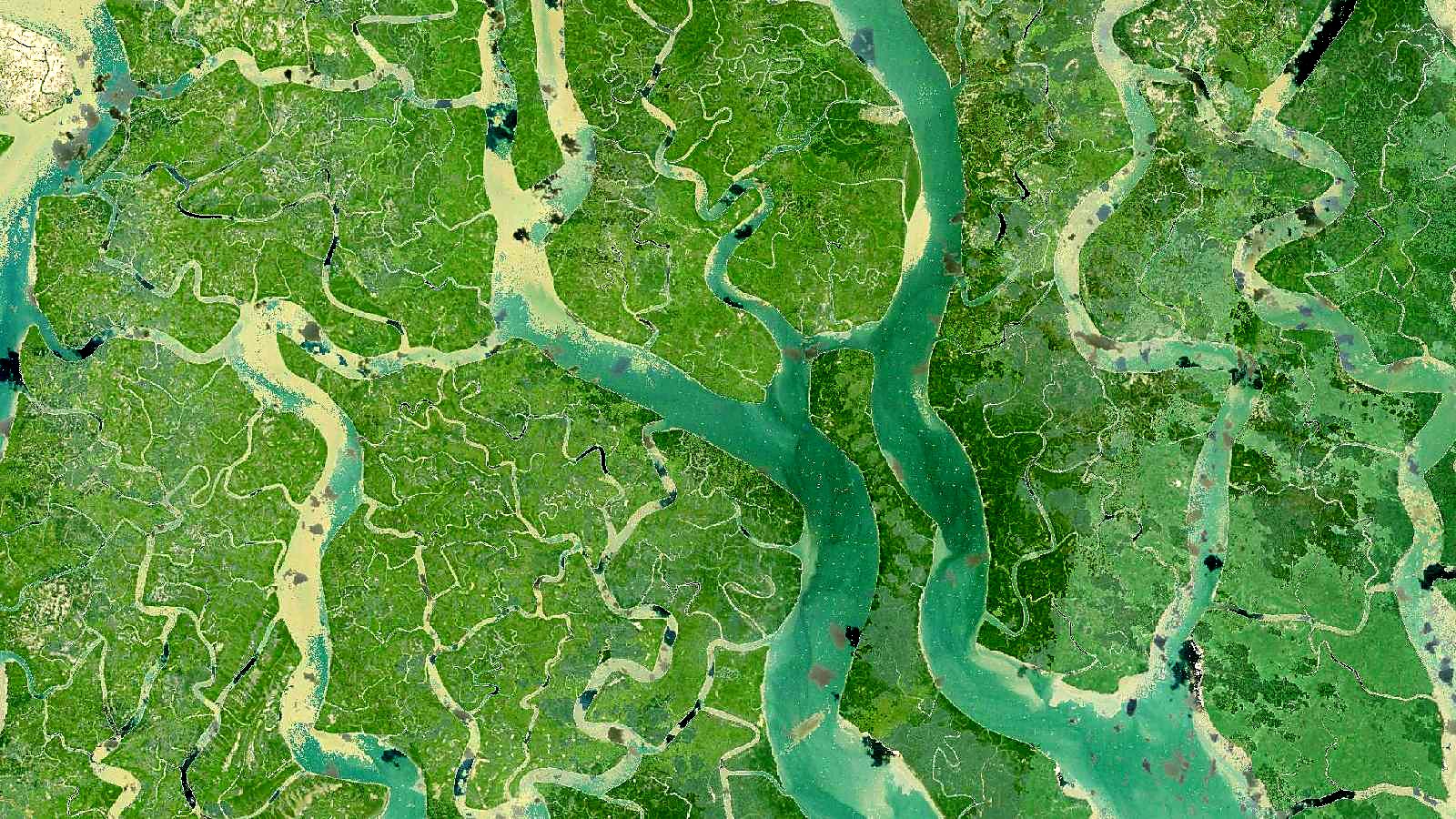
Cover image: Landsat true-colour composite of the Sundarbans delta (1999), NASA/USGS Landsat WELD via NASA GIBS (public domain).