Stop Mixing Sentinel-1 Orbits in GEE: A Majuli Workflow
A practical Google Earth Engine workflow for making more defensible Sentinel-1 comparisons around Majuli by holding pass direction, relative orbit, mode and polarisation constant.
The hidden source of false Sentinel-1 change
Sentinel-1 is often the first radar dataset that GIS students use in Google Earth Engine (GEE). It works through cloud, is available in the COPERNICUS/S1_GRD collection, and is extremely useful during Assam’s wet monsoon. Those strengths can also hide an important analytical trap: two images of the same place are not necessarily two comparable views.
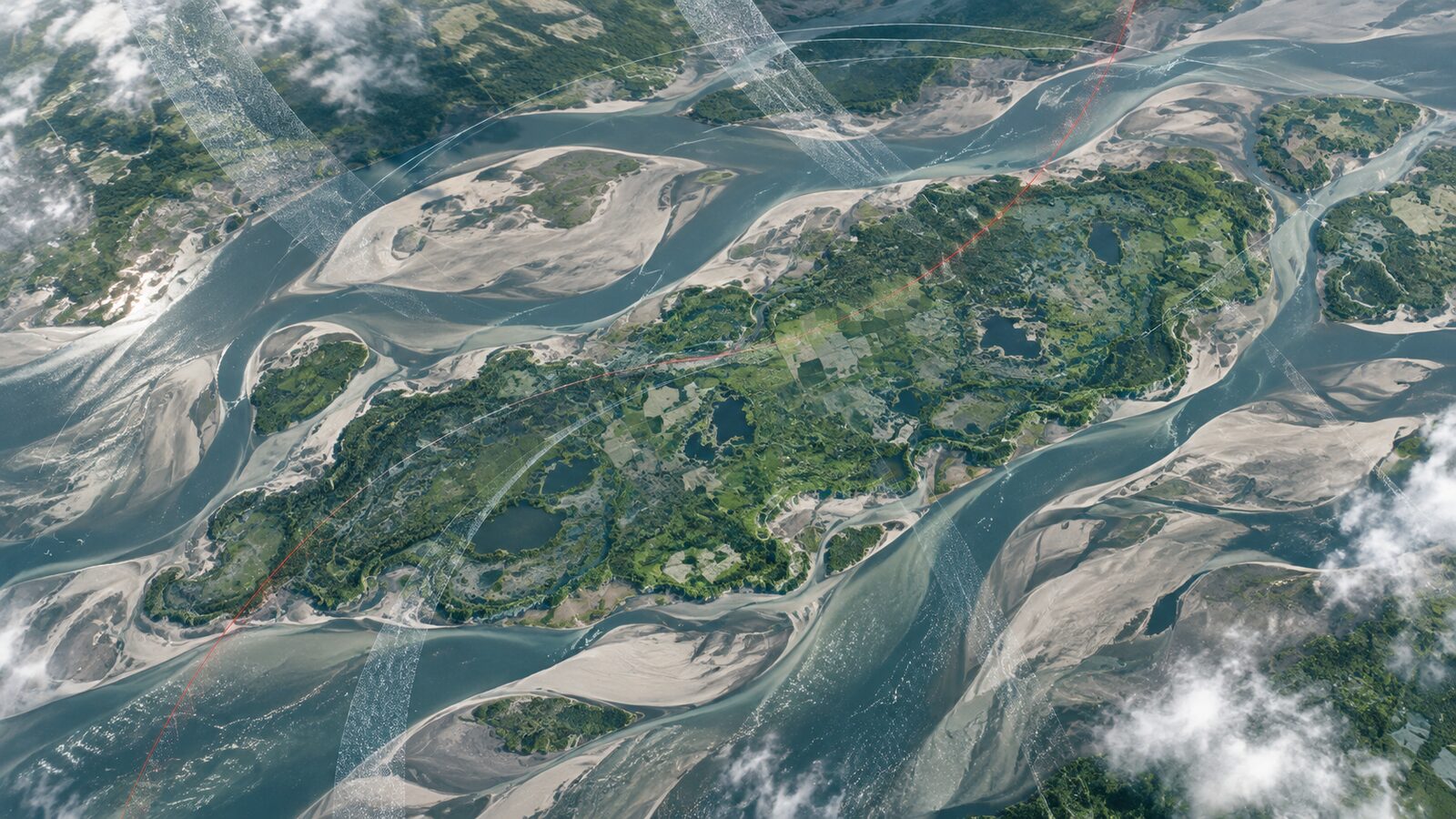
This matters around Majuli, the large braided-river island landscape in the Brahmaputra. A student might compare one Sentinel-1 image from before monsoon flooding with another from after flooding, see bright and dark differences, and label every difference as erosion, deposition or inundation. Some differences may indeed represent change. Others can arise because the satellite observed the ground from a different pass direction, relative orbit, incidence-angle pattern, polarisation or imaging mode.
The practical rule for a simple backscatter comparison is this: first constrain the collection to one consistent acquisition geometry, then interpret what remains. This post shows how to do that in GEE for a Majuli change-screening exercise.
Why orbit choice changes the image
Sentinel-1 is a side-looking SAR system. Its microwave signal reaches the ground at an incidence angle, and that angle varies across a scene. Google’s SAR basics guide notes that the same target can appear different in near range and far range because their incidence angles differ. Terrain can further alter the illuminated area, producing foreshortening and shadow on appropriately oriented slopes.
The Brahmaputra floodplain is comparatively low relief, but viewing geometry is still important. A sandbar, field boundary, embankment, wet surface, settlement edge or line of vegetation can backscatter differently when the look direction changes. This is especially relevant in a landscape where water, exposed sediment and crop cover can all change rapidly.
The Earth Engine Sentinel-1 GRD collection contains calibrated, ortho-corrected scenes. Its published processing includes thermal-noise removal, radiometric calibration and terrain correction, followed by conversion to decibels. That is useful preprocessing, but it does not turn ascending and descending observations into identical physical views. Geometric terrain correction addresses location and terrain geometry; it does not eliminate all angular and directional differences in target scattering.
Three pieces of scene metadata are particularly helpful:
orbitProperties_pass: whether the acquisition isASCENDINGorDESCENDING.relativeOrbitNumber_start: the track number within the repeat cycle.instrumentModeandtransmitterReceiverPolarisation: the acquisition mode and available polarisation channels.
The Earth Engine guide explains that scenes on the same relative orbit have almost the same SAR viewing configuration. That makes this field more useful for a consistent time series than an absolute orbit number, which keeps increasing throughout the mission.
Define a defensible comparison question
Start with a modest question: “Where did VH backscatter change around this selected part of Majuli between two dates?” This is a screening question, not a complete erosion map or flood inventory.
For an initial study, hold these factors constant:
- Area of interest.
- Sensor collection, here
COPERNICUS/S1_GRD. - Imaging mode, normally
IWfor land scenes. - Polarisation, such as VH.
- Pass direction.
- Relative orbit number.
- Date-window length and, where possible, the seasonal context.
Why VH? It is a valid choice when it is present in the selected scenes, and it is commonly available alongside VV in land-mode acquisitions. It is not automatically the best band for every target. Keep the band fixed across both dates so that the comparison has a clear meaning.
Do not begin by combining every available VV and VH image into one convenient composite. The catalogue explicitly warns that mosaicking requires filtering to a homogeneous set of bands and parameters. Convenience is not the same as comparability.
Worked example: isolate one Majuli viewing geometry
Open the GEE Code Editor and paste the following JavaScript. The polygon is only a small demonstration area near Majuli. Replace it with a digitised study boundary before doing any analysis.
var aoi = ee.Geometry.Rectangle([93.78, 26.94, 93.92, 27.05]);

var base = ee.ImageCollection('COPERNICUS/S1_GRD')
  .filterBounds(aoi)
  .filterDate('2024-01-01', '2024-12-31')
  .filter(ee.Filter.eq('instrumentMode', 'IW'))
  .filter(ee.Filter.listContains(
    'transmitterReceiverPolarisation', 'VH'))
  .select(['VH', 'angle']);

print('All candidate scenes', base);
print('Pass-direction count', base.aggregate_histogram('orbitProperties_pass'));
print('Relative-orbit count',
  base.aggregate_histogram('relativeOrbitNumber_start'));

Map.centerObject(aoi, 11);
Map.addLayer(aoi, {color: 'yellow'}, 'AOI');
Run it and inspect the Console. The two histograms tell you what coverage is actually available for this AOI and year. Write down one pass direction and one relative-orbit number that have suitable coverage. Do not assume a number copied from another district will cover your study area.
Now insert your chosen values below. The example uses DESCENDING and 37 only as placeholders. They are parameters to verify in your own Console, not universal Majuli settings.
var pass = 'DESCENDING';
var relativeOrbit = 37;

var consistent = base
  .filter(ee.Filter.eq('orbitProperties_pass', pass))
  .filter(ee.Filter.eq('relativeOrbitNumber_start', relativeOrbit));

print('Geometry-controlled collection', consistent);
print('Dates retained', consistent.aggregate_array('system:time_start'));
At this point, click through the retained images in the Console. Confirm that the chosen scenes cover the complete AOI. A scene boundary can cut through a study area, so a date may not provide complete coverage even when the metadata filters look correct.
Next, form two deliberately defined windows. Here, before and after are medians of the selected VH scenes. A median is a practical summary for exploratory mapping because it reduces the influence of unusually high or low individual pixel values without pretending that a single scene is the whole period.
var before = consistent
  .filterDate('2024-03-01', '2024-04-01')
  .select('VH')
  .median()
  .clip(aoi);

var after = consistent
  .filterDate('2024-08-01', '2024-09-01')
  .select('VH')
  .median()
  .clip(aoi);

var changeDb = after.subtract(before).rename('VH_change_dB');

Map.addLayer(before, {min: -28, max: -8}, 'Before VH');
Map.addLayer(after, {min: -28, max: -8}, 'After VH');
Map.addLayer(changeDb,
  {min: -6, max: 6, palette: ['8c2d04', 'fef0d9', '006d2c']},
  'After minus before, VH dB');
The output is a change-screening layer. Positive and negative values indicate a difference in the selected VH backscatter summaries, expressed in the collection’s decibel units. They do not, by themselves, identify a land-cover class or prove a process. Inspect suspect areas against high-resolution reference imagery, field notes, water levels, rainfall context and, where available, same-period optical data.
Read the result with context
In Majuli, a darkening area might be open water, smoother wet sediment, a changed crop condition, or a mixture within a pixel. A brightening area might reflect rougher exposed sediment, changed vegetation structure, built features, or different moisture and surface conditions. SAR is sensitive to target geometry and environmental conditions, so a colour ramp should lead to a hypothesis, not a final claim.
For a stronger exercise, create a small validation table. Select ten to twenty changed patches across several categories: likely water, bare sediment, vegetation, settlement edge and uncertain. For each patch, record the before and after values, visual interpretation, reference date and confidence. This makes the workflow auditable and gives you an honest basis for discussing uncertainty in a portfolio project.
It is also sensible to avoid comparing a dry-season window with a peak-monsoon window if your aim is to isolate erosion alone. Seasonal water and crop changes are real changes in the radar signal, but they are confounders for a narrow geomorphic question. If erosion is the target, use comparable seasonal windows across years and treat monsoon-event mapping as a separate analysis.
A common beginner mistake: filtering only by dates
The most common mistake is to write filterBounds() and filterDate(), then calculate a mean or median from everything returned. This can quietly combine ascending and descending passes, different relative orbits, inconsistent polarisations, and sometimes incomplete scene coverage. The map may look polished while the pixel comparison is physically inconsistent.
Avoid it by printing an acquisition inventory before any compositing. At minimum, inspect orbitProperties_pass, relativeOrbitNumber_start, instrumentMode, transmitterReceiverPolarisation, scene dates and footprints. Keep one homogeneous subset for each comparison. If coverage forces you to use multiple geometries, process and report them as separate series rather than silently merging them.
A second mistake is to use the angle band as though it were a field-measured local slope-incidence angle. The catalogue describes it as an approximate ellipsoid incidence angle. It is valuable for diagnosing broad viewing-geometry variation, but it is not a substitute for a terrain-aware local-incidence-angle analysis in complex terrain.
When this workflow is enough, and when it is not
This approach is a strong starting point for floodplain screening, seasonal change exploration and reproducible student projects. It demonstrates that you can query metadata, control an input collection and distinguish an observed radar difference from a confirmed ground process.
It is not enough for interferometry, displacement measurement, quantitative soil-moisture retrieval, or a final erosion boundary. Those tasks require different products, modelling choices, validation and uncertainty reporting. In particular, a GRD backscatter difference is not an InSAR displacement measurement.
The useful habit is simple: make the acquisition geometry part of your method section. State the collection, mode, band, pass direction, relative orbit, dates, reducer and interpretation limits. Recruiters and collaborators can then see that the map is the outcome of a defensible workflow, not just a visually attractive layer.
Frequently asked questions
Should I always use only one Sentinel-1 relative orbit?
Yes, use one relative orbit when your aim is a direct backscatter comparison through time. It keeps the viewing configuration nearly consistent. For a coverage map or a separate multi-orbit analysis, you can use several, but retain and report each geometry separately.
Is ascending data better than descending data for Majuli?
No, neither pass is universally better for Majuli. Choose the pass with dependable coverage for your AOI and dates, then keep it consistent. The important methodological decision is controlling the look geometry rather than assuming one direction always produces superior change information.
Can I mix VV and VH in the same change layer?
No, do not subtract or average VV and VH as though they were interchangeable measurements. They represent different transmit-receive polarisation combinations. Build and interpret separate VV and VH time series unless you have a clearly documented, validated feature-design reason to combine them.
Does terrain correction remove all Sentinel-1 comparison problems?
No, terrain correction does not remove every source of backscatter variation. Earth Engine’s GRD processing corrects geometry and applies calibration steps, but incidence angle, look direction, speckle, surface moisture, vegetation and real seasonal change still require careful interpretation.
References
- Google Earth Engine, Sentinel-1 SAR GRD data catalogue
- Google Earth Engine, Synthetic Aperture Radar basics
- Copernicus Sentinel-1 Product Specification
Cover image: AI-generated illustration (ChatGPT image generation), not satellite data.
Researched and drafted with AI assistance; sources are linked for verification.