Screen VIIRS Fire Detections in QGIS for Bandipur
A practical QGIS method for turning NASA VIIRS detections into a defensible daily screening map for Bandipur, without treating each hotspot as a mapped fire perimeter.
- Published
- Reading time
- 9 min
- Place
- Bandipur Tiger Reserve, Karnataka, India
- By
- Jannat Khosla
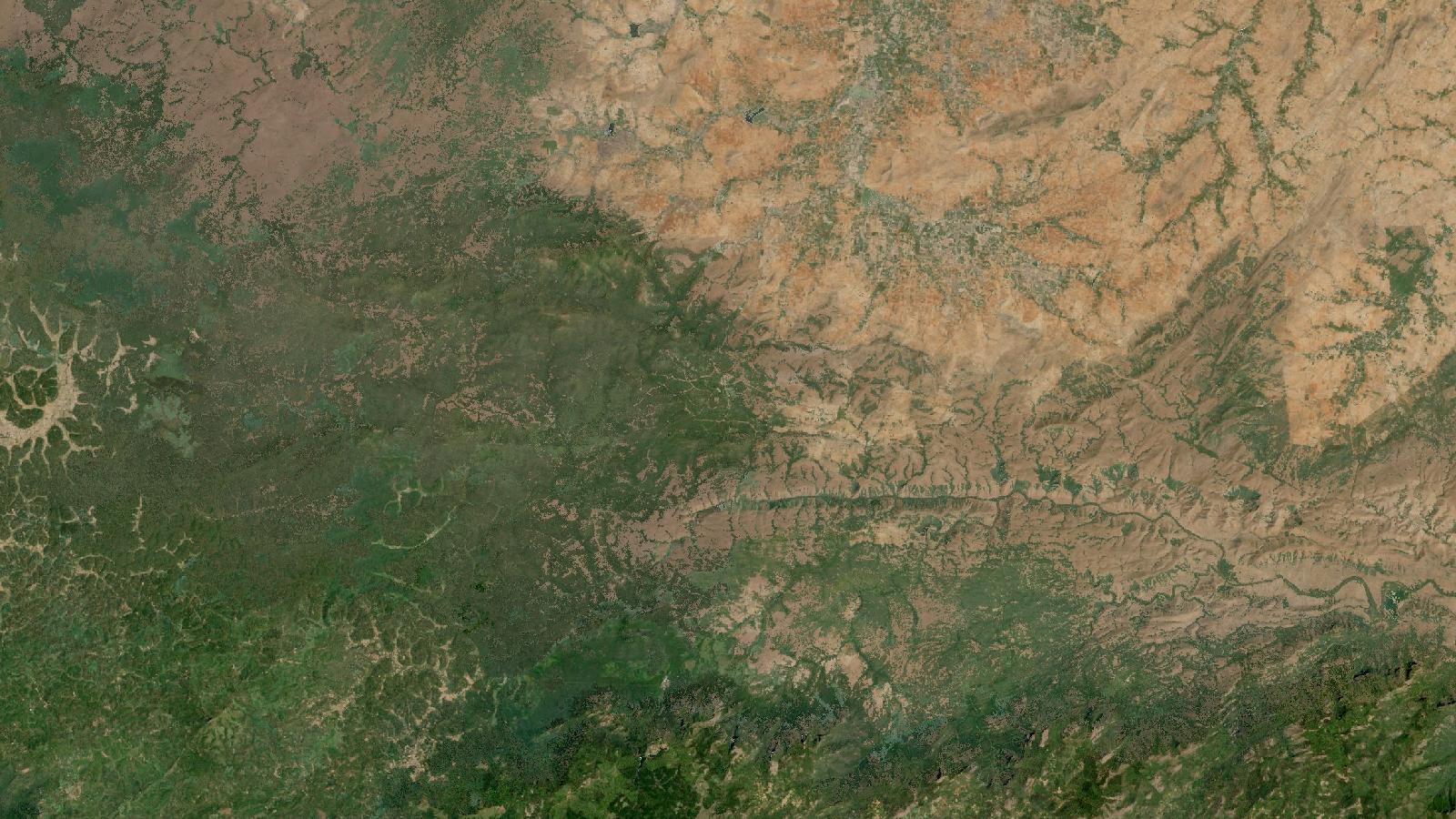
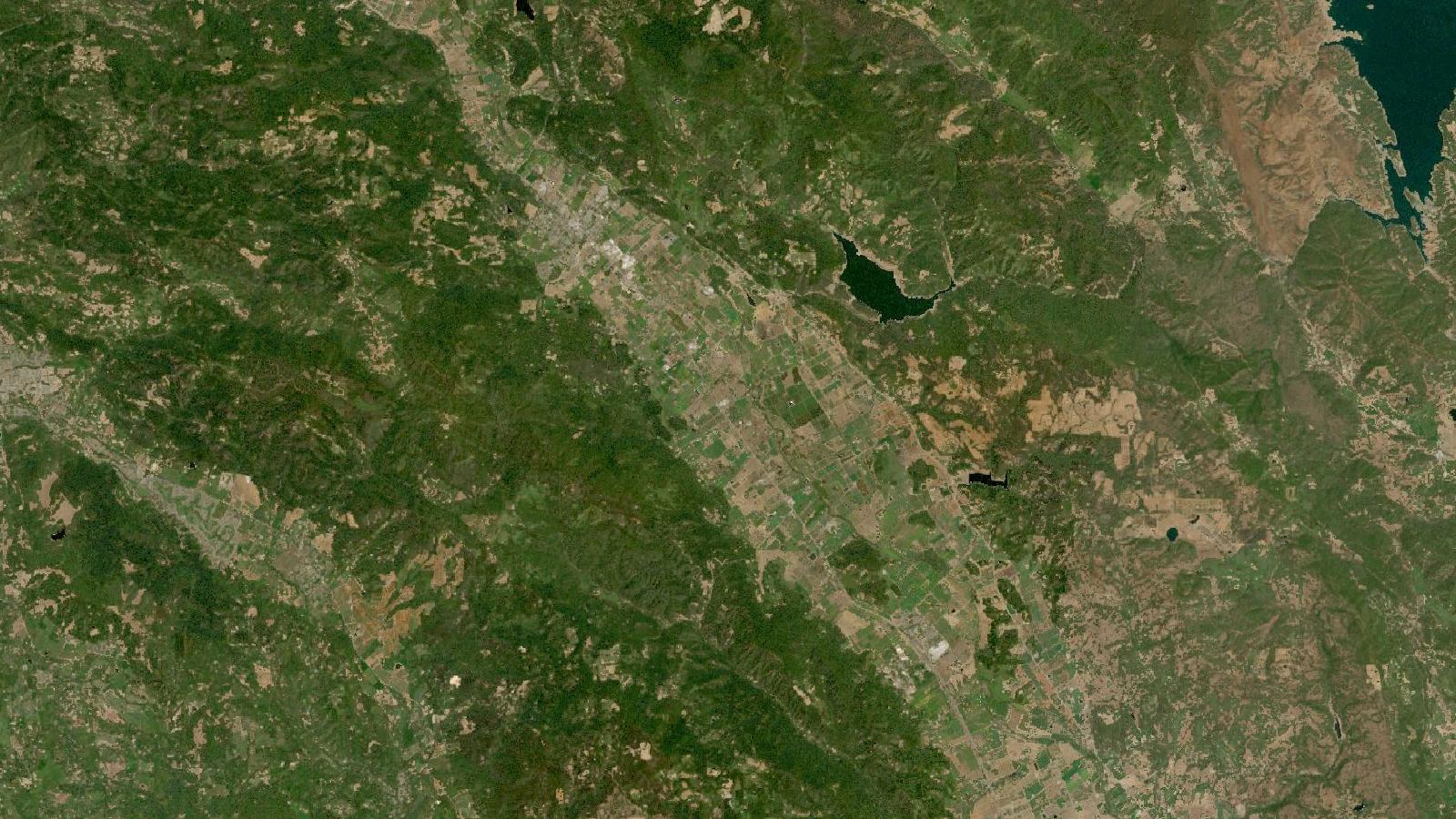
Cover: Landsat imagery of Bandipur Tiger Reserve, Karnataka, India, NASA (public domain).
VIIRS fire detections are leads, not fire polygons
A VIIRS point over Bandipur is useful because it tells a field team where a thermal anomaly was detected during a satellite pass. It does not show the perimeter of a forest fire, its cause, or the area burnt. That distinction sounds basic, yet it is where many otherwise careful GIS maps become misleading.
For a practical example, I use Bandipur Tiger Reserve and its surrounding forest landscape in Karnataka. It is a good place to build a repeatable screening workflow because the map has to work across protected forest, settlements, roads and agricultural edges. The aim is not to produce an operational dispatch system. It is to make a daily analyst map that helps prioritise checks, records what was seen, and avoids claims the data cannot support.
NASA's Fire Information for Resource Management System, usually called FIRMS, offers active-fire data as shapefile, KML and text downloads for recent periods. Its archive covers older data. FIRMS states that the 375 m VIIRS record from Suomi NPP begins on 20 January 2012, while the comparable NOAA-20 record begins on 1 April 2018. That makes the service useful for both a current screen and a carefully defined historical comparison. NASA FIRMS active-fire data
In India, the Forest Survey of India receives MODIS and SNPP-VIIRS hotspot information processed through NRSC and filters alerts using forest-area information. Its own guidance is particularly important for analysts because it calls the inputs thermal anomalies and warns that detections and on-ground fire incidences need not match one for one. FSI near-real-time monitoring
Pick the data product for the question
For a local screening map, start with VIIRS rather than assuming that all active-fire points are interchangeable. FSI describes its SNPP-VIIRS input as 375 m by 375 m, compared with 1 km by 1 km for its MODIS input. A finer nominal sampling distance can help reveal smaller active fires, but it does not make the point a surveyed location. The reported point represents the centre of a detected pixel, and FSI explicitly says the fire may have been anywhere within that pixel.
That is why I label the layer VIIRS thermal detections during processing. I only use reported fire after a suitable field, departmental or imagery-based check. This small naming habit prevents a map legend from making a stronger claim than its evidence supports.
Use NASA FIRMS data where you need a consistent global source or want to compare Bandipur with another landscape. Use the FSI portal when the task concerns its alert process or its forest-filtered context. They answer related, but different, questions. FSI filters alerts against Recorded Forest Area or forest-cover information and enriches them with administrative context. A raw global download may include other heat sources nearby.
Near-real-time data also have a different role from research-grade archive data. FIRMS says its near-real-time archive is later replaced by standard, science-quality products, usually after two to three months and sometimes as late as five months. Save the source, download date and processing status with every urgent map. Re-download the period before finalising an analysis or report.
Worked example for a Bandipur daily screening map
This walkthrough assumes you already have a lawful boundary layer for your Bandipur study area. A reserve boundary alone may be too narrow for a practical screen, so make the project extent match the responsibility area you are analysing and record that choice in the project notes.
Get a short, dated detection extract
Open the FIRMS active-fire download page and select a VIIRS 375 m dataset, the required dates, and an India or area-specific output where available. Choose CSV if you want a light, auditable table, or shapefile if you want the geometry packaged for direct loading. Keep the original download unchanged in a source folder.
For a morning screening map, use a narrow period such as the previous day or several recent days. For a seasonal review, download the entire declared date range in one operation where possible. Do not quietly combine periods with different sensor selections and then present the count as though it came from one observation system.
In QGIS, use Layer > Add Layer > Add Delimited Text Layer for CSV. Set longitude as X and latitude as Y, and assign WGS 84 geographic coordinates if the file does not already carry a recognised coordinate reference system. For a shapefile, add it through the Browser panel. Immediately inspect the attribute table and confirm that the dates shown fall within the period requested.
Clip to the decision area, then retain the original
Add the study-area polygon. Use Vector overlay > Clip to create a working copy of detections that fall inside it. Name it with both sensor and date range, for example bandipur_viirs_2026_02_14_2026_02_16. Keep the full downloaded layer in the project but switch it off. That gives you an audit trail when a point just outside the boundary affects a later interpretation.
A point lying close to the edge needs context. Instead of inflating the point into a supposed fire footprint, add an optional review buffer around the study boundary. Clearly name it as a review zone. Detections in this zone can be inspected separately, while only points inside the agreed decision area contribute to its internal count.
Separate repeat observations from distinct incidents
Sort the clipped attribute table by acquisition date and time. Then symbolise the points by date, using a simple graduated or categorised style. This often reveals whether several points are recurrent observations in roughly the same locality.
Do not dissolve all nearby points and call the result one fire. A repeated detection could be the same continuing event, separate burns, or a persistent non-forest heat source. Create a separate review field such as case_id and assign a case only after visual inspection of timing, local setting and any available independent confirmation. This makes your judgement visible rather than hiding it inside an automated merge.
FSI uses a specific large-fire programme that identifies a large forest fire when at least three SNPP pixels are detected in close proximity, then continues monitoring it. That is an institutional rule for its programme, not a universal recipe to copy into every QGIS project. FSI forest-fire monitoring FAQ
Add reference layers that explain the point
Load roads, water, settlements, administrative units and any authorised forest-management layers relevant to the work. Place them beneath the detection layer. For each case, inspect satellite basemaps only as supporting visual context and record the image date if it affects your conclusion.
A useful review table has fields for detection date and time, source product, preliminary context, check method, result and reviewer. Use plain categories such as forest, agriculture, settlement edge, industrial, unknown, and needs field check. These are analyst assessments, not automatic classes. Leaving unknown available is more honest than forcing every point into a confident-looking label.
Produce two outputs, not one overloaded map
Export a map for checking that shows the detected points, date range, study boundary, review zone and reference layers. Make a separate briefing map containing only reviewed cases and a short methods note. The second map is easier to read, while the first preserves the evidence trail.
Include a statement such as: “Points represent satellite thermal detections during the selected period. They are not mapped fire perimeters or estimates of burnt area.” This protects users who receive the map without the verbal explanation that accompanied it.
The mistake that causes the most trouble
The costly beginner mistake is counting points as fires. A three-day layer with five points may show five different events. It may also show one event recorded on repeated satellite passes. It might include a hot industrial feature or agricultural burning close to forest.
FSI makes the same warning in operational terms. Its system notes that successive-day detections can refer to the same ground incident. Its FAQ adds that fire alerts occur only at satellite overpasses, so a fire that begins and ends between passes may not appear at all. Thick cloud, smoke and dense canopy can also obscure a fire. These are not edge cases to tuck into a footnote. They define what a detection map can say.
Avoid the error by reporting three separate measures. First, give the number of thermal detections. Second, give the number of analyst review cases, if you have assigned them. Third, give confirmed incidents only when confirmation has a recorded source. Never substitute one measure for another in a chart title.
The nominal resolution should not be mistaken for positional certainty either. FSI states that the location sent to users is the pixel centroid, rather than the exact fire position. A field team needs directions, access information and local verification, not an instruction to search a single plotted coordinate.
A defensible use of the map
The value of this workflow is not a dramatic fire count. It is a transparent queue for attention. Each point carries its date, source and review status. The map distinguishes a satellite observation from a verified incident, and it can be updated when better information arrives.
For a student portfolio, save the QGIS project, the unaltered download, the boundary source, a data dictionary and one exported review table. For client work, agree beforehand what “incident”, “confirmed” and “within area” mean. Those definitions matter far more than a decorative hotspot symbol.
Frequently asked questions
Does a VIIRS point show the exact location of a fire?
No, it represents the centroid of a detected pixel, not a surveyed fire coordinate. FSI notes that the fire could be anywhere within that pixel, so treat the point as a location for review and use local checks before directing a field response.
Can I calculate burnt area from active-fire detections?
No, active-fire detections do not measure the burnt footprint. FSI states that the actively burning area cannot be determined from these satellite observations. Use a suitable post-fire burned-area product or a separately validated image-classification method for area estimation.
Should I use FIRMS near-real-time data for a research report?
Use it for timely screening, then replace it for final analysis when the standard product becomes available. FIRMS says near-real-time data are replaced in its archive by standard products, generally after two to three months but sometimes later.
Why might a real Bandipur fire be absent from my layer?
It may have begun and ended between satellite passes, or been obscured by cloud, smoke or dense canopy. An absent point is therefore not evidence that no fire occurred, and local observation remains essential for tactical decisions.
References
- NASA FIRMS, Active Fire Data
- Forest Survey of India, Near Real-Time Forest Fire Monitoring
- Forest Survey of India, Forest Fire Monitoring FAQ
Cover image: Landsat true-colour composite of Bandipur Tiger Reserve (2000), NASA/USGS Landsat WELD via NASA GIBS (public domain).
Researched and drafted with AI assistance; sources are linked for verification.
Need this done for your own study area? Send me the area and what you need.
Cite this post
Khosla, J. (2026, October 30). Screen VIIRS Fire Detections in QGIS for Bandipur. Jannat Khosla. https://jannatkhosla.com/blog/screen-viirs-fire-detections-in-qgis-for-bandipur
› BibTeX
@online{khosla2026screen,
  author = {Khosla, Jannat},
  title = {Screen VIIRS Fire Detections in QGIS for Bandipur},
  date = {2026-10-30},
  url = {https://jannatkhosla.com/blog/screen-viirs-fire-detections-in-qgis-for-bandipur}
}