Use INSAT-3D Rainfall in QGIS for Konkan Storm Screening
A practical QGIS method for using frequent INSAT-3D rainfall estimates to identify storm timing and catchment patterns along Maharashtra’s Konkan coast, without treating satellite pixels as rain gauges.
- Published
- Reading time
- 9 min
- Place
- Konkan coast, Maharashtra, India
- By
- Jannat Khosla
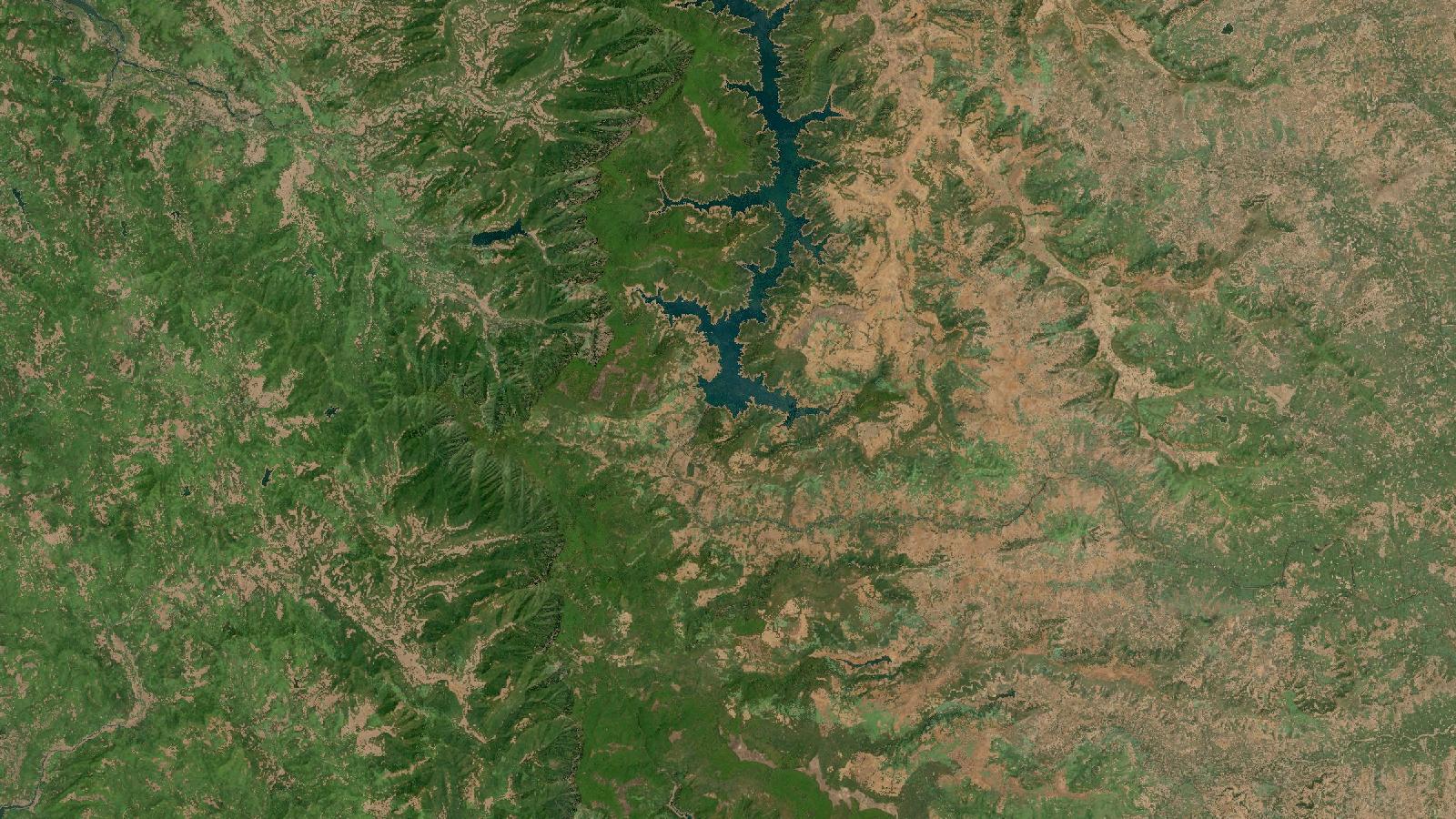
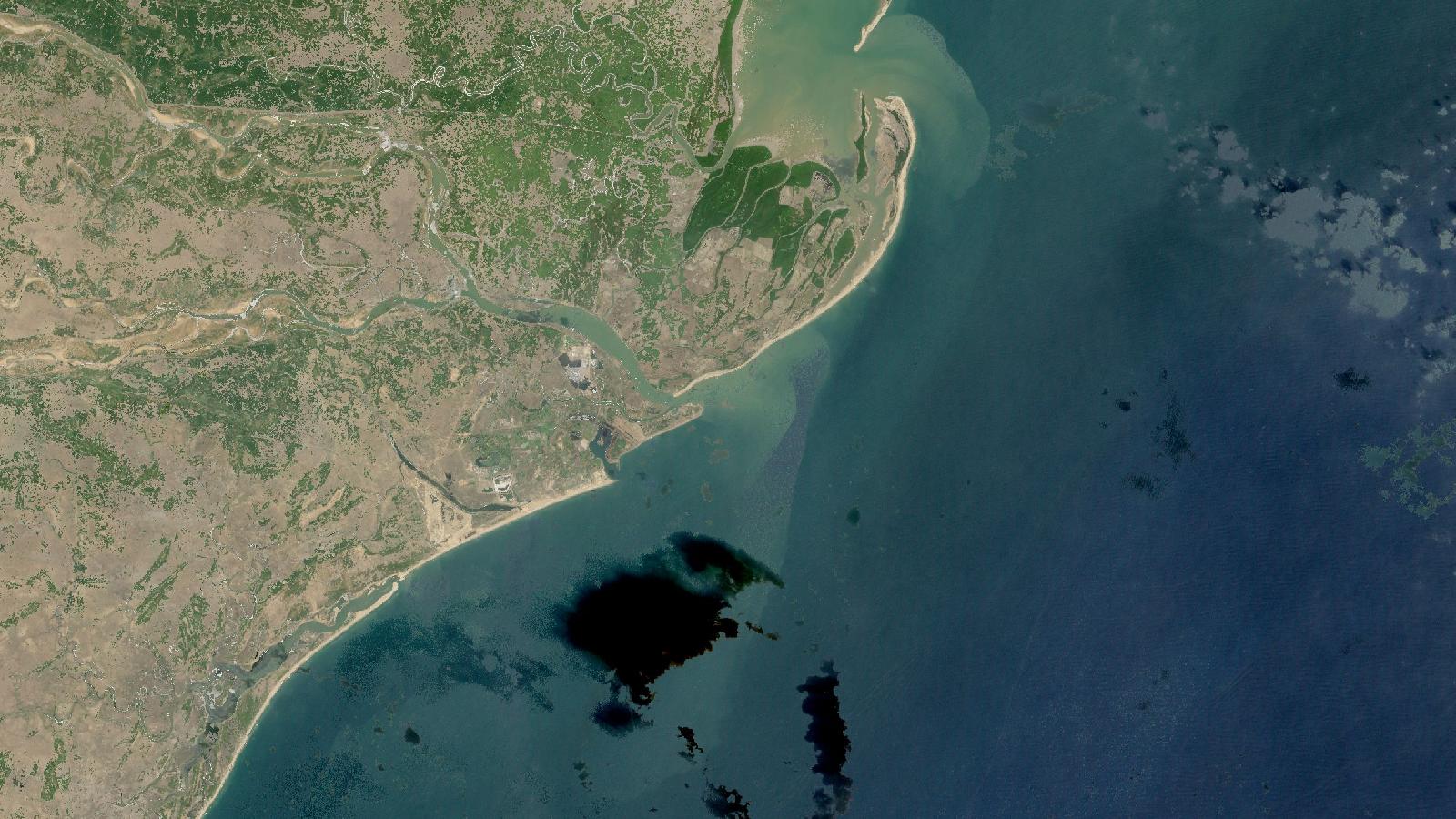
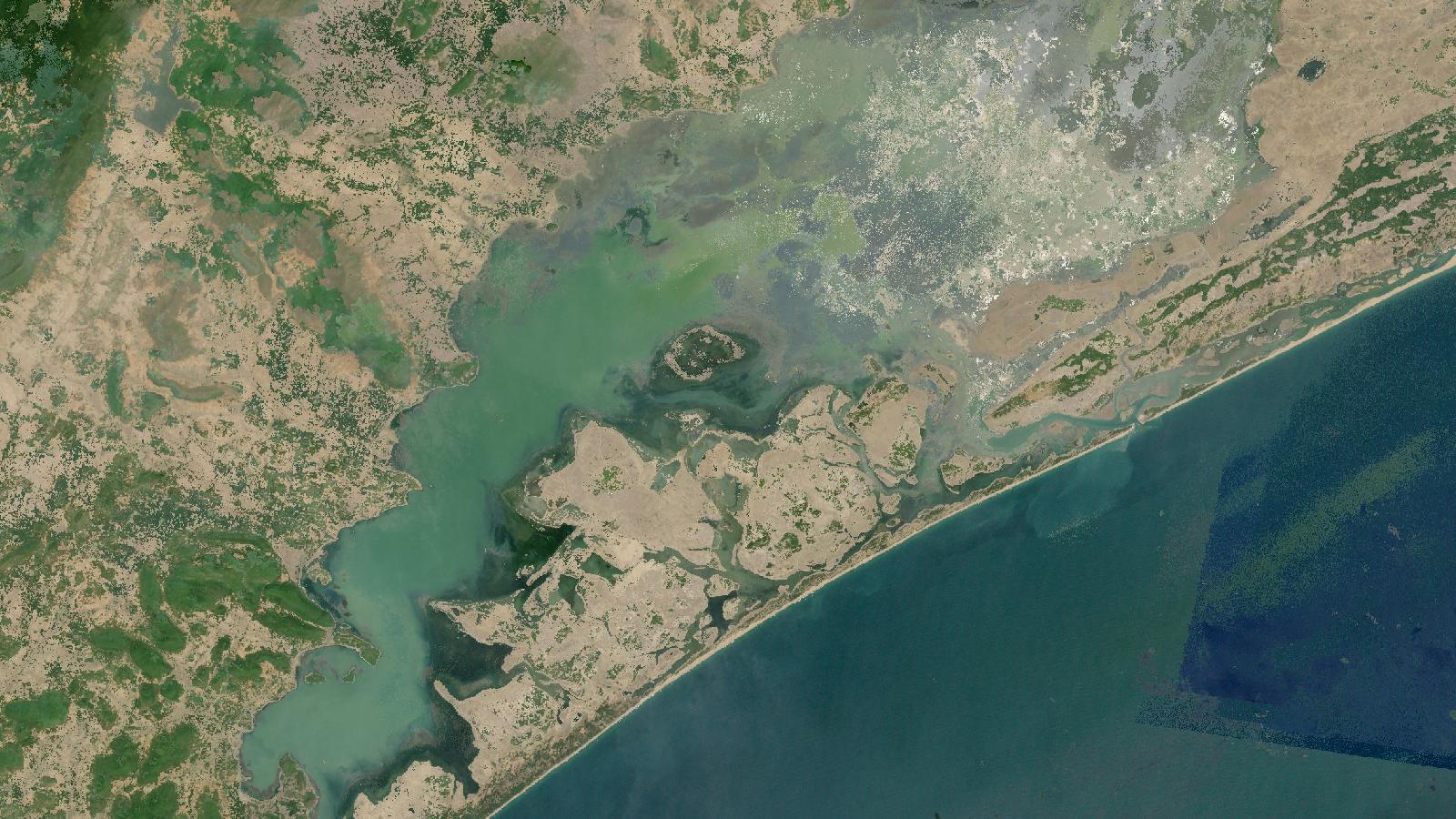
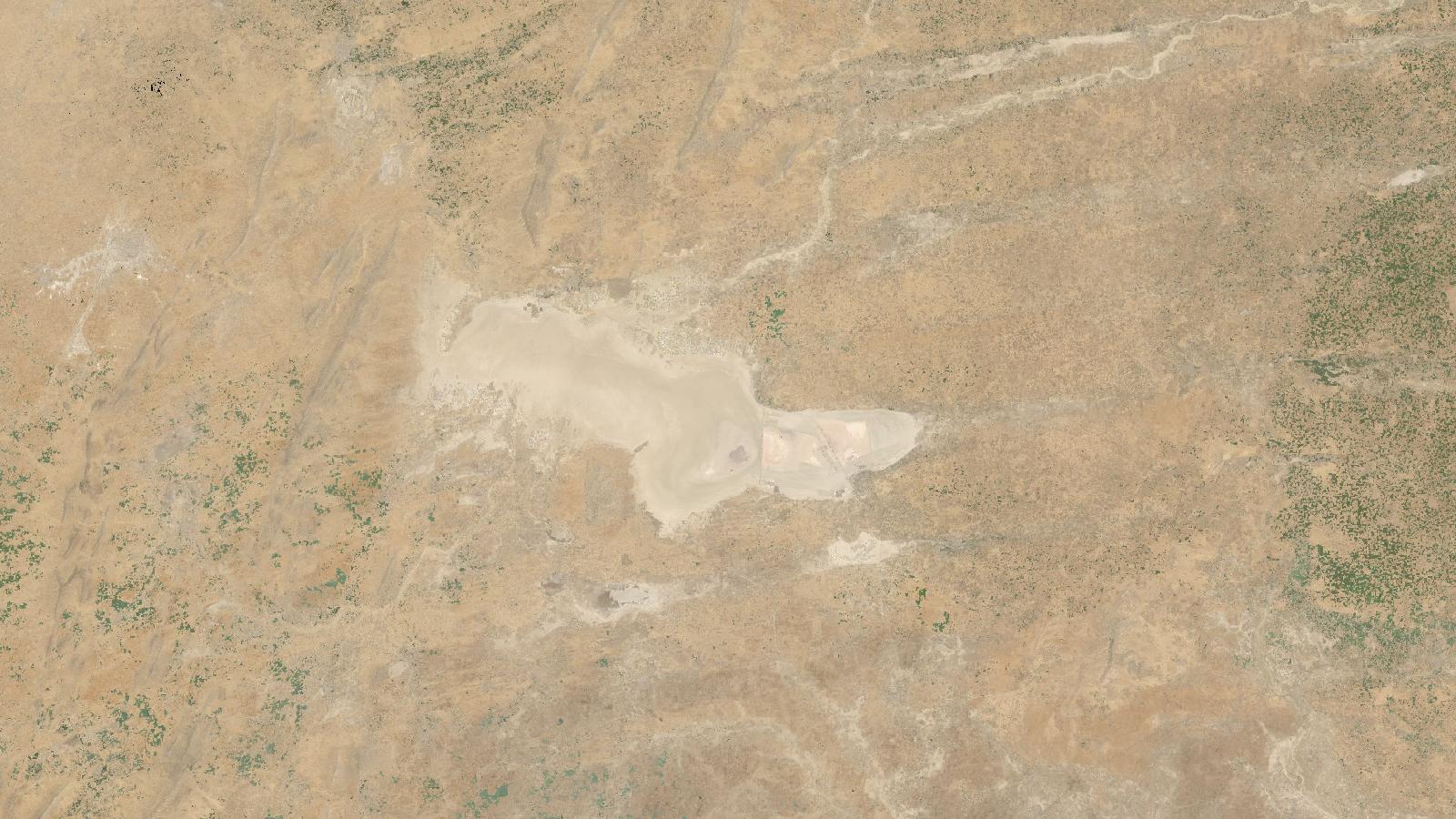
Cover: Landsat imagery of Konkan coast, Maharashtra, India, NASA (public domain).
Use INSAT-3D rainfall for the question it can answer
A monsoon field team in coastal Maharashtra may need a rainfall picture before a daily gauge report is available. Perhaps a road survey was stopped by intense rain near Chiplun, or a small catchment needs a quick first-pass screen after a wet night. In that situation, INSAT-3D rainfall products are useful because they offer frequent spatial observations over India. They are much less useful when somebody asks for the exact rainfall at one village.
That distinction matters. A rainfall raster is an estimate for a grid cell, derived from satellite observations of clouds and atmospheric conditions. It is not a measurement made at a rain gauge. Treating it as one is a common source of overconfident maps and bad decisions.
This workflow uses the INSAT Multispectral Rainfall Algorithm product, usually called IMR or IMSRA, in QGIS to screen the timing and broad footprint of a Konkan rainfall event. The aim is to make a defensible map for reconnaissance, not to produce a station substitute or a design-storm calculation.
INSAT-3D is India’s dedicated meteorological satellite mission for environmental observation, weather forecasting and disaster warning. Its imager observes one visible and five infrared bands; the thermal infrared channels used in several derived products have a nominal ground resolution of 4 km at the sub-satellite point, while the water-vapour band is 8 km. MOSDAC’s payload documentation is the right place to check those instrument characteristics before deciding what detail a map can honestly show.
MOSDAC lists the INSAT-3D IMR dataset as operational, available from 1 October 2013, updated half-hourly, and distributed in HDF and GeoTIFF formats. It is available to registered MOSDAC researchers and carries a research-only, non-commercial use constraint. Read the dataset record before downloading, especially if the output is intended for a client deliverable.
Why Konkan is a useful test area
The Konkan coast is a good place to learn disciplined use of satellite rainfall. Rainfall can change sharply across short distances where moist air meets the Western Ghats, while the coast, estuaries and steep headwaters create practical consequences for travel and field access. A coloured grid can look far more precise than the underlying estimate deserves.
The IMD has long highlighted that rainfall representation over the west coast and other orographic areas benefits from dense gauge information. Its 0.25 degree daily mainland dataset used records from 6,955 rain-gauge stations for its 1901-2010 development period, and the accompanying study reports more realistic representation of heavy-rainfall areas along the west coast at that resolution and station density. The IMD study explains the gauge basis and its limits. That is a reminder to retain local gauge observations whenever the decision needs local totals.
For event screening, however, the half-hourly series has a genuine advantage. It can show whether estimated rainfall formed offshore, moved inland, persisted over a headwater area, or arrived in separate bursts. Those are temporal and spatial-pattern questions. They are not claims that a particular hamlet received an exact number of millimetres.
IMD’s satellite meteorology service lists Hydro-Estimator, IMSRA and GPI/QPE among the quantitative precipitation products generated through its INSAT processing system. Its service page is a useful check that these are operational meteorological products, rather than generic optical imagery repackaged as rainfall.
What to download and record
Start by defining a short event window. For a worked example, use a 24-hour monsoon period affecting the Vashishti catchment around Chiplun. Download every available IMR time slice for that window from MOSDAC, then keep the original files in a dated folder. Do not rename files so aggressively that the acquisition time disappears.
Make a small text note alongside the data. Record the product name, download date, source URL, event window, time-zone convention, units shown in the metadata, and any quality information supplied with the files. This note is not bureaucracy. Six months later it will tell you whether your raster values represent an interval estimate, an accumulation, or something else.
Use the GeoTIFF distribution where available for the simplest QGIS route. If you receive HDF, inspect it in QGIS before converting anything. HDF files can contain several subdatasets, and loading the wrong one can leave you mapping an ancillary layer rather than rainfall.
Worked QGIS walkthrough for a Konkan storm window
Create a new QGIS project and set the project coordinate reference system to a suitable projected CRS for your analysis. Keep the source rainfall layers in their native georeferencing until you have checked their extent and pixel geometry. Reprojecting is an analysis choice, not a way to improve the rainfall estimate.
-
Add the IMR GeoTIFF files with Layer, Add Layer, Add Raster Layer. Inspect each layer’s Properties panel. Confirm that its acquisition time matches its filename and your download note.
-
Add a polygon for the Vashishti catchment or the operational study boundary. Use an authoritative boundary available to your project, and document its source and version. If your purpose is a road-access screen, a corridor polygon may be more honest than pretending a district boundary represents a hydrological unit.
-
Clip each rainfall layer to that polygon with Raster, Extraction, Clip Raster by Mask Layer. Tick the option to crop to the mask extent. Give each output a filename containing its timestamp.
-
Inspect two or three consecutive layers with the same colour ramp and the same fixed minimum and maximum. This is essential. If QGIS stretches every raster independently, a modest event may look as dramatic as an intense one merely because each layer is coloured relative to itself.
-
Where the product values and metadata support addition, use Raster Calculator to sum the time slices for the selected event window. Build the expression by clicking raster bands in the calculator, rather than typing names from memory. Save the result as
vashishti_imr_event_total.tif. -
Calculate catchment summaries with Zonal statistics only after checking whether the rainfall data are an accumulation or a rate. Choose mean as a first descriptive statistic. The maximum can be useful for locating a cell that deserves inspection, but it should not be reported as a catchment-wide rainfall total.
-
Add a small set of gauge locations if you have permission to use them. Create a table with gauge time, accumulation period and observed rainfall. Compare only values aligned to the same time window. A 09:00 to 09:00 gauge total is not directly comparable with a calendar-day satellite sum unless you rebuild one of the windows.
-
Export a map with the event interval, product name, source, units, CRS, colour-bar limits and a plainly worded caveat. A suitable note is: “Satellite-derived rainfall estimate, intended for event screening; not a gauge-equivalent village total.”
For a first map, resist contours, interpolation and tiny labels. The original grid already defines the amount of spatial detail the data can support. Converting it to smooth contours can imply a continuously measured rainfall field that does not exist.
The mistake that causes most trouble
The costly beginner mistake is sampling one raster cell at a village point and writing the value as “rainfall at the village”. Point sampling is technically easy, which makes the result feel authoritative. It is still an estimate for the satellite product’s grid, influenced by cloud-top and atmospheric retrieval assumptions.
Do this instead. Label a point result as the estimate for the grid cell containing the location. For decisions about evacuation routes, crop damage, culvert design or insurance, compare it with time-matched gauges and state the discrepancy. Keep the satellite raster for its strength: situational coverage where gauges are sparse, delayed or inaccessible.
There is published evidence for that caution. A 2023 MAUSAM study used 0.1 degree, 30-minute IMSRA and IMC data during Cyclone Gaja landfall, then evaluated results against IMD gauges and global precipitation products. The authors produced an IMSRA-Merged product and reported correlation above 0.5 in their comparison. Read the study’s methods and scope. That finding supports evaluation and combination with other observations; it does not establish that an unvalidated satellite pixel is exact everywhere in India.
Avoid a second tempting shortcut: resampling a rainfall layer to 100 m or 30 m so that it matches a road or land-cover layer. Bilinear interpolation changes the appearance and creates more cells, but it does not create rainfall observations at that scale. Keep the native grid for analysis. If you need to display it over a high-resolution basemap, make the legend and note clear about the native data resolution.
How I would report the result
A careful conclusion for the Chiplun example might read: “INSAT-3D IMR indicates a persistent estimated rainfall zone over the upper Vashishti catchment during the selected event window. The pattern identifies areas for gauge comparison and field follow-up. It is not used here to assign exact rainfall totals to settlements.”
That sentence says what the analysis found, what it is suitable for, and where the boundary lies. It is more useful to a field coordinator than an impressive-looking map with unjustified decimal values.
Once you have repeated this workflow for several events, save a QGIS model that clips, styles and summarises each incoming time slice. Keep the validation step outside the automated model. Matching a satellite estimate to gauges requires choices about timing, missing records and reporting purpose. Those choices need an analyst’s attention.
Frequently asked questions
Can INSAT-3D IMR replace a rain gauge in Konkan?
No, it should not replace a rain gauge for local totals or engineering decisions. Use IMR to screen event timing and spatial patterns, then compare it with time-matched gauge observations where the decision needs measured rainfall.
Is a half-hourly rainfall file a half-hour accumulation?
Check the product metadata before assuming that it is. File timing and units determine whether values can be added, compared or summarised, so preserve the original documentation and download note with the analysis.
Should I reproject the rainfall raster to match my road data?
Only reproject when it serves a defined analysis or map-production need. Reprojection can make layers align visually, but it cannot increase the rainfall product’s spatial information or justify street-level interpretation.
Which statistic should I use for a catchment screen?
Start with the catchment mean after confirming the rainfall variable and time interval. Use the maximum only to flag a grid cell for inspection, because one high estimated cell does not describe rainfall across the full catchment.
References
- MOSDAC, INSAT-3D IMR dataset record
- MOSDAC, INSAT-3D imager and sounder payload specifications
- India Meteorological Department, Satellite Meteorology Services
- Vijayalakshmi, 2023, IMSRA rainfall validation during Cyclone Gaja
- Pai et al., 2014, IMD 0.25 degree gridded rainfall dataset
Cover image: Landsat true-colour composite of Koyna Reservoir, Maharashtra (2000), NASA/USGS Landsat WELD via NASA GIBS (public domain).
Researched and drafted with AI assistance; sources are linked for verification.
Need this done for your own study area? Send me the area and what you need.
Cite this post
Khosla, J. (2026, October 26). Use INSAT-3D Rainfall in QGIS for Konkan Storm Screening. Jannat Khosla. https://jannatkhosla.com/blog/use-insat-3d-rainfall-in-qgis-for-konkan-storm-screening
› BibTeX
@online{khosla2026insat,
  author = {Khosla, Jannat},
  title = {Use INSAT-3D Rainfall in QGIS for Konkan Storm Screening},
  date = {2026-10-26},
  url = {https://jannatkhosla.com/blog/use-insat-3d-rainfall-in-qgis-for-konkan-storm-screening}
}